Chapter 1
Brand foundation
Our story, mission, vision and values
Common Ground · Brand essentials · Edition 2026
A more human tomorrow.
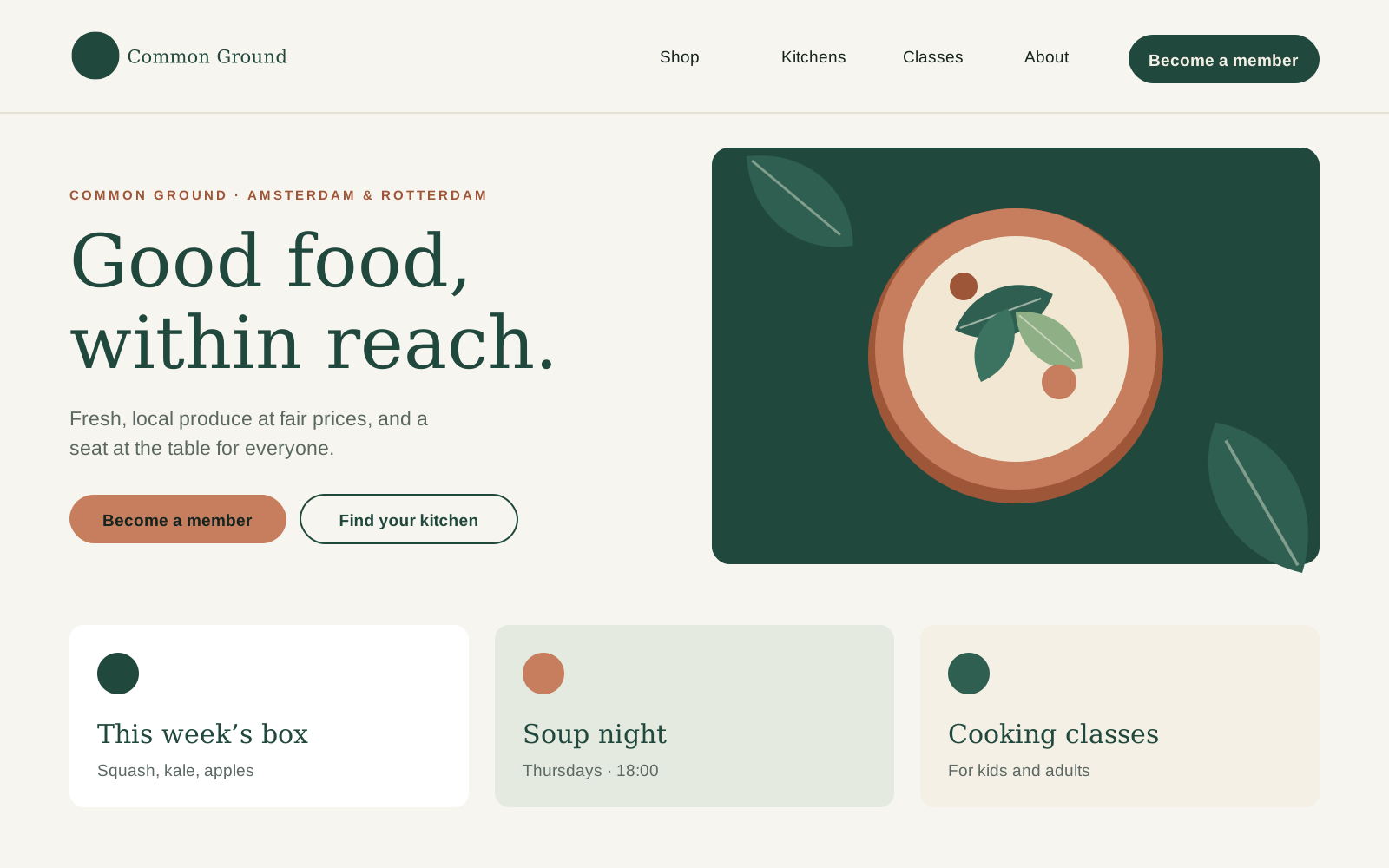
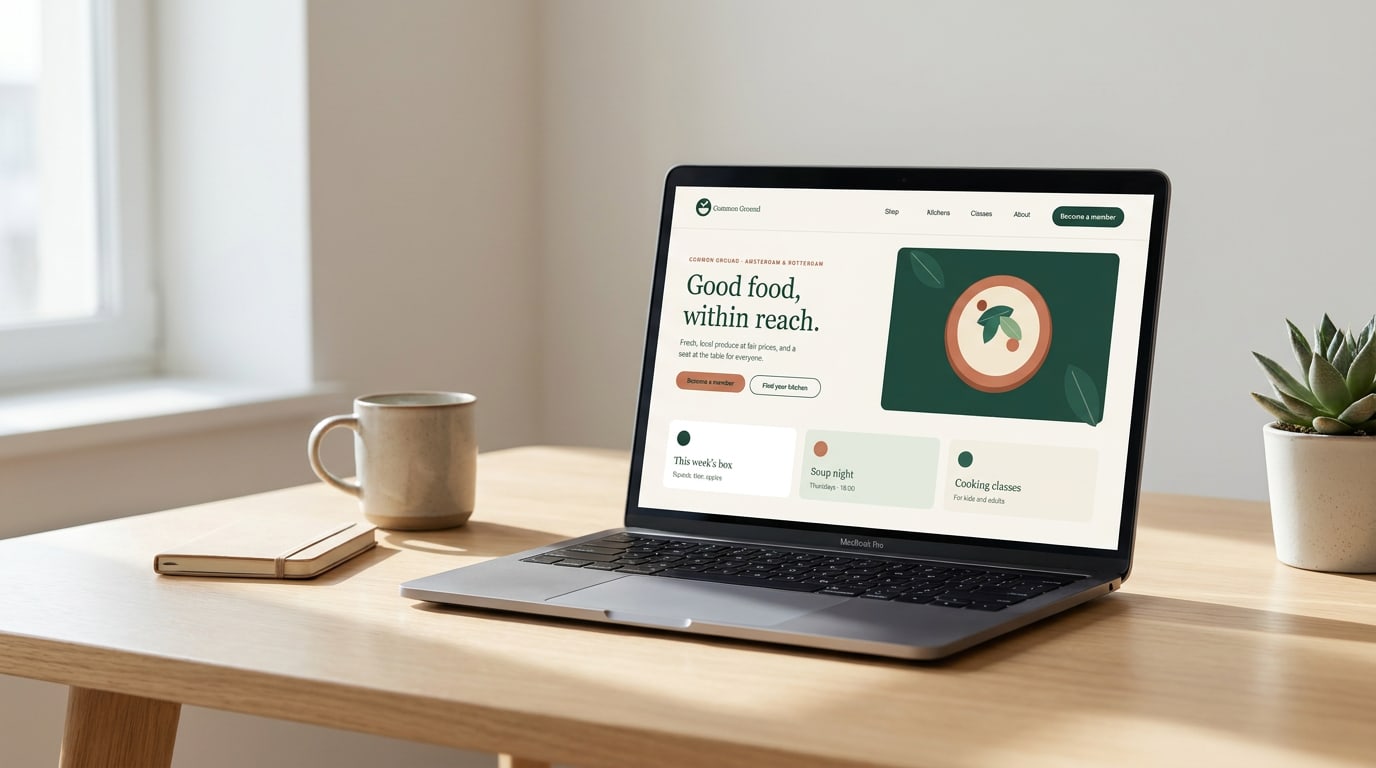
Neighbourhood food co-ops and community kitchens in Amsterdam and Rotterdam. This guide holds everything that makes us recognisable, from why we exist to the file you need for the Thursday soup poster.
Our story
Why Common Ground exists
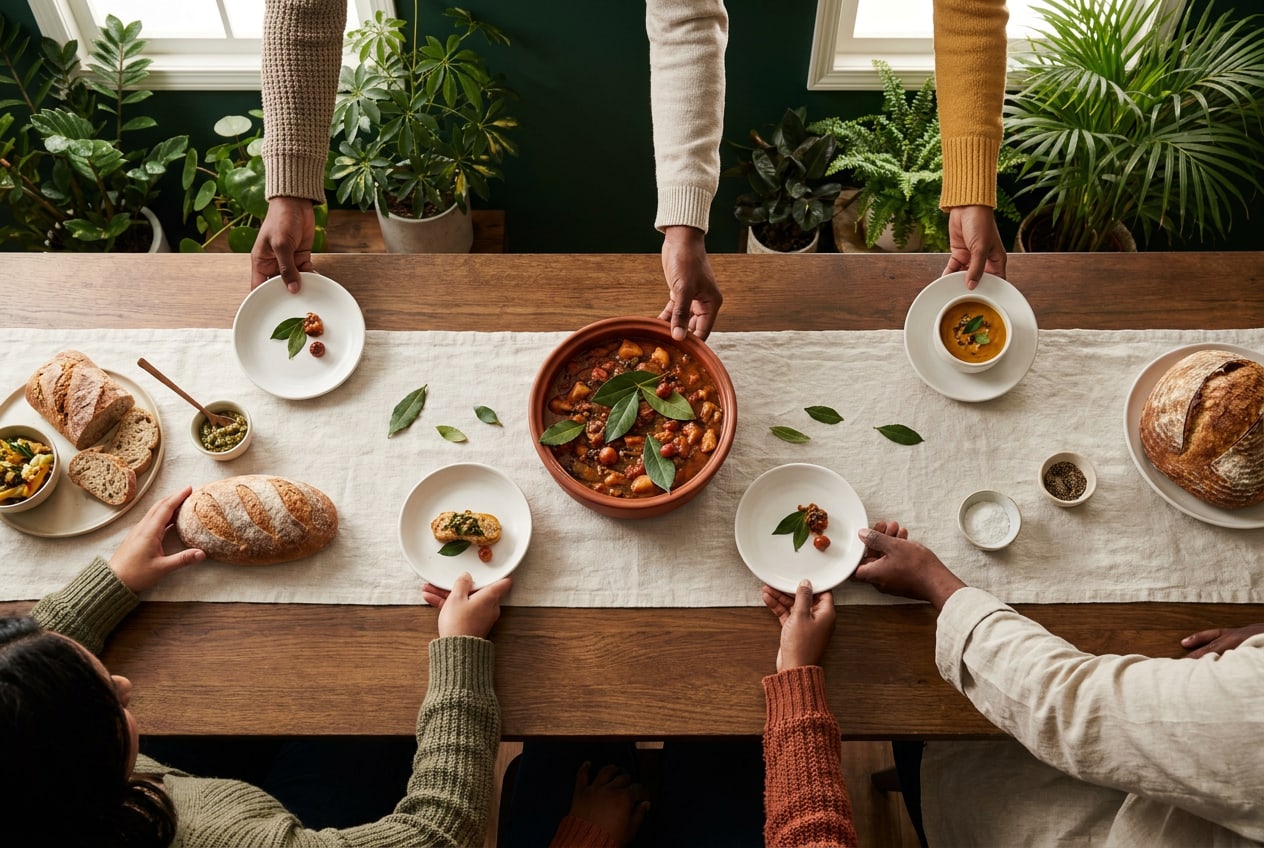
In 2017 twelve neighbours in Amsterdam-Oost started buying vegetables together, straight from a grower in Zeeburg. Within a year they were cooking for forty people every Thursday. Today Common Ground is eleven co-ops and kitchens, run by 3,200 members and 400 volunteers.
Good food has become something you either pay a lot for or do without. Meanwhile, more people eat alone than ever. We think both problems have the same answer: buy together, cook together, eat together.
“You come for cheap carrots. You come back for the people.” (A member in Rotterdam-West, 2025)
Mission
Make fresh, local food affordable and sharing it normal, one neighbourhood at a time.
Vision
A city where nobody has to choose between good food and paying the rent, and where every neighbourhood has a table you can join.
Our role
We are the link between growers around the city and the people who live in it: a shop, a kitchen and a meeting place in one.
Core values
What we stand for
Four values guide every decision, from which grower we buy from to how we write a poster.
Fair
Fair prices for members, fair pay for growers. We show what things cost and where the money goes.
Together
Members decide, volunteers run the kitchens. Nothing we do works without the people around the table.
Local
Food from within 50 km, seasonal, with as few steps as possible between the field and the plate.
Open
Everyone is welcome, whatever their budget, background or language. Pay what you can is a promise, not a slogan.
About this guide
One brand, many kitchens
Each kitchen has its own character, and that is how it should be. This guide makes sure that, whoever designs the poster, we still look like one network people can trust. Twelve chapters, from why we exist to where the files live.
Start with the logo pack. Never redraw or retype the logo; download the master files at the end of the Logo section.
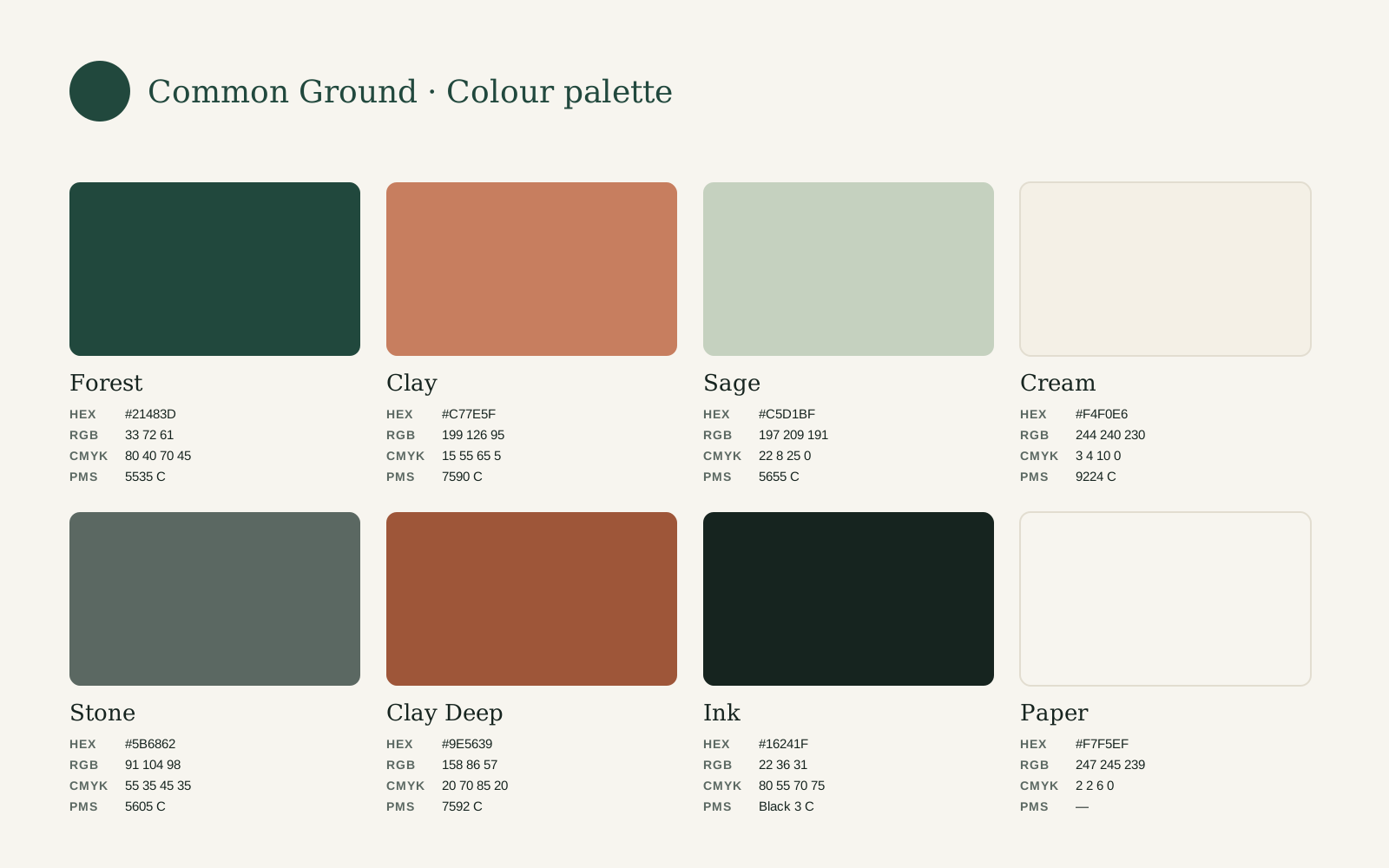
Pick colours from the palette. Copy the exact values from the Colour section. Don't sample them from a photo or a screenshot.
Use the two typefaces. Newsreader and Inter are free on Google Fonts. Install them before you start.
Check contrast and size. Small text in Clay or on Sage is the most common mistake we see.
When in doubt, ask. Send your design to the brand team. You'll find who to contact at the end of this guide.
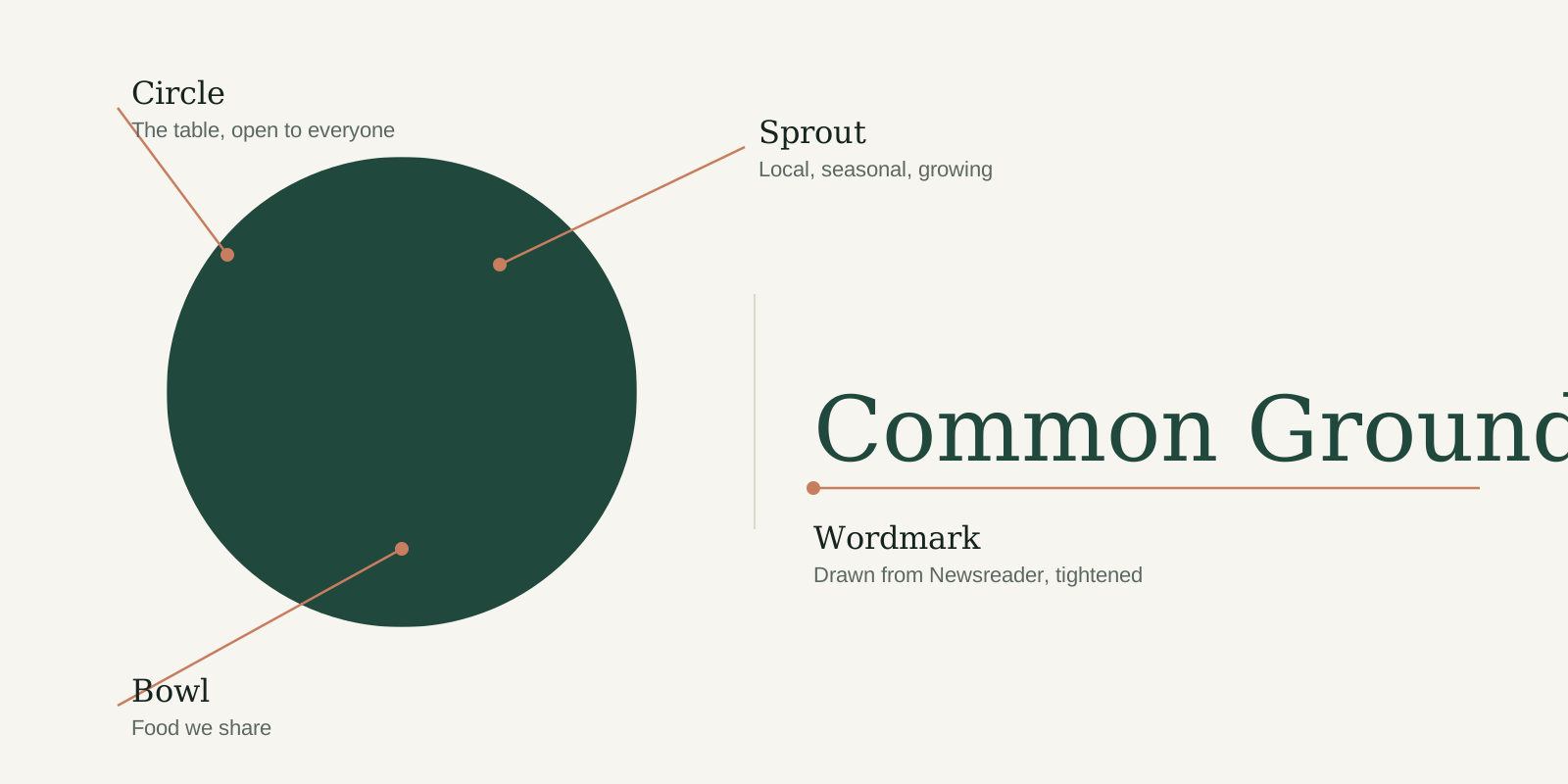


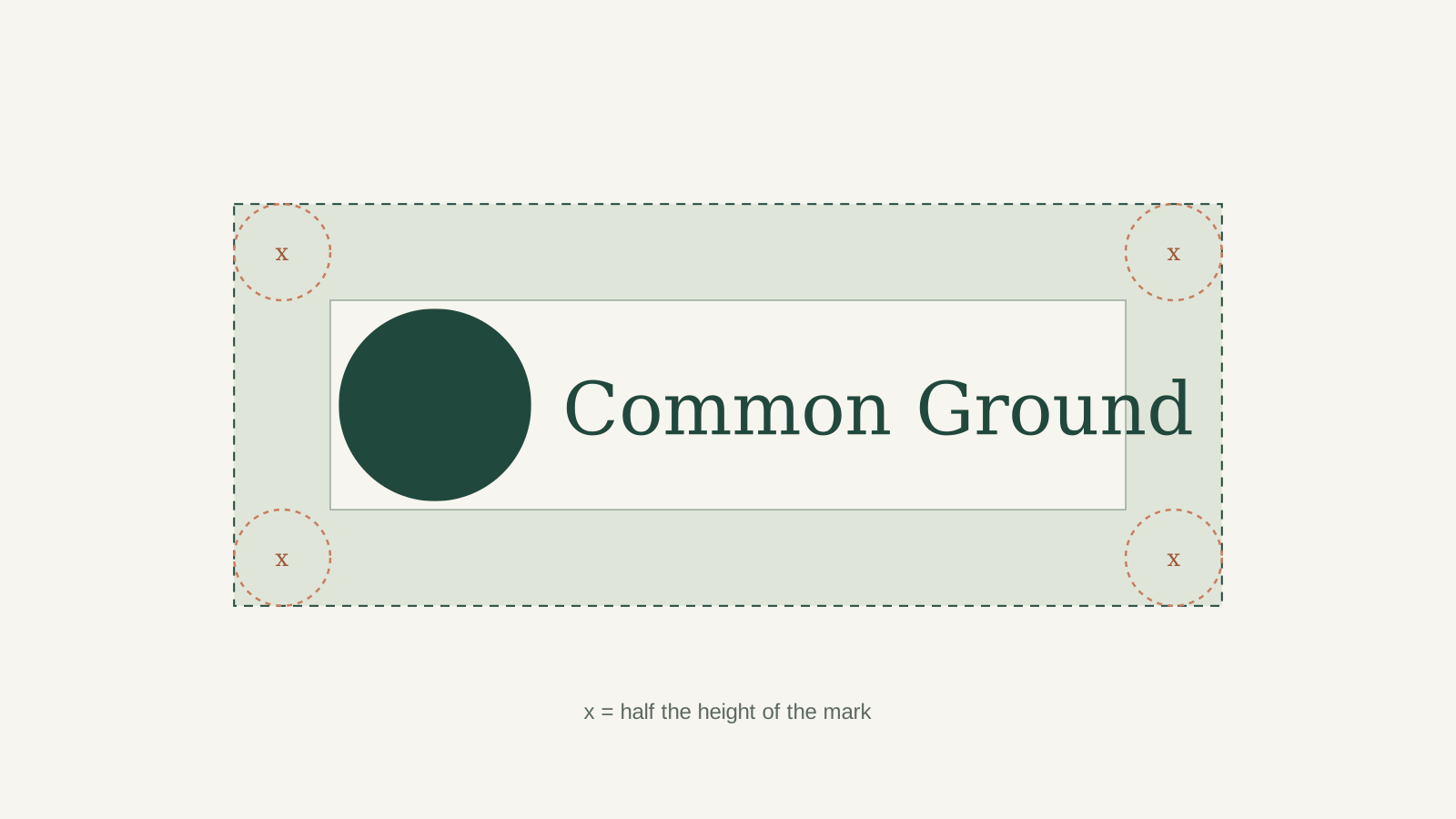
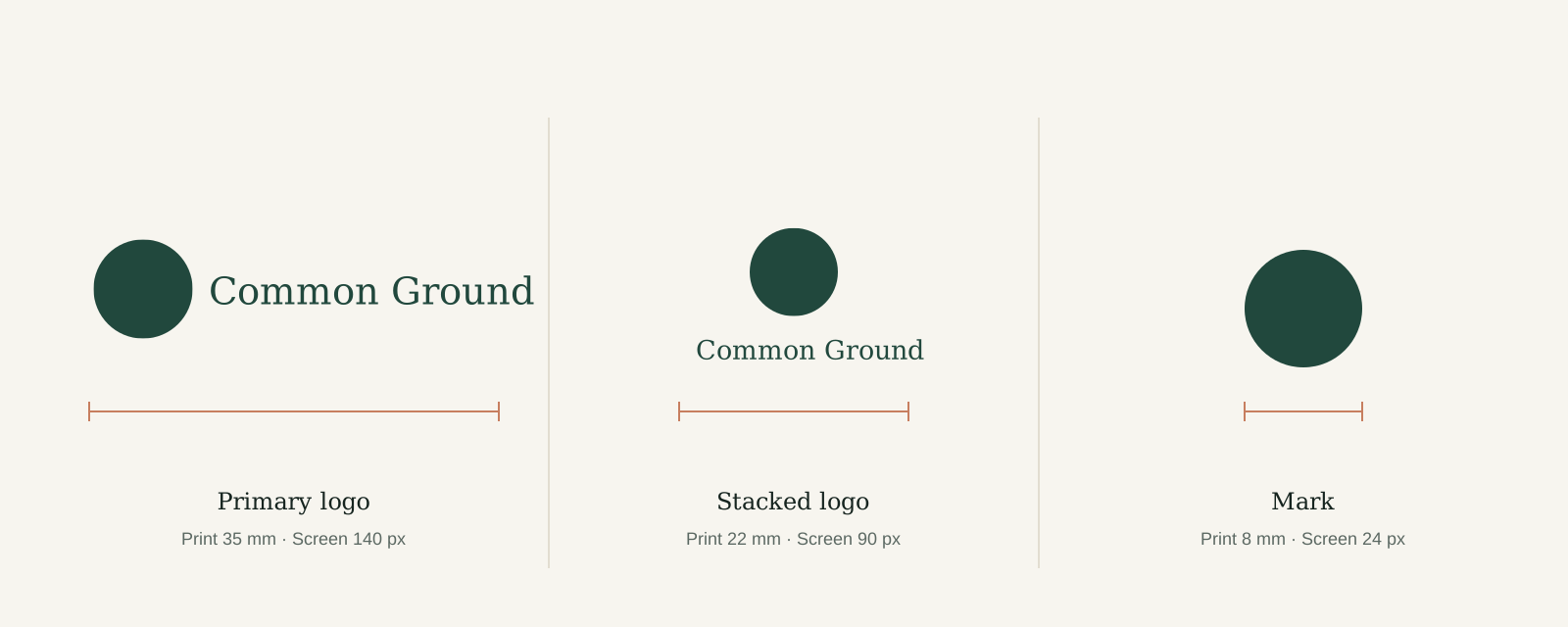
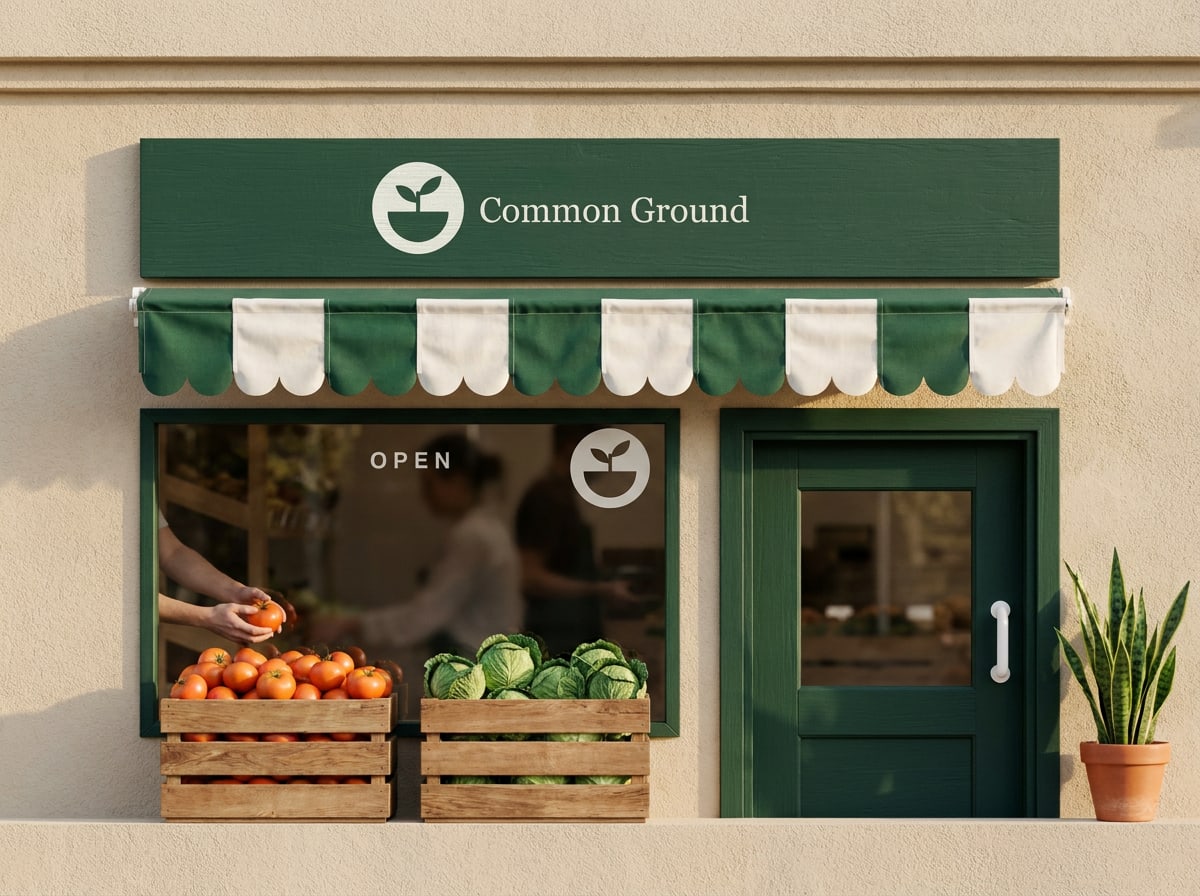
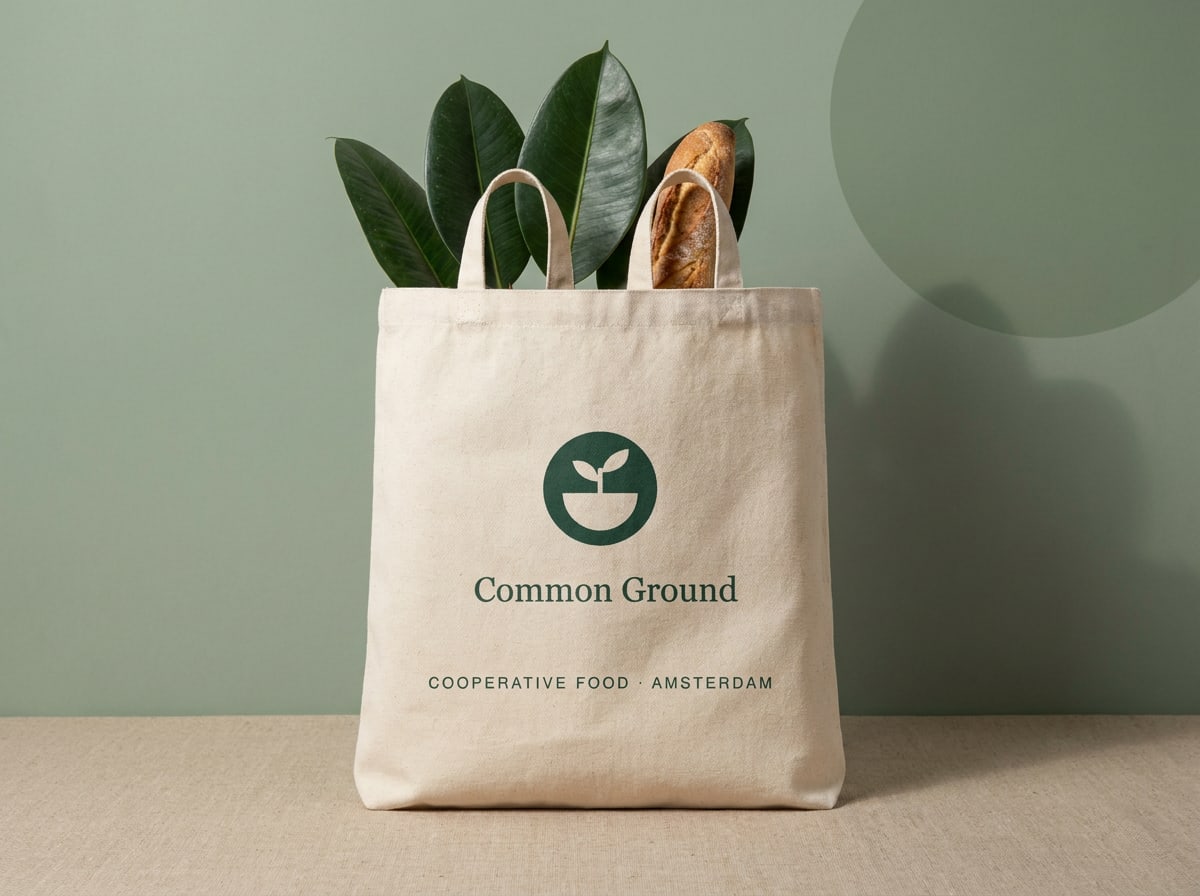
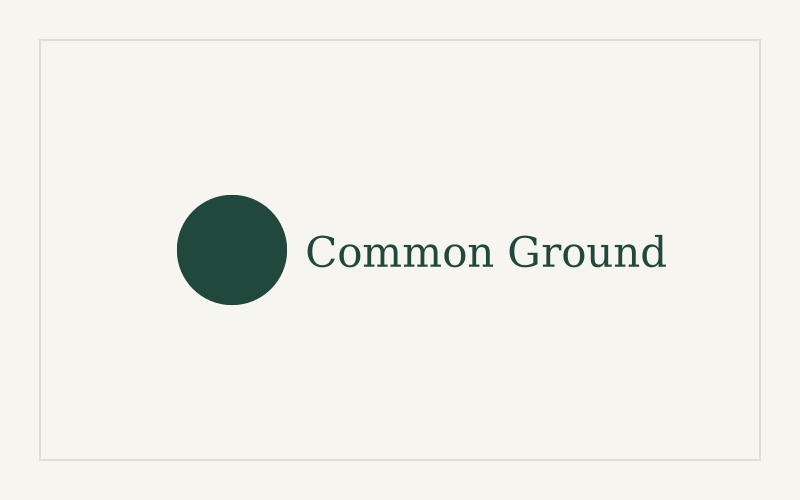 Use the primary Forest logo on Paper, Cream or white, with plenty of space around it.
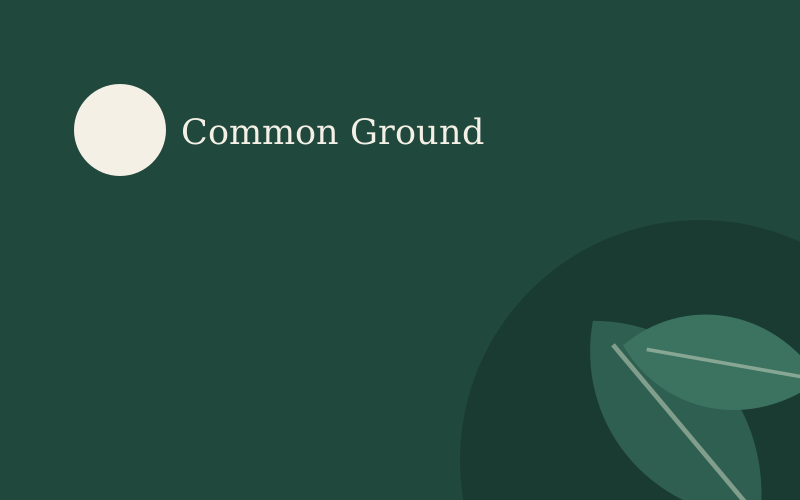 Use the reversed Cream logo on Forest, or on a calm, dark area of a photo or illustration.
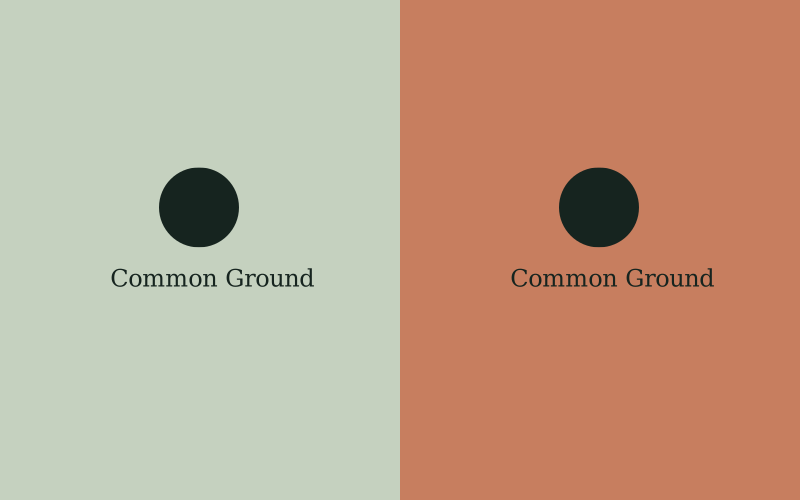 Use the Ink version on Sage and Clay. Forest doesn't have enough contrast on those colours.
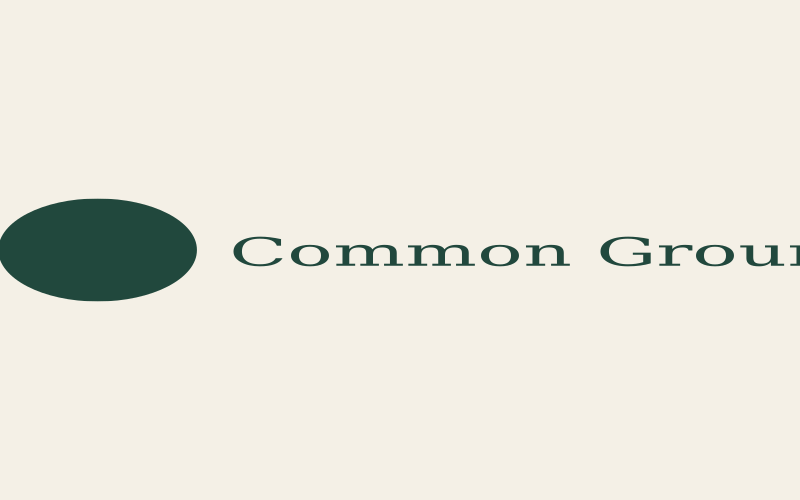 Don't stretch, squash or distort the logo. Always scale it proportionally.
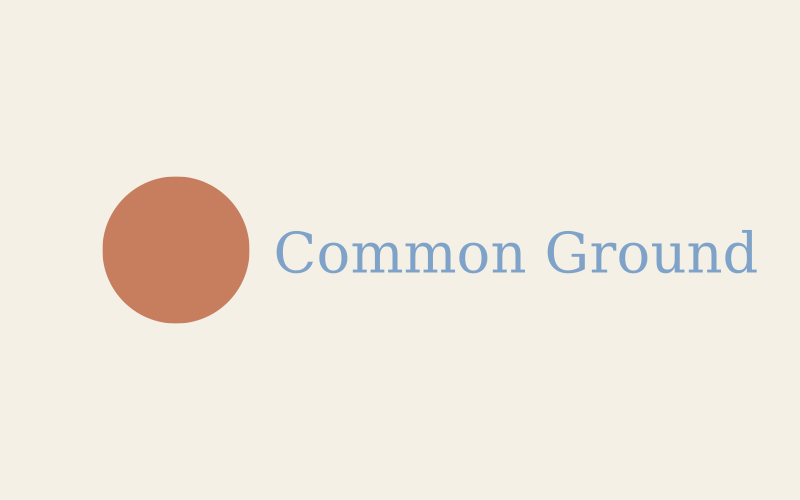 Don't recolour the logo, not even in other brand colours. Only Forest, Cream, Ink or white.
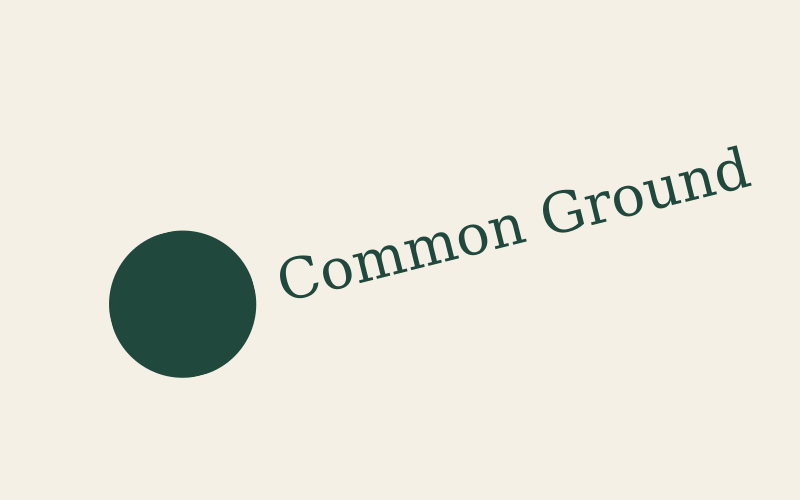 Don't rotate the logo or set it on a curve.
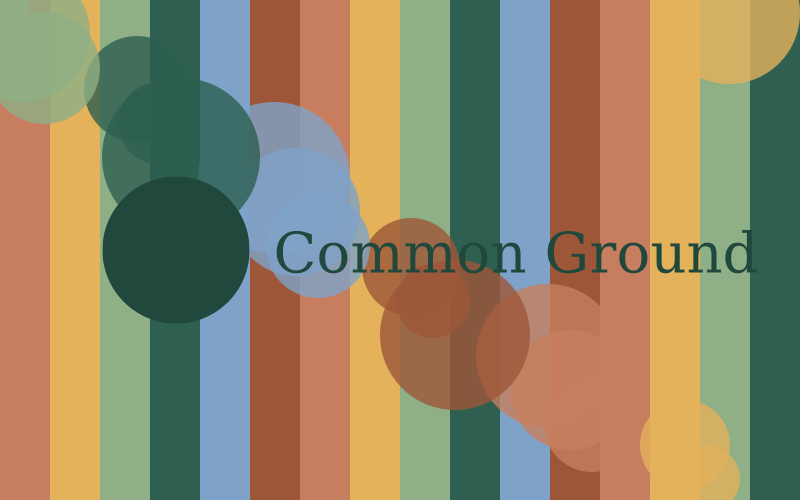 Don't place the logo on busy patterns or photos where it can't be read.
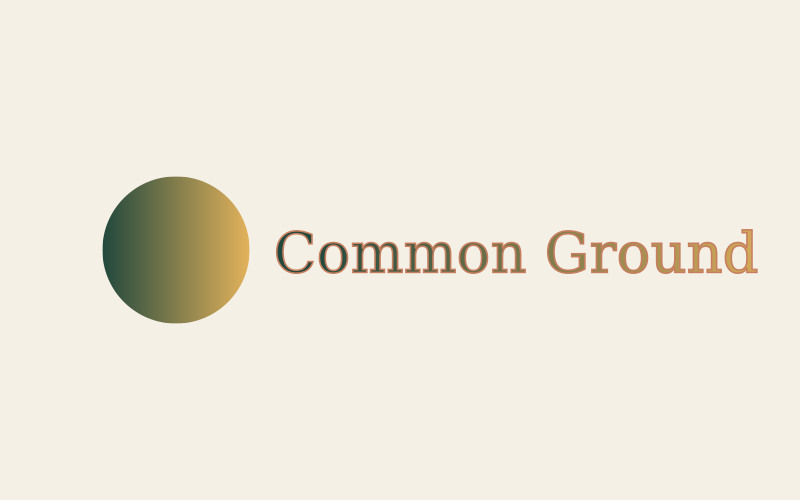 Don't add shadows, outlines, gradients or other effects.
 Don't rearrange the mark and wordmark or change their size relationship.