Chapter 1
Brand foundation
Why Onda exists: our story, purpose, vision and values.
Onda brand guidelines · version 3.0
Travel, people, culture.
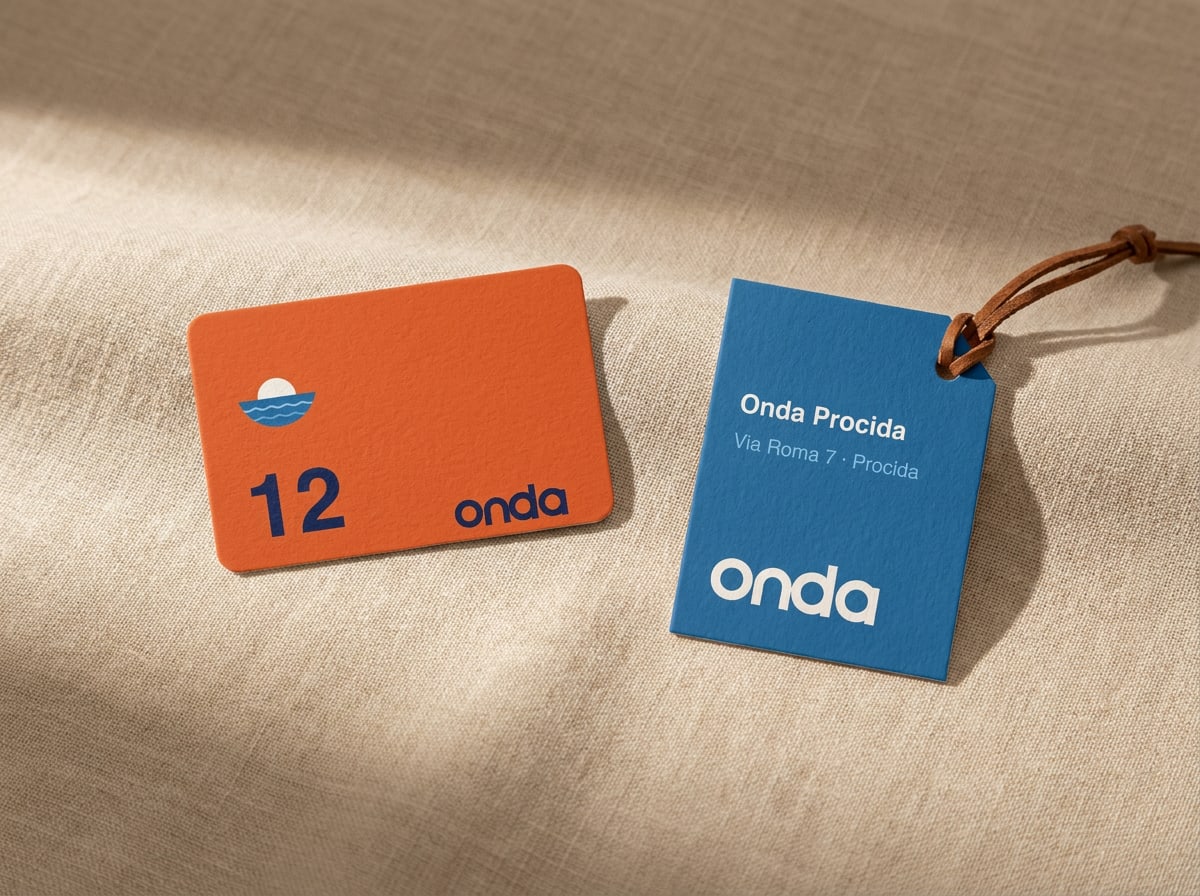
Everything you need to make Onda look, sound and feel like Onda — from the logo on a key card to the caption under a Sunday-morning post.
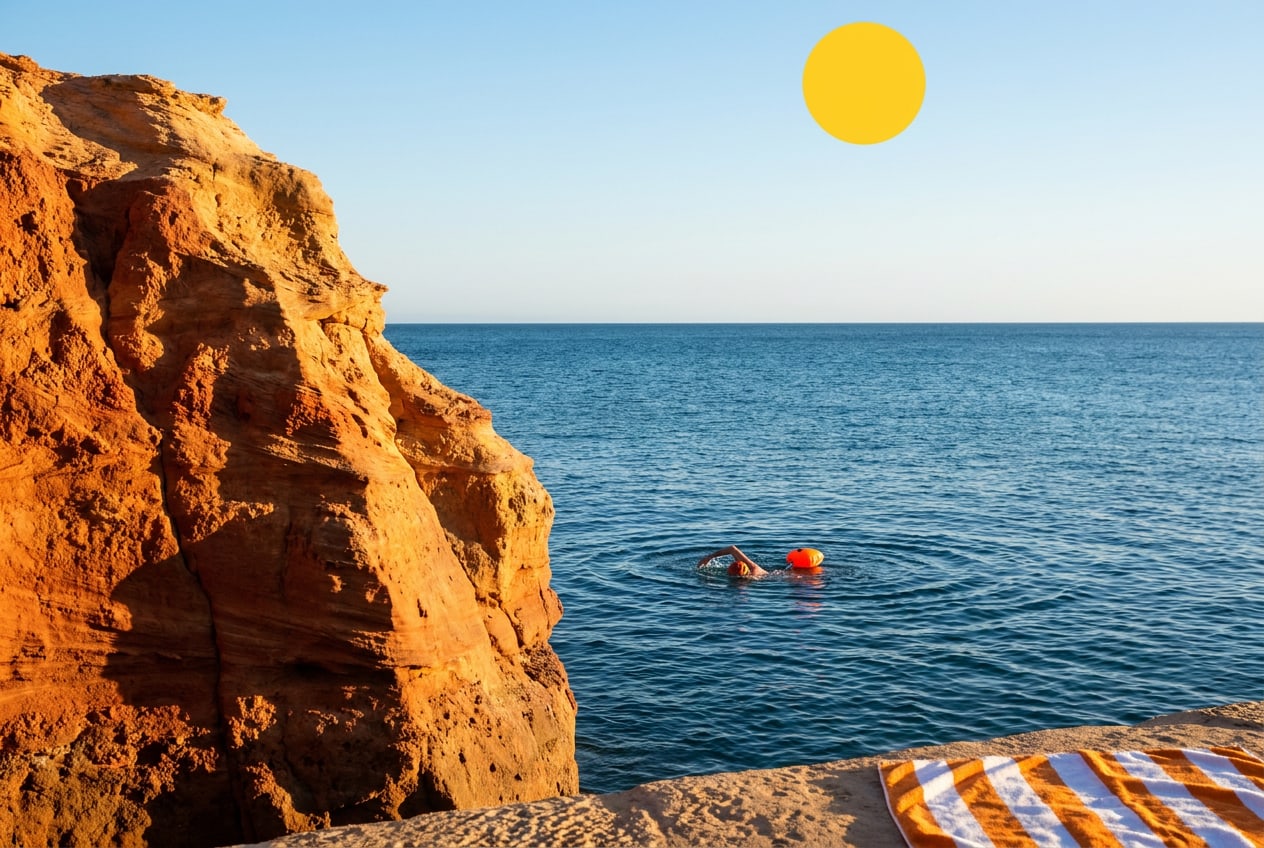
Onda is a small family of coastal guesthouses in Portugal, Spain and Italy — five houses, around a hundred rooms, and a lot of people who love where they live. We don't sell holidays. We invite people to slow down, meet our hosts and neighbours, and go home with stories instead of souvenirs.
This guide is for everyone who makes something in our name: our own teams in the houses, the agencies and photographers we work with, and partners who put our logo next to theirs. It explains who we are, how we look and how we sound, and it gives you the files to get started.
If something isn't covered here, ask yourself what a good host would do. Then ask us.
Brand story
Slow down. Stay longer. Go home with stories.
Onda means wave in Portuguese, Spanish and Italian — the one word our three countries share. It's also how we'd like a stay to feel: unhurried, rhythmic, and always pulling you back to the sea.
How it started
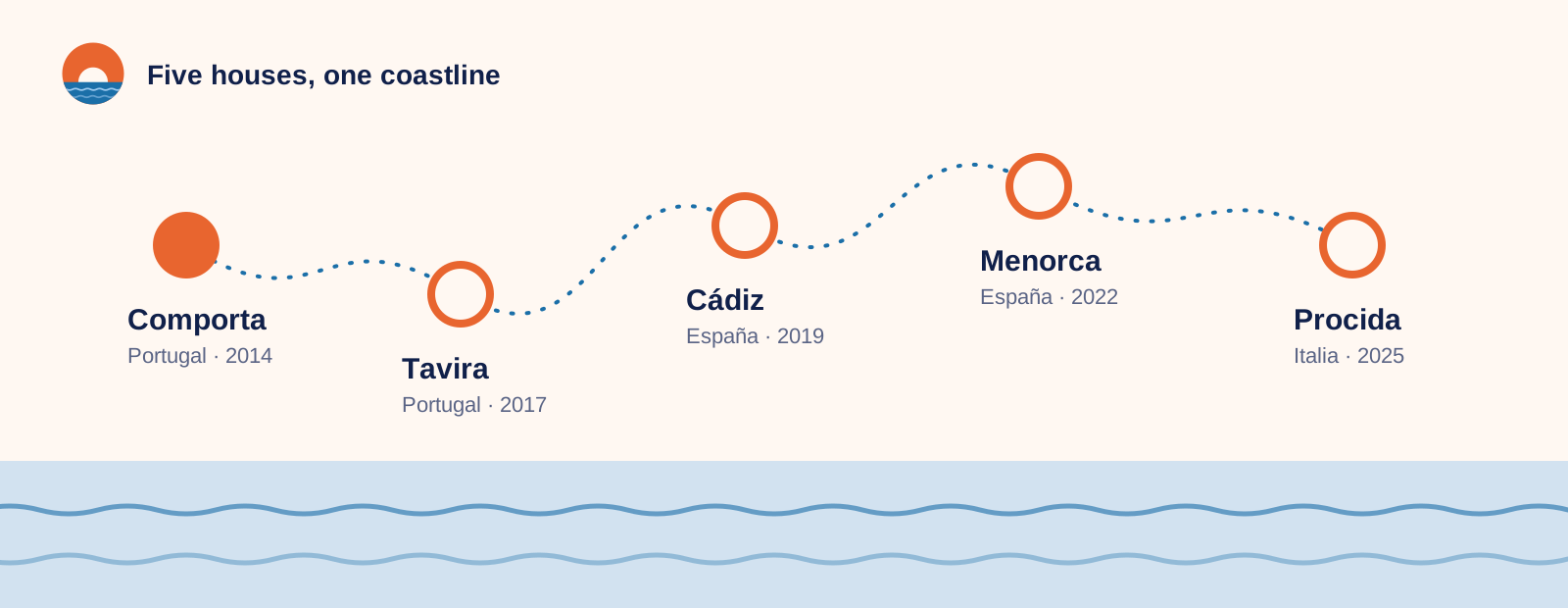
In 2014, Ana Duarte and Marco Ricci bought a tired fisherman's house in Comporta, on the Alentejo coast. They fixed the roof, painted the shutters blue and opened six rooms. There was no reception desk — just a long kitchen table where Ana poured coffee and Marco drew maps of the best beaches on the back of napkins.
Guests didn't come back for the rooms. They came back for the table: for the neighbour who brought fish at seven, the baker who saved them the last loaf, the evening swims nobody had planned.
"We never wanted to run a hotel. We wanted to share the place we love with people who'd take care of it." — Ana Duarte, co-founder
Ten years and five houses later, that table is still the heart of Onda. Each house is small (12 to 24 rooms), run by people from the area, and rooted in its own village.
Why we exist
Purpose, vision and mission
Purpose
To bring people closer to the places they visit — and to the people who live there.
Vision
A Mediterranean where travel gives back more than it takes: to villages, to the sea, and to the people who come to rest.
Mission
We run small coastal houses with local hosts, and we open doors guests couldn't open alone: a fisherman's morning, a grandmother's kitchen, a cove only the neighbours know.
What we stand for
Our values
Four values guide every decision, from who we hire to which supplier we choose. If a piece of communication contradicts one of them, it isn't Onda.
Hosted, not handled
Every guest knows their host's name by the first evening. We'd rather remember how you take your coffee than upsell you a room.
Local first
Our hosts, cooks and guides live nearby. At least 80% of what we buy comes from within 50 km of the house.
Unhurried
No checklists, no must-sees. We plan less so there's room for the things you'd never find in a guidebook.
Leave it better
We restore old buildings instead of building new ones, and 2% of every stay goes to our coastal clean-up fund.
Remember
Five things to get right
Lead with people and place. A host, a street, a plate of food — never an empty infinity pool.
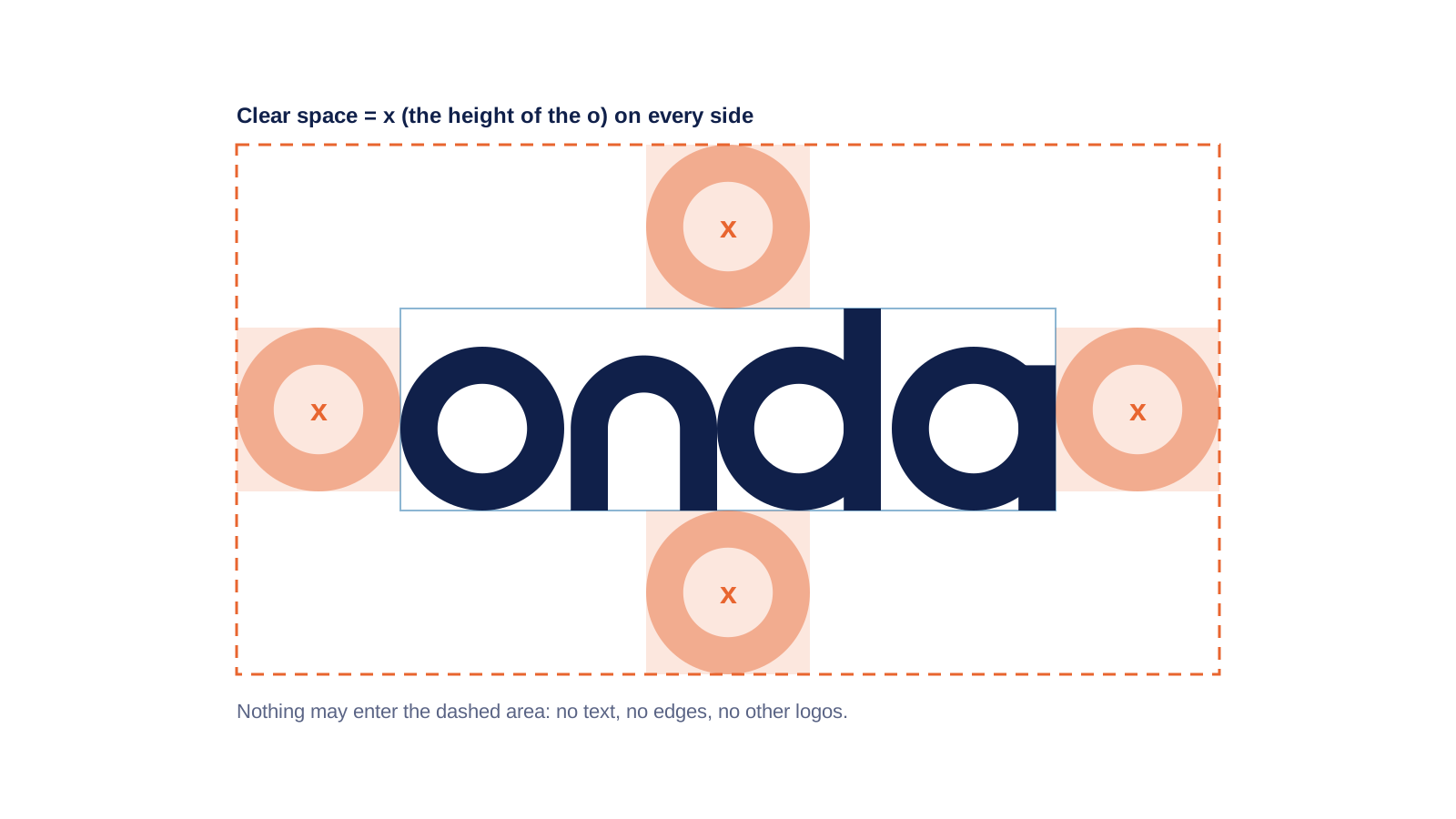
Give the logo room. Clear space is the height of the "o", on every side.
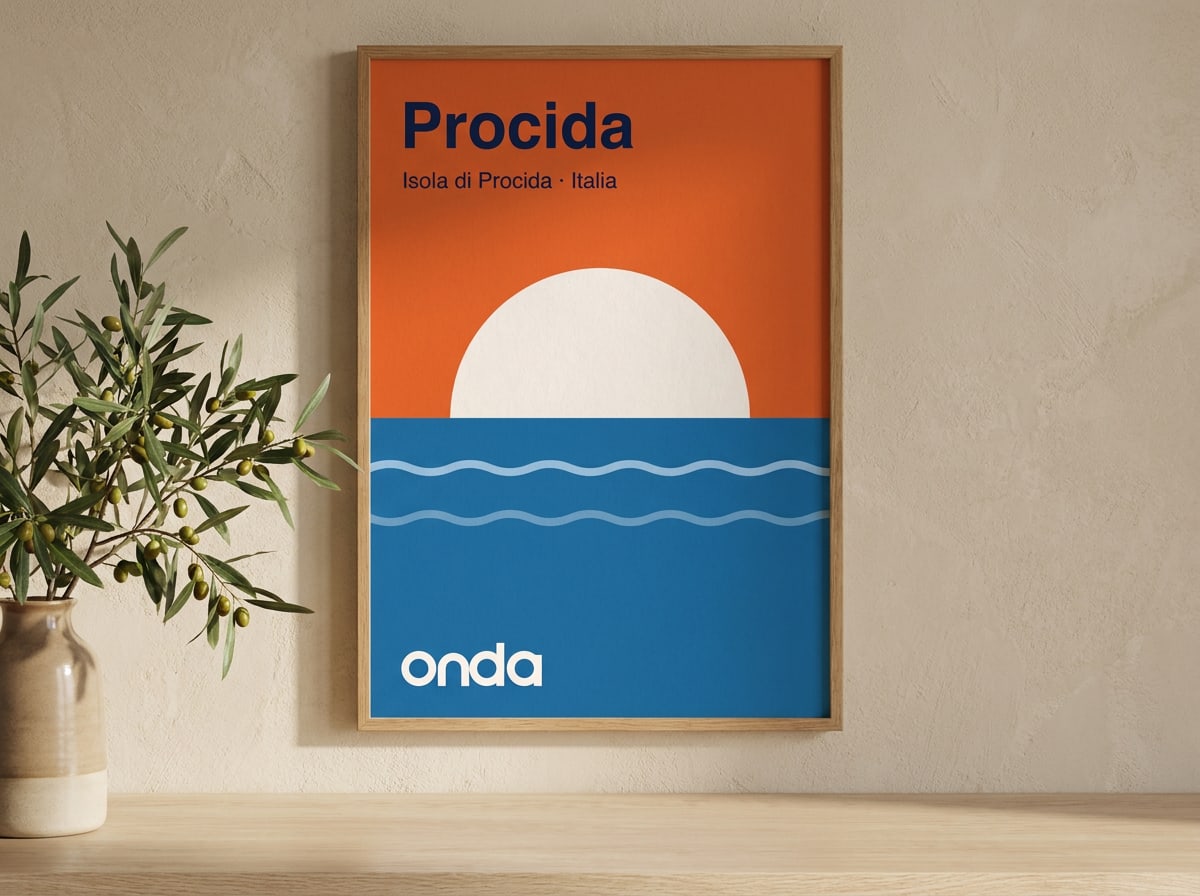
Sunset is the accent, not the wallpaper. Most of a layout is Shell and Night.
Write like a host, not a hotel. Short sentences, specific details, no superlatives.
Use the files in this guide. Don't redraw, retype or recolour the logo.




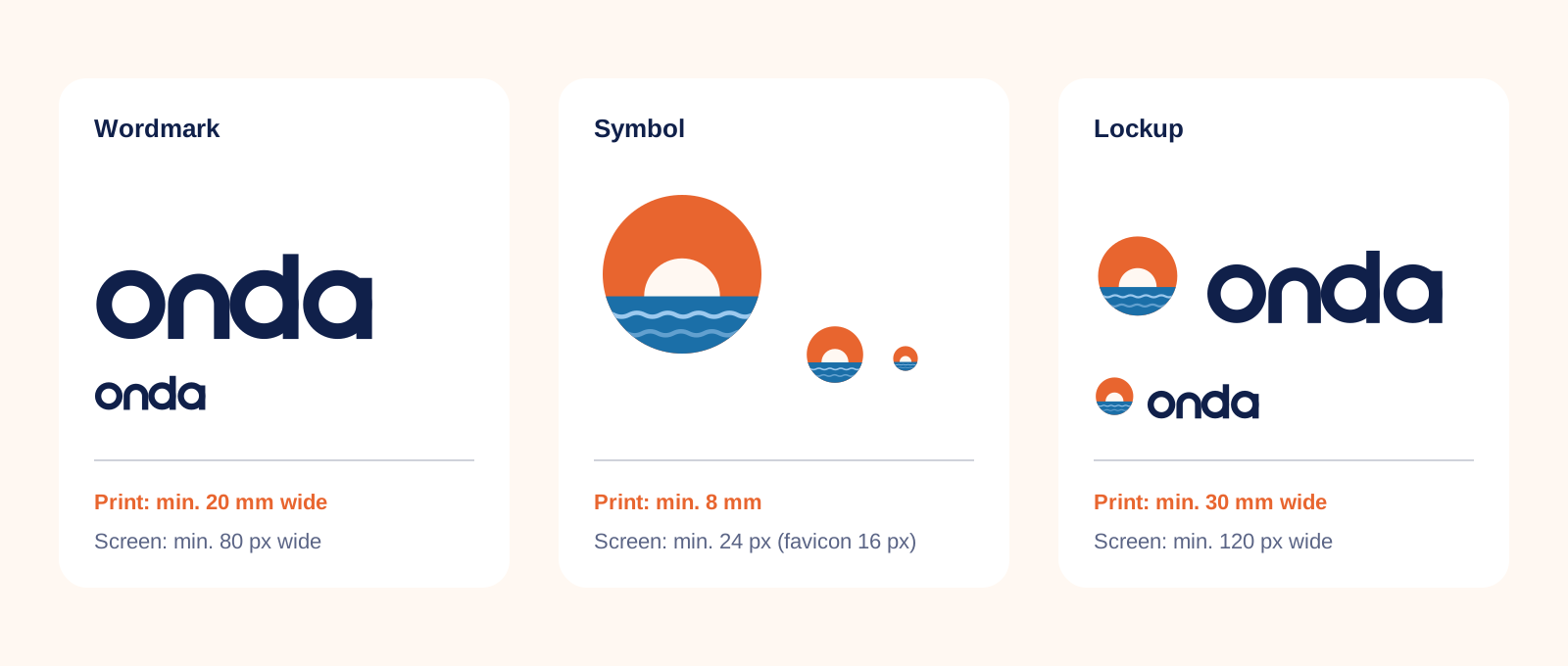
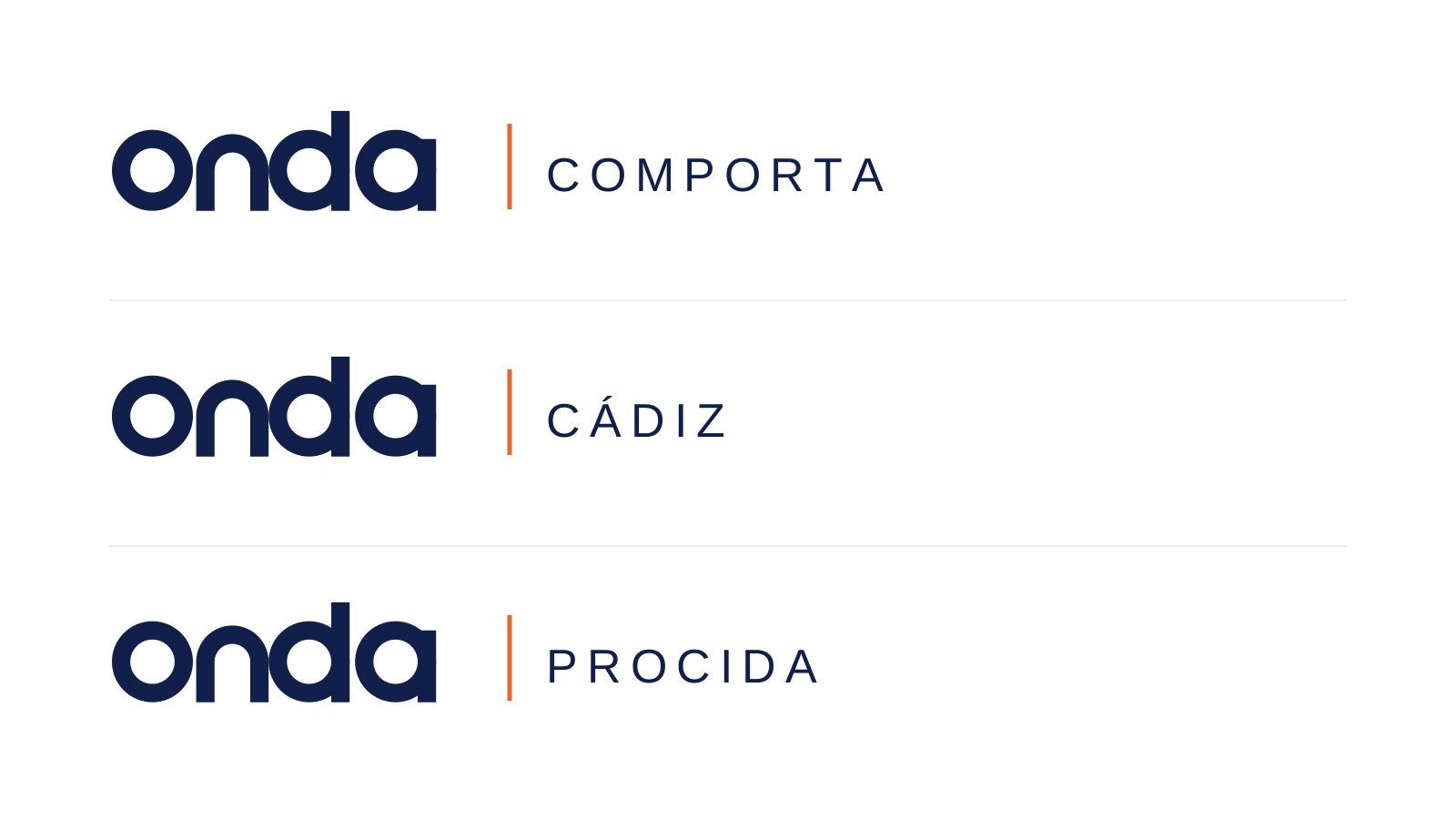
 Use Night on Shell or white, with generous clear space.
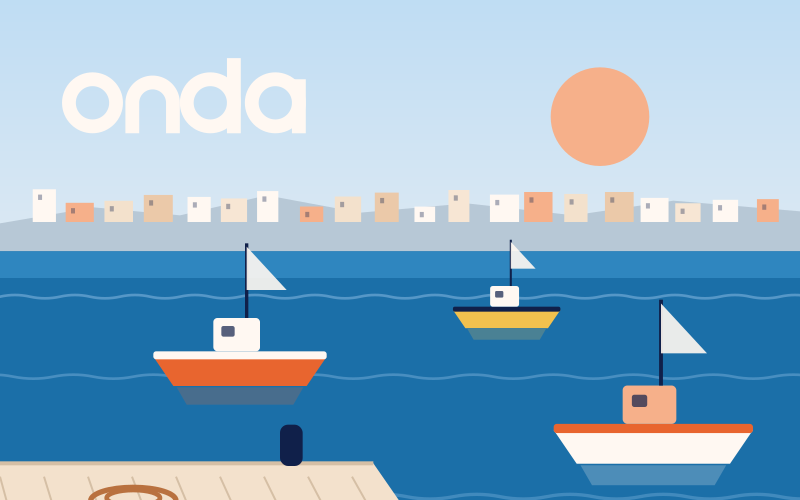 Place Shell on a calm, even area of a photo — sky, sea or a plain wall.
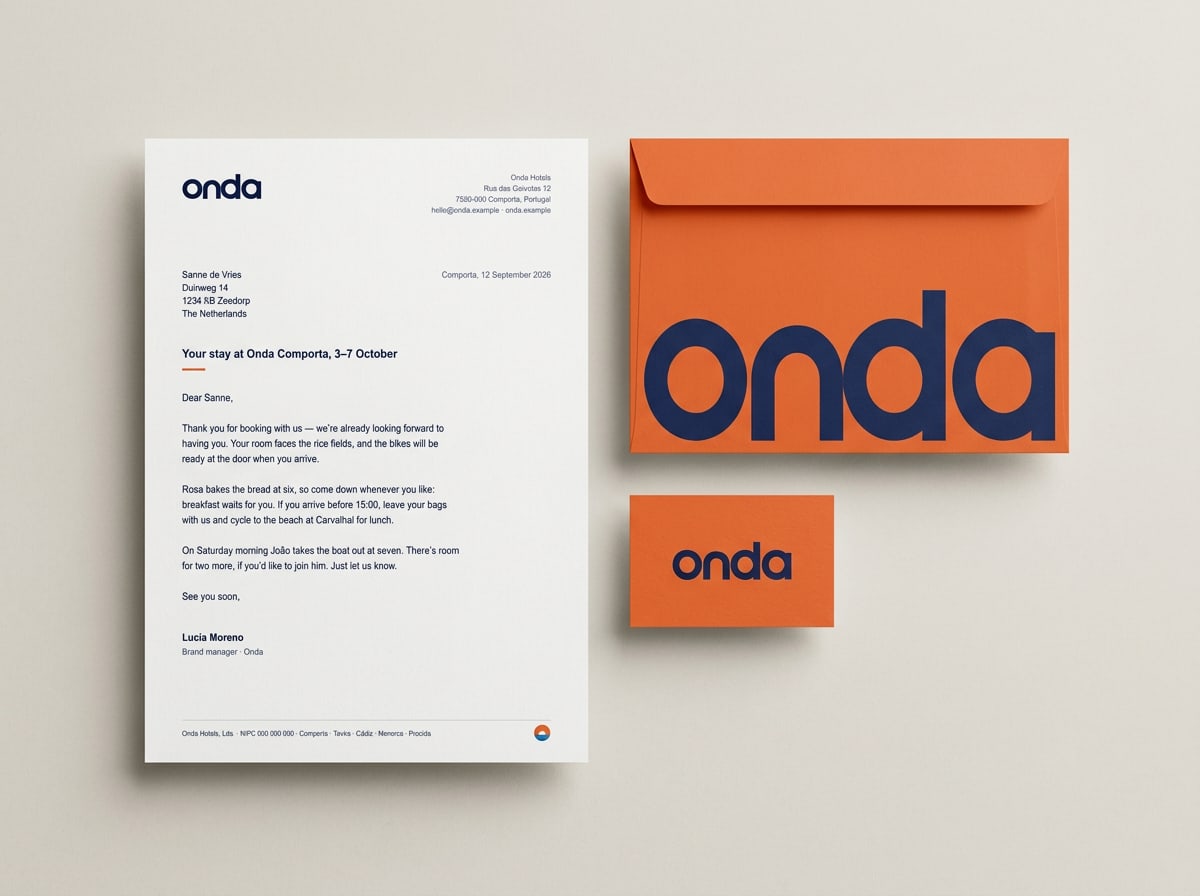
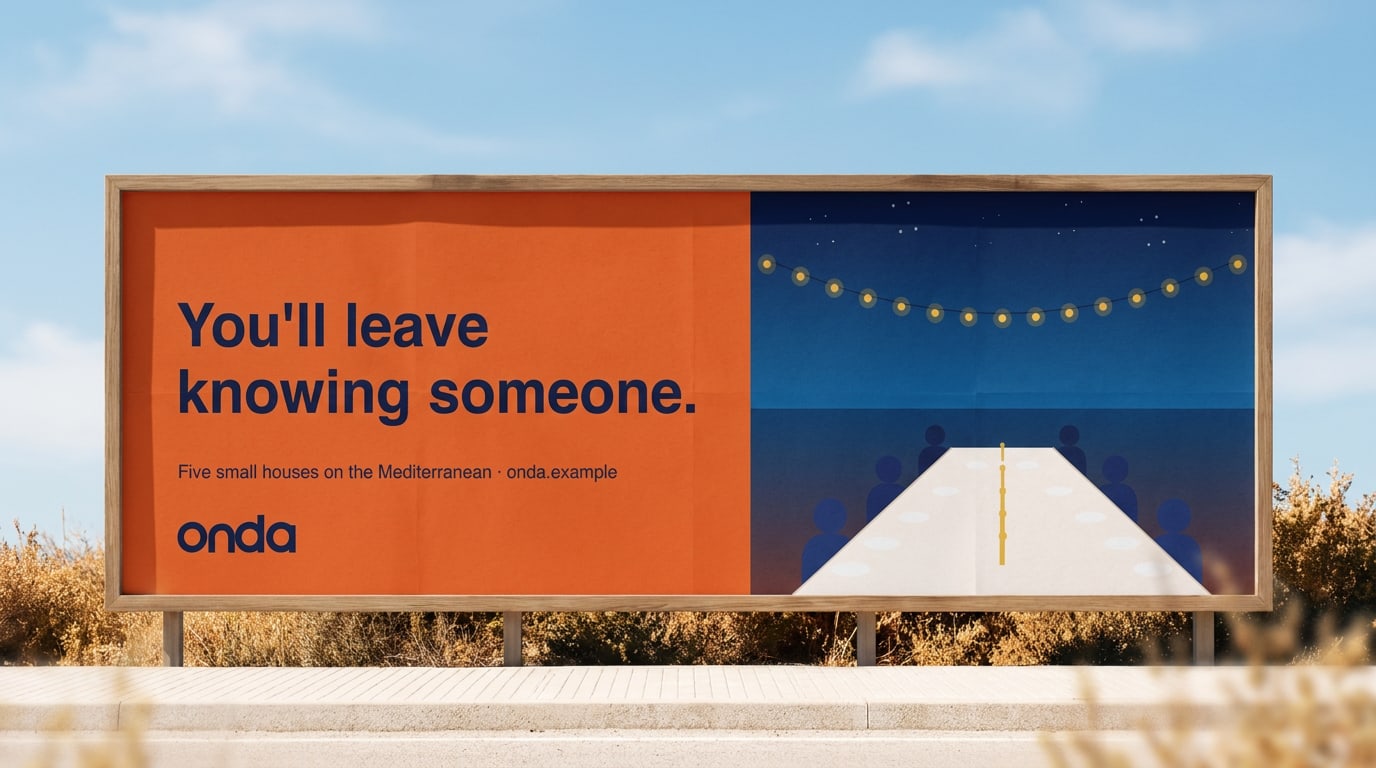
 Use the Night wordmark on Sunset for our boldest moments.
 Use the symbol on its own for app icons and avatars, centred with even padding.
 Use the lockup on light supporting colours such as Sky or Apricot.
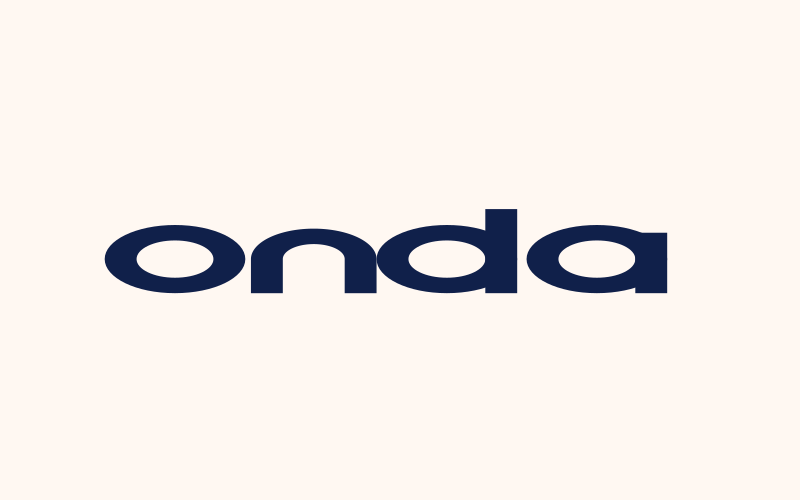 Don't stretch, squash or change the proportions.
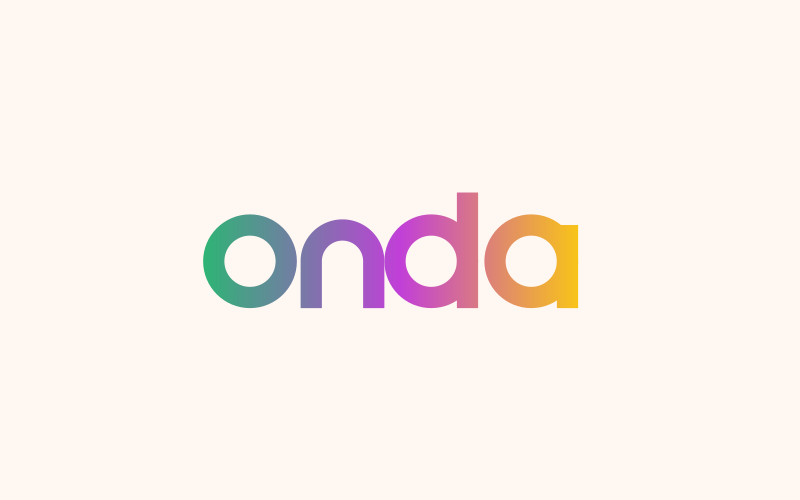 Don't recolour the logo or use gradients.
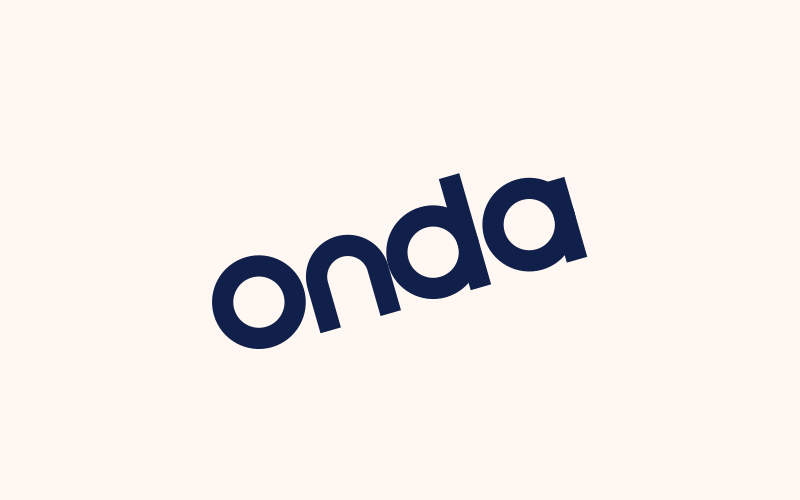 Don't rotate the logo or set it on a curve.
 Don't place it on busy images where it loses contrast.
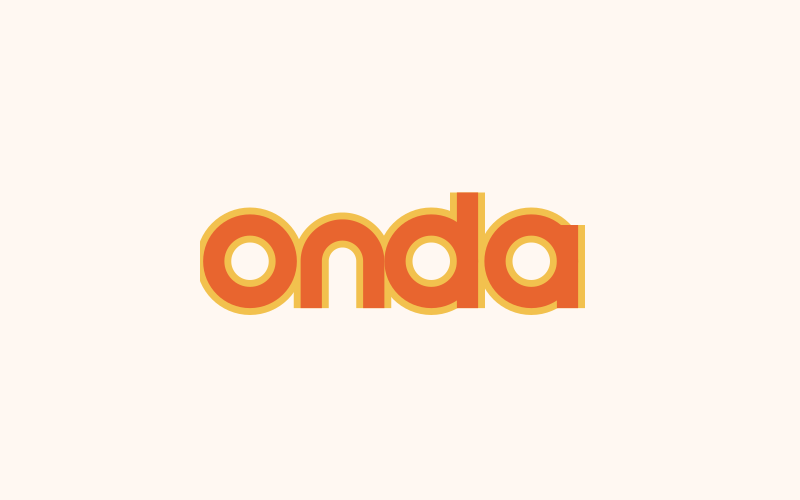 Don't add shadows, outlines, glows or 3D effects.

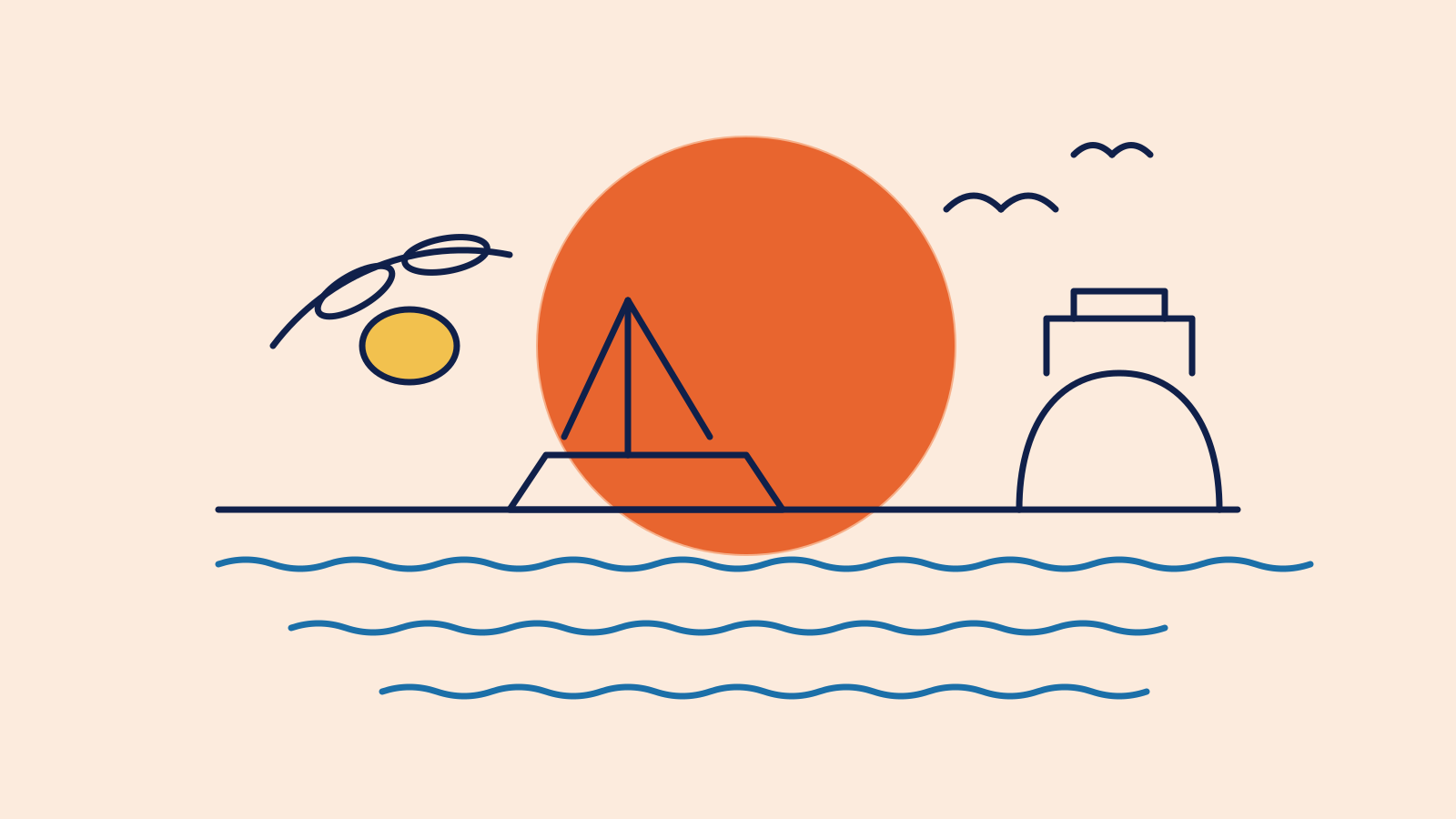

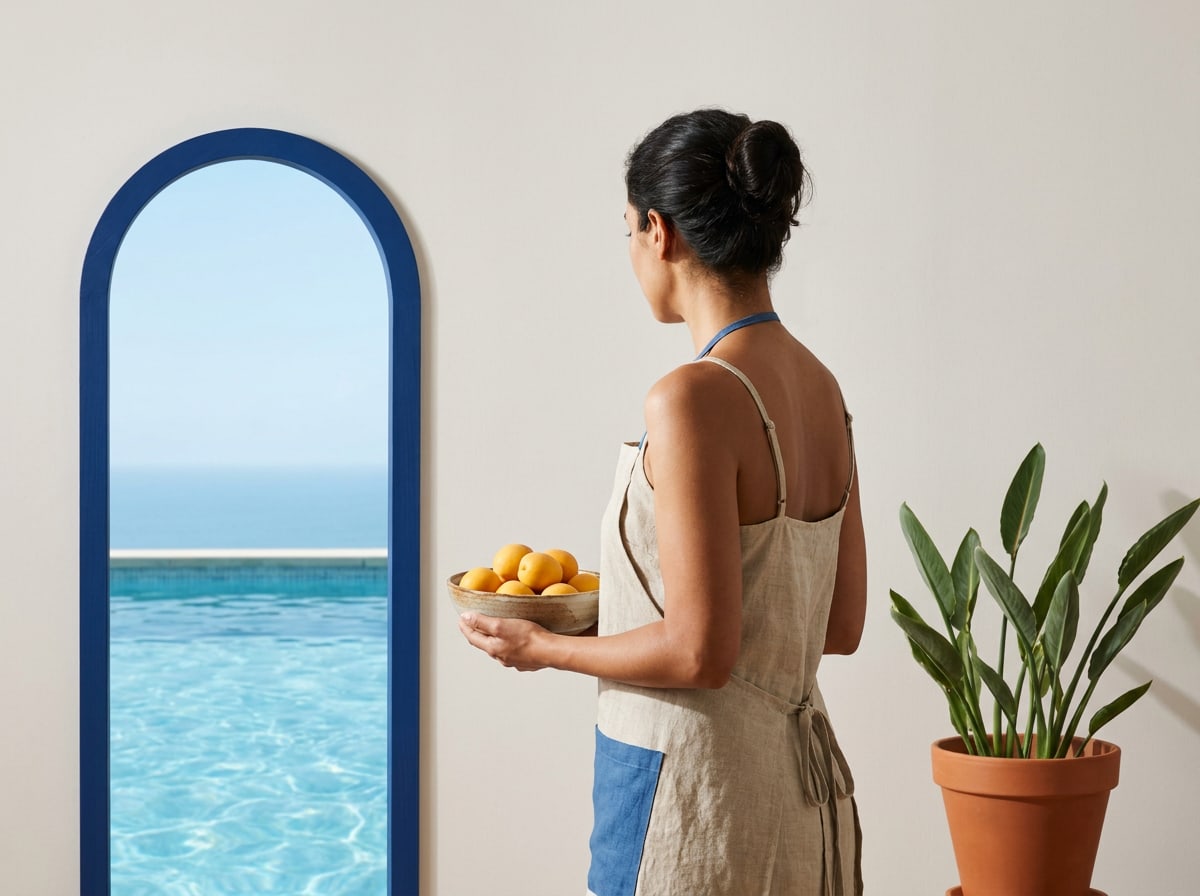

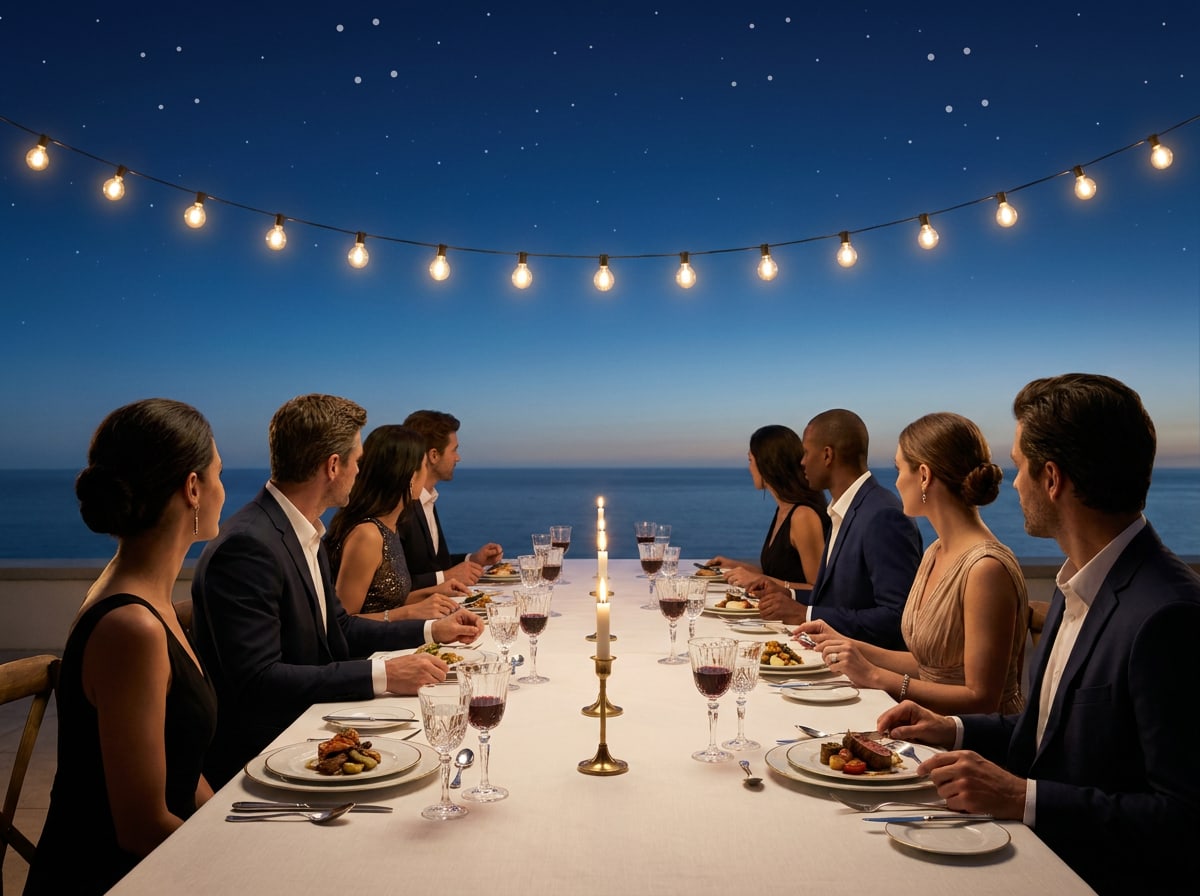
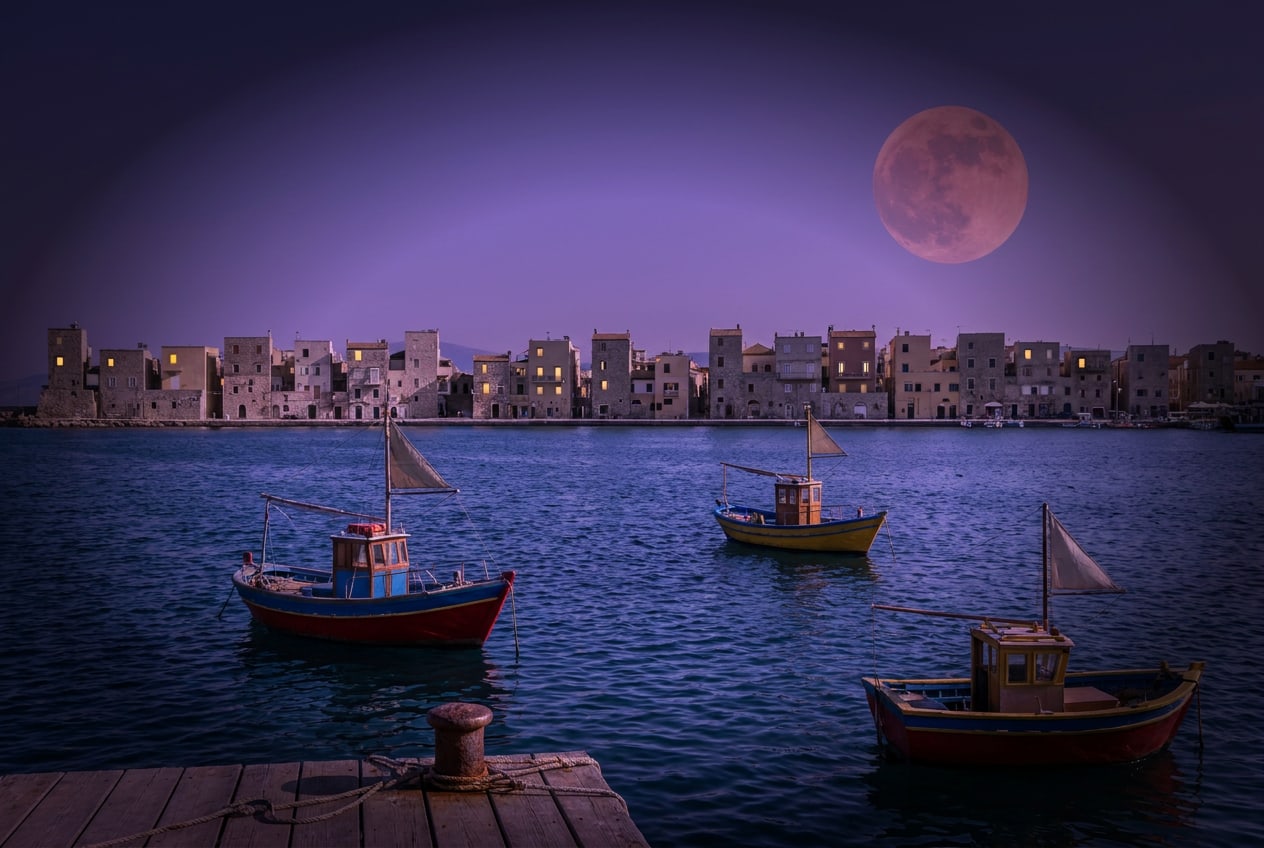
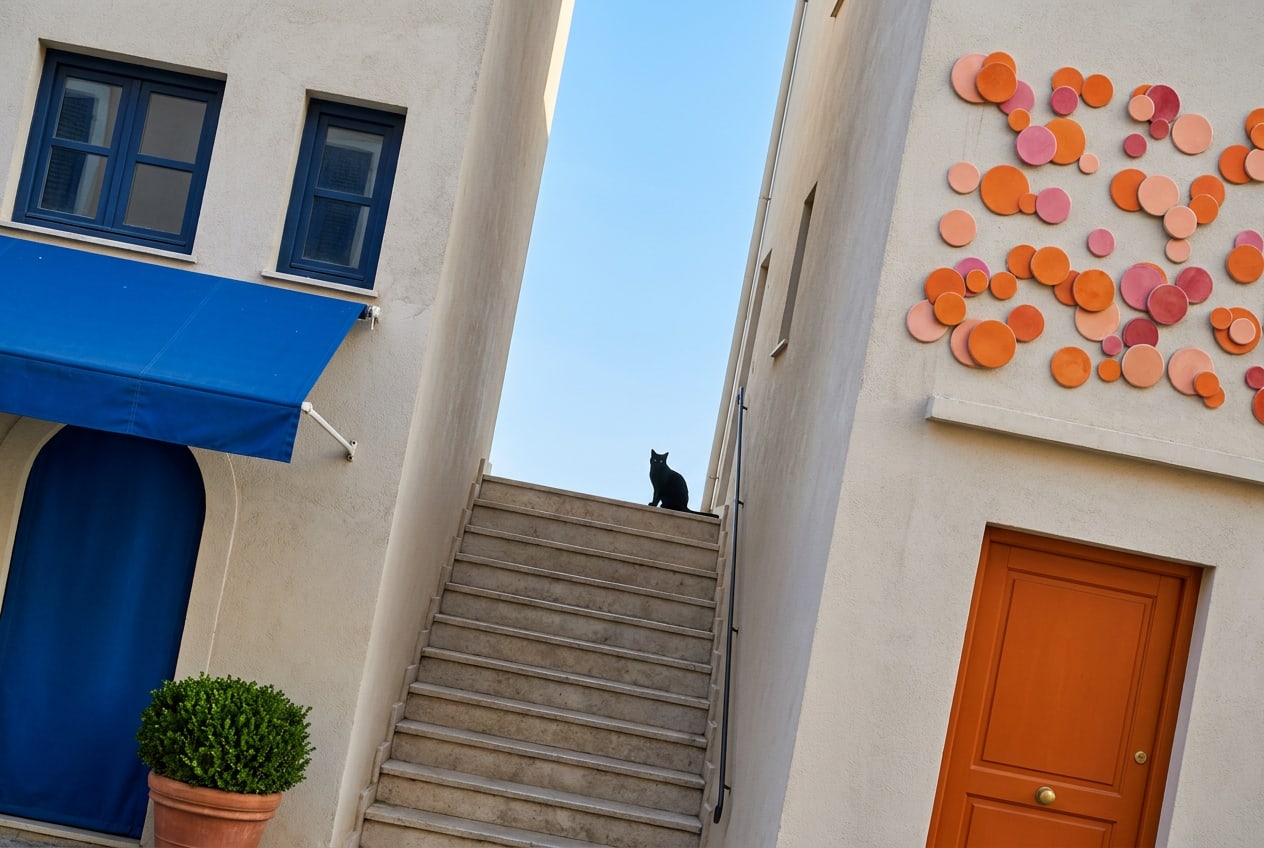

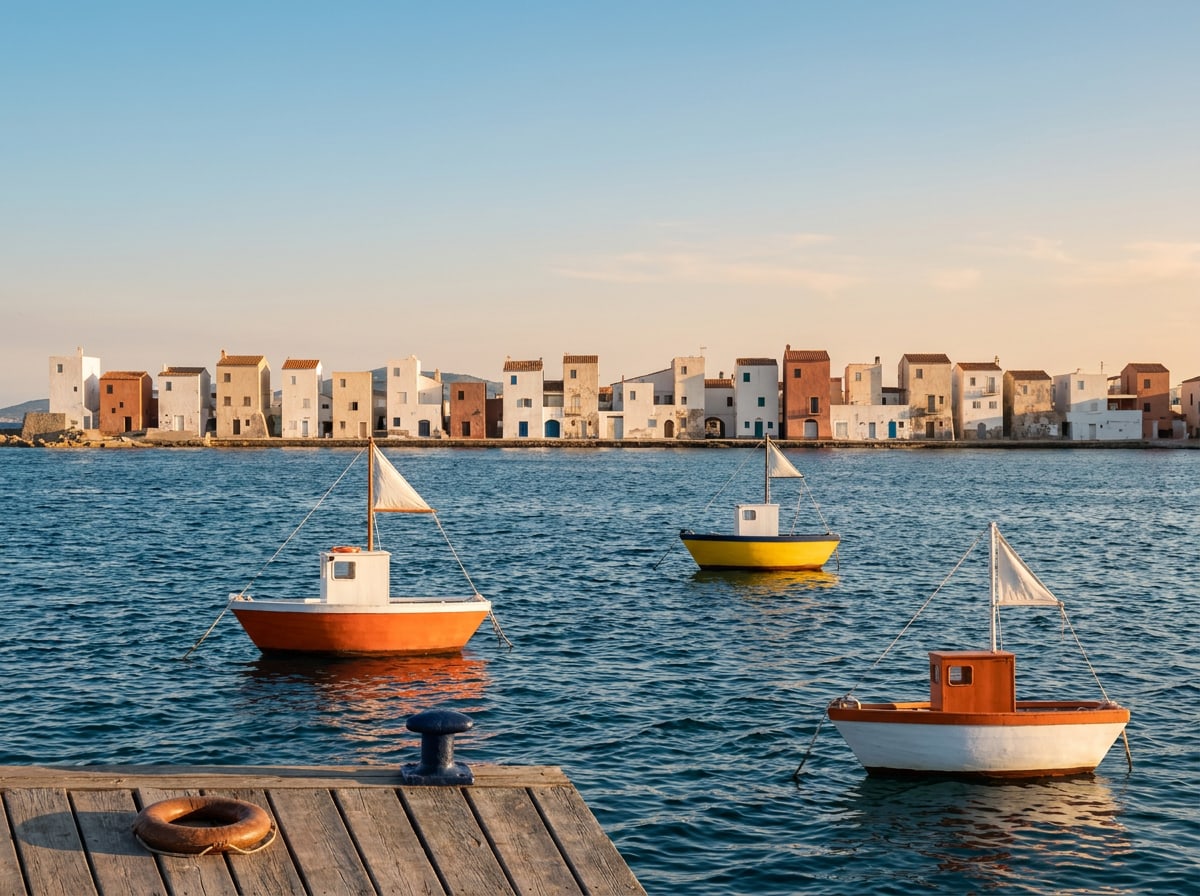
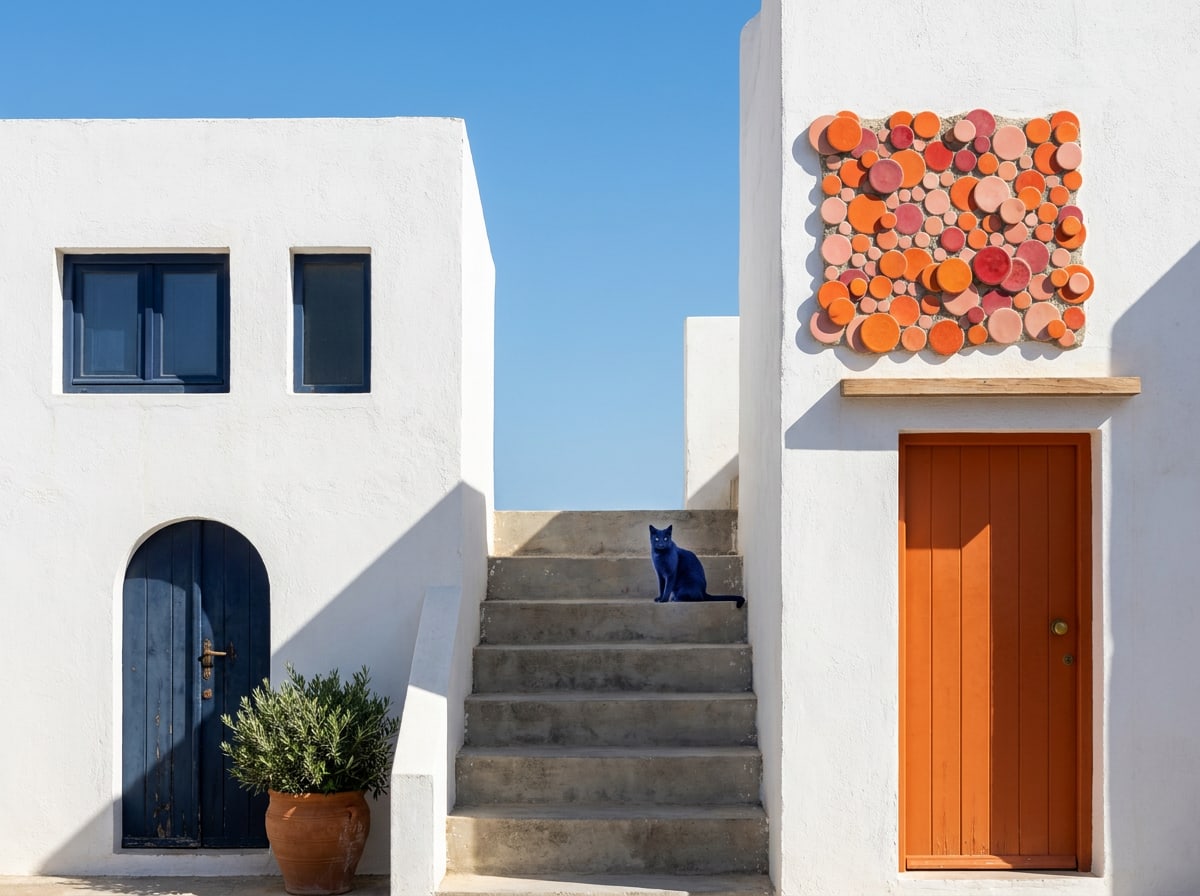
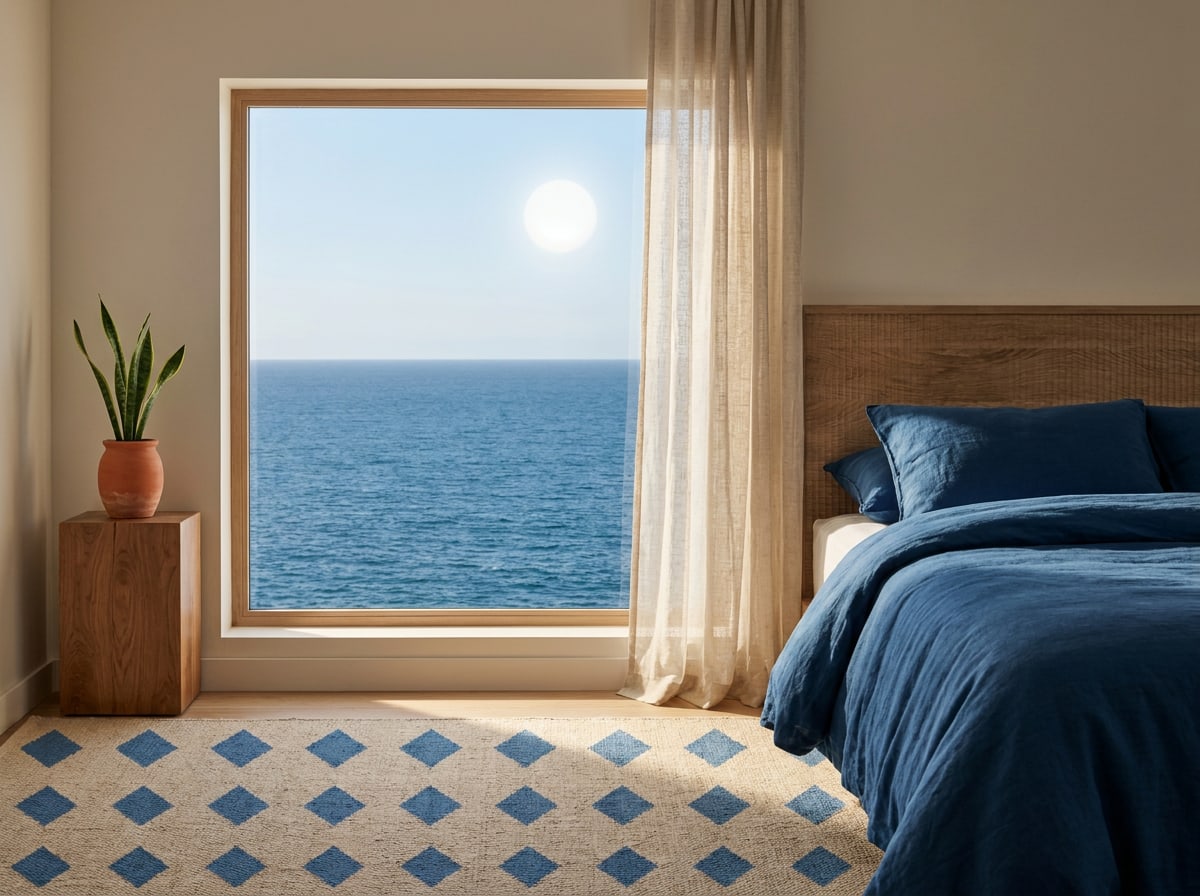
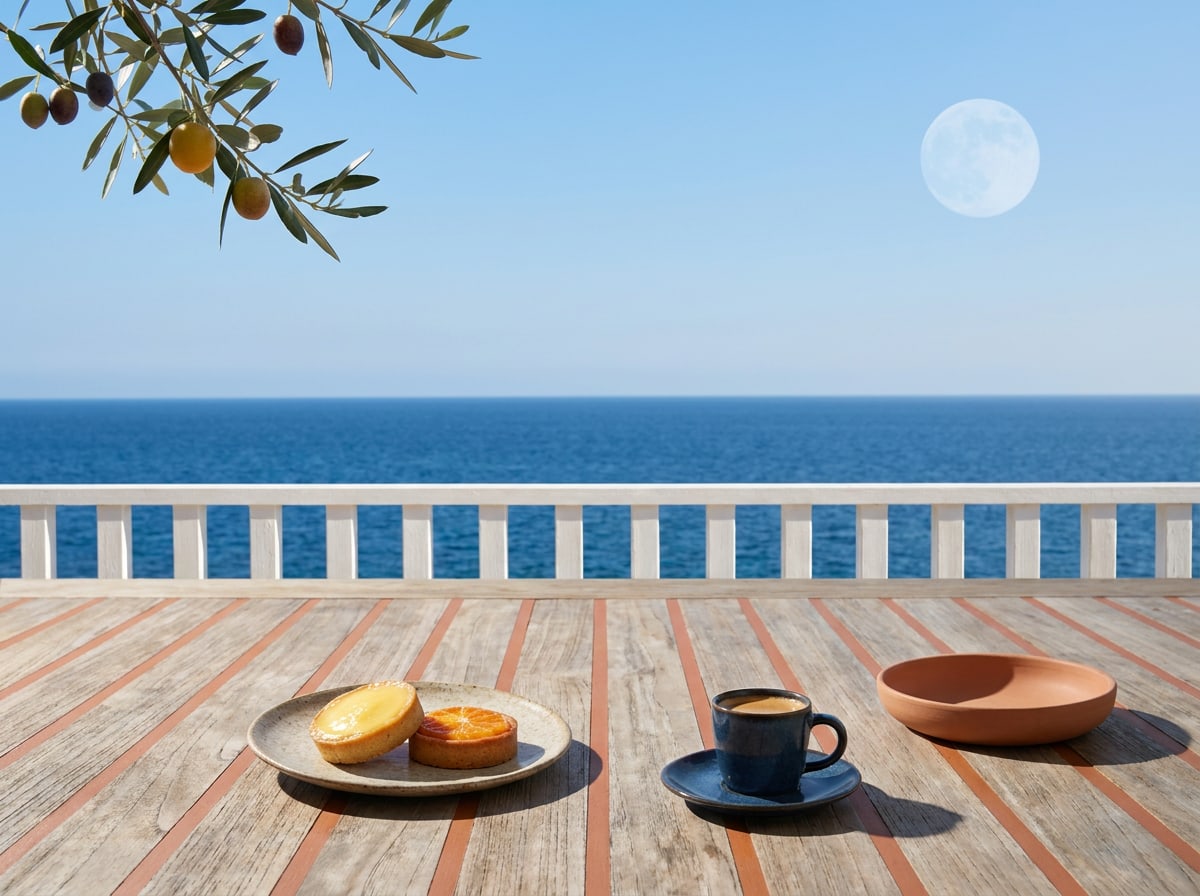
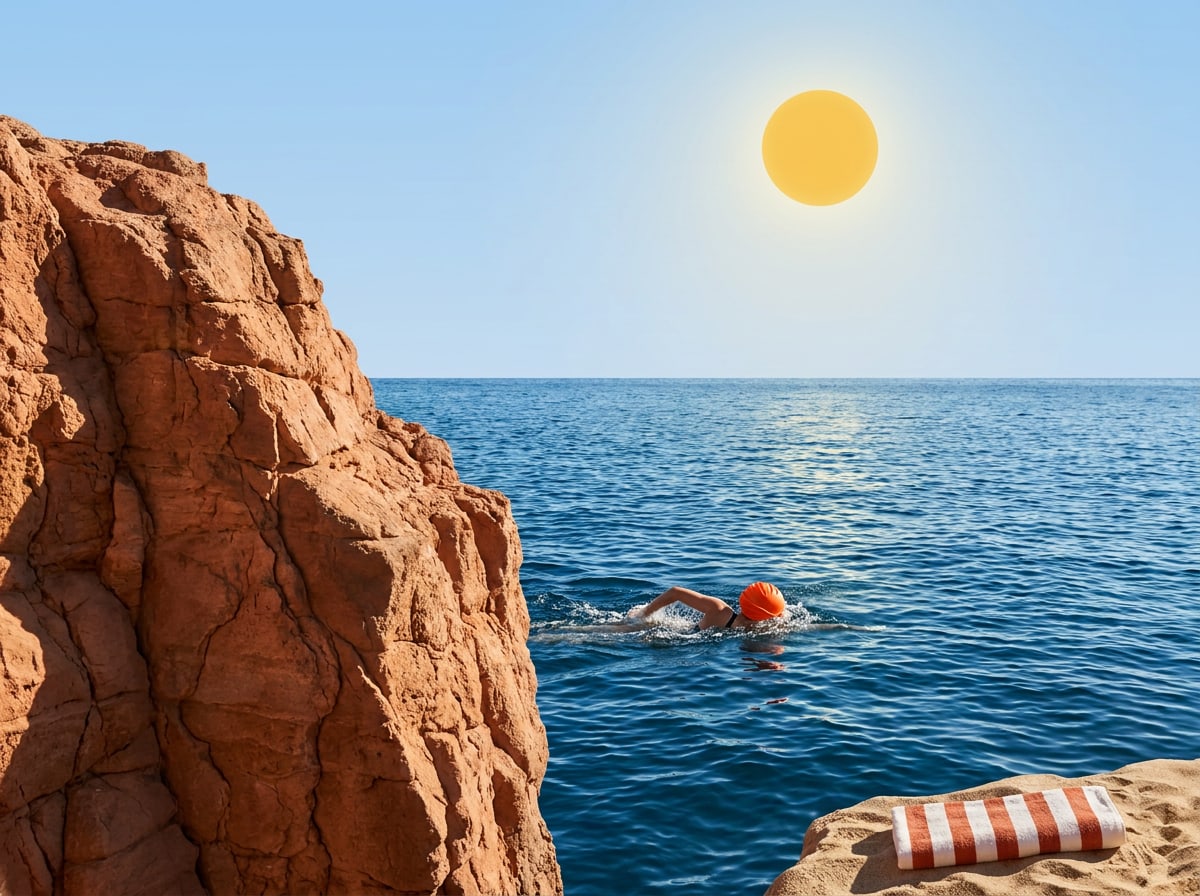
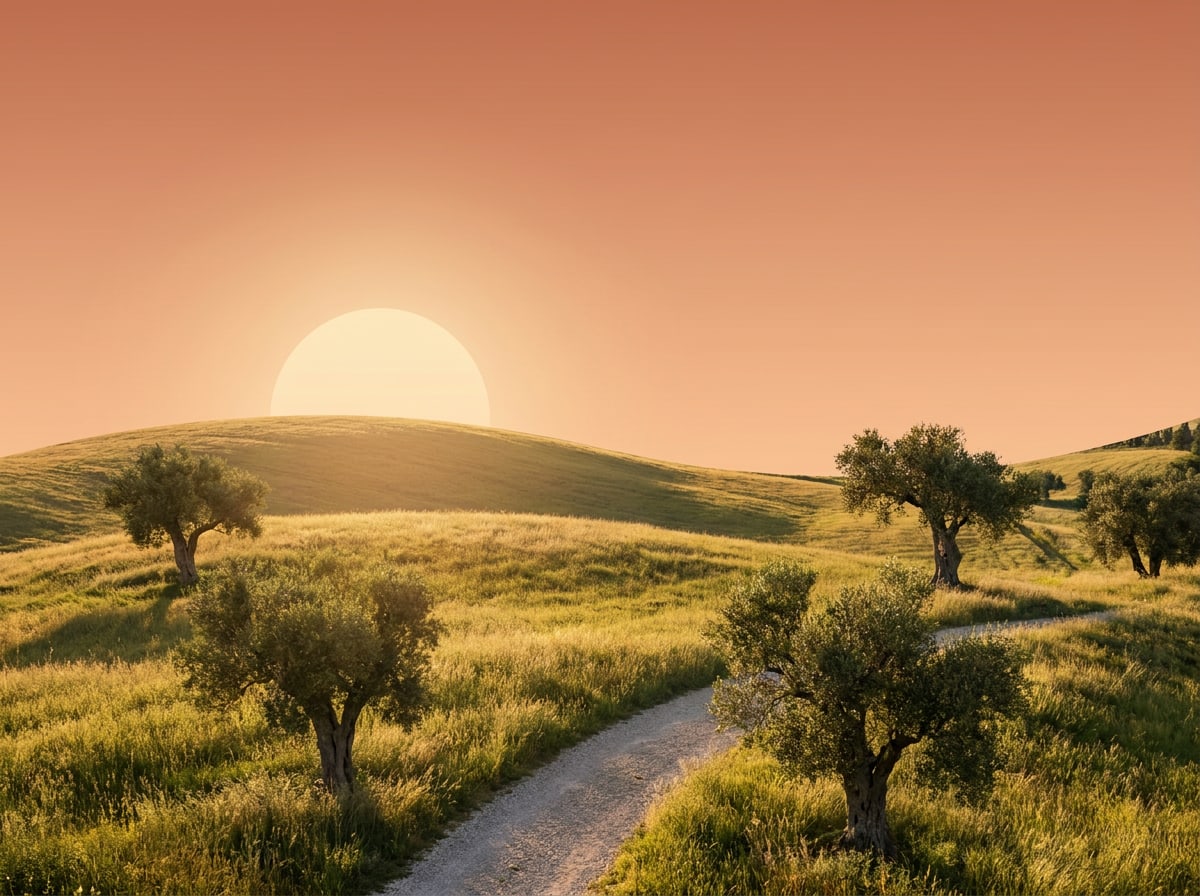
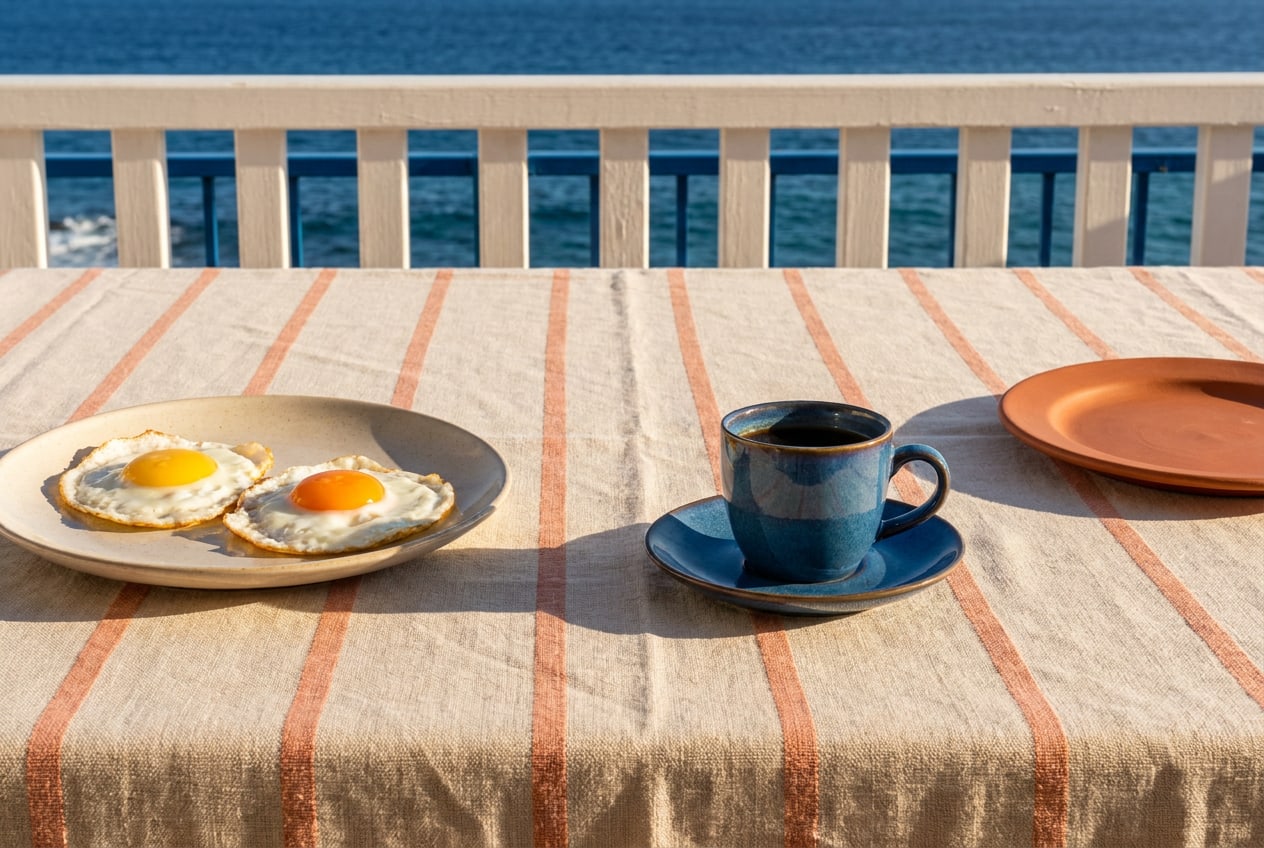 Natural daylight with real shadows and true colours.
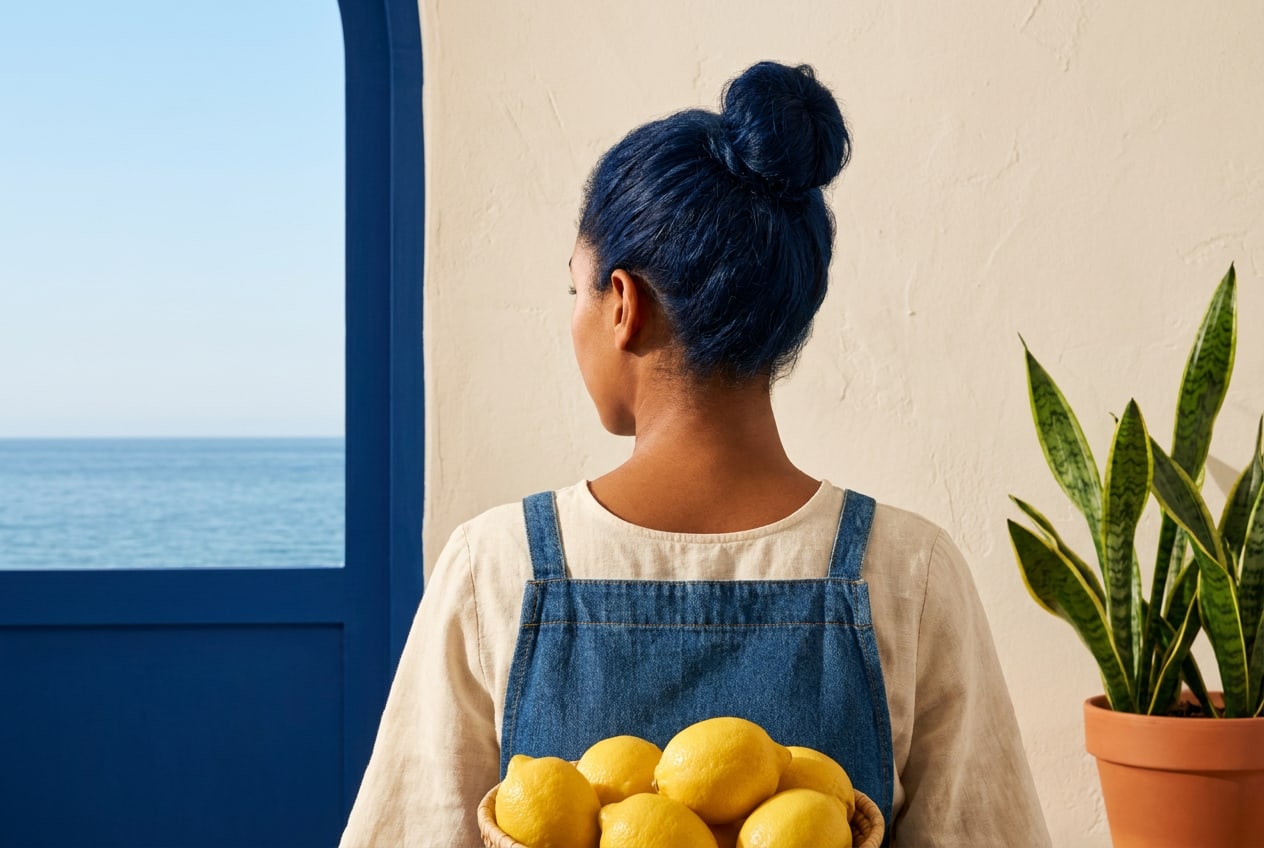 People caught mid-moment, in their own setting.
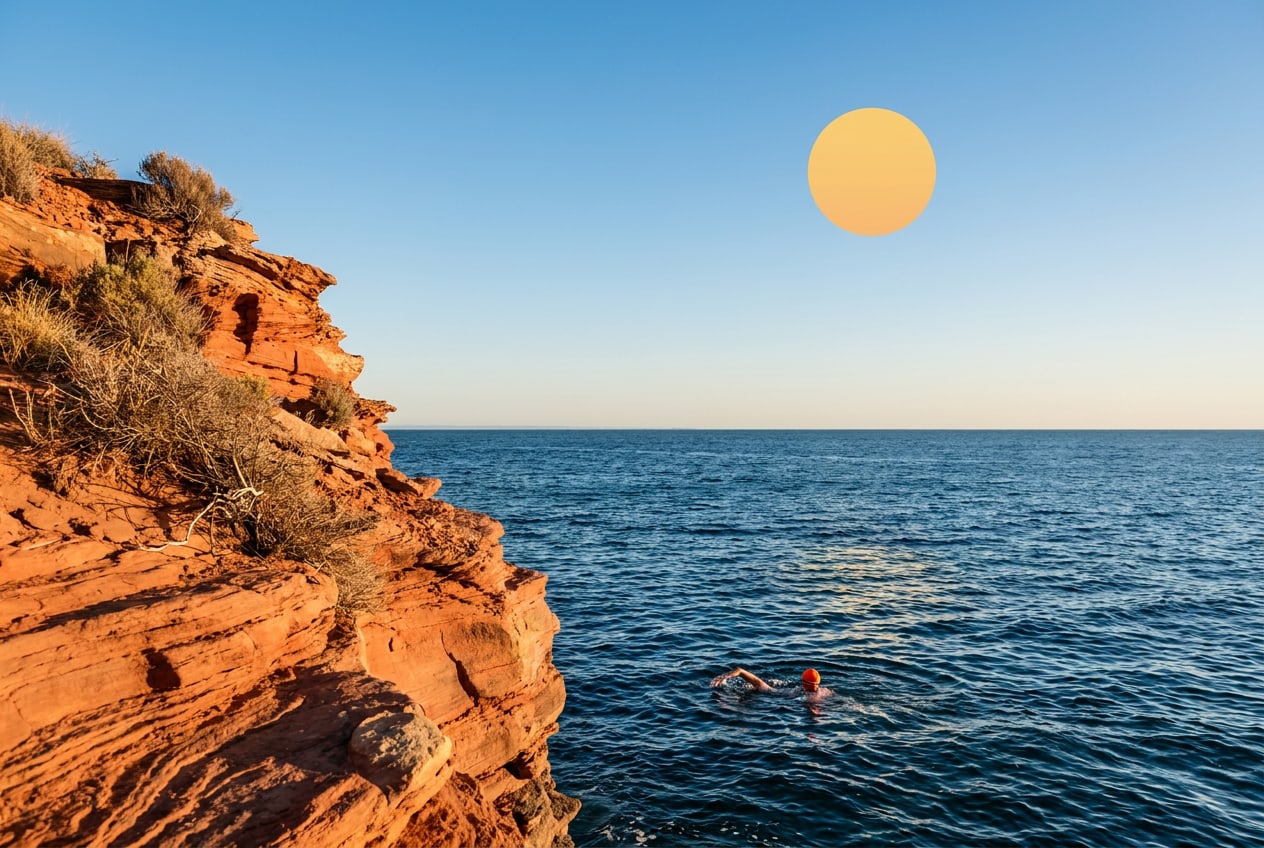 A straight horizon and space for a headline.