For branding agencies
Deliver brand guidelines your clients actually use.
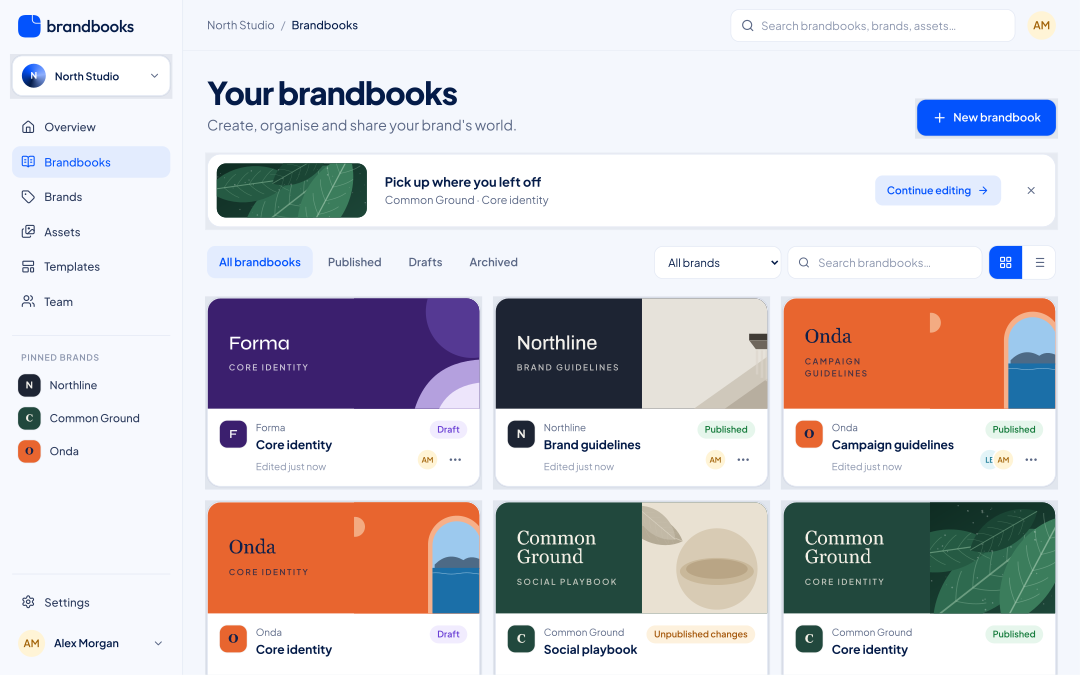
Run all your clients from one workspace. Each client sees only their own brand — you keep one clear overview.
Why Brandbooks
What changes for you.
A PDF handover is the end of the story
A living brandbook keeps your work in use — and lets you update it when the brand evolves.
Clients must not see each other
Guests with access to one brand or brandbook never see other brands, clients or team members.
Reinventing the structure every time
Save your agency’s structure as a template and start every new client from it.
How it works
Up and running in three steps.
- 1
One brand per client
Each brand has its own style, files and brandbooks.
- 2
Invite the client
As viewer to review, or as editor to maintain it themselves.
- 3
Hand over, stay involved
Publish versions, see the history and restore earlier versions when needed.
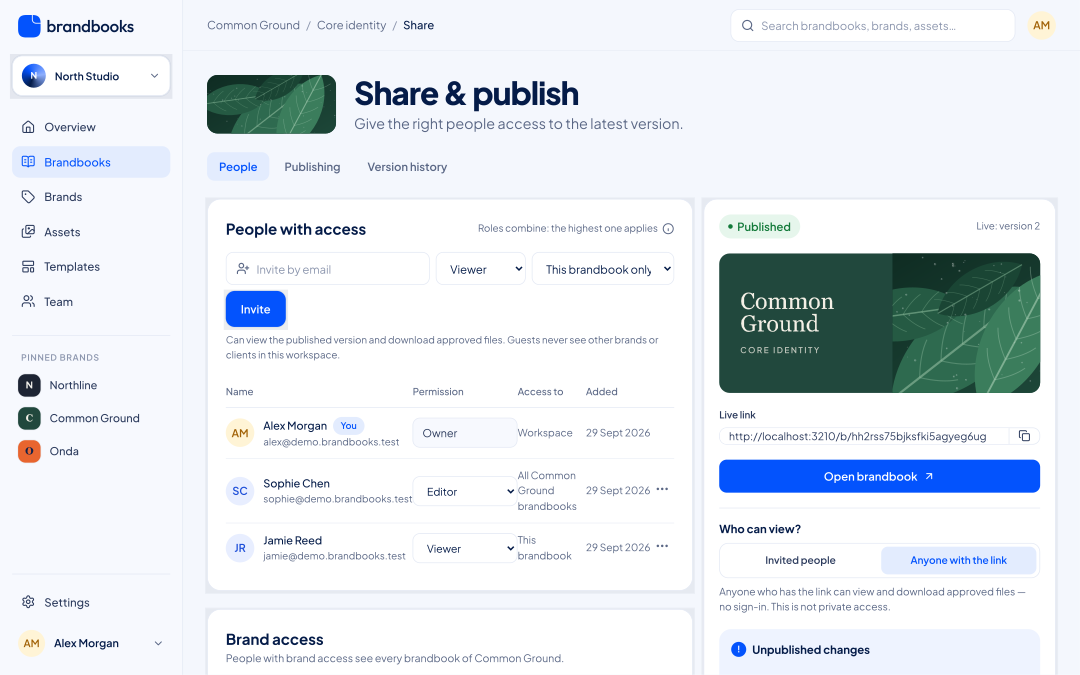
Share & publish, per client
See exactly who has access and how — per brand or per brandbook.
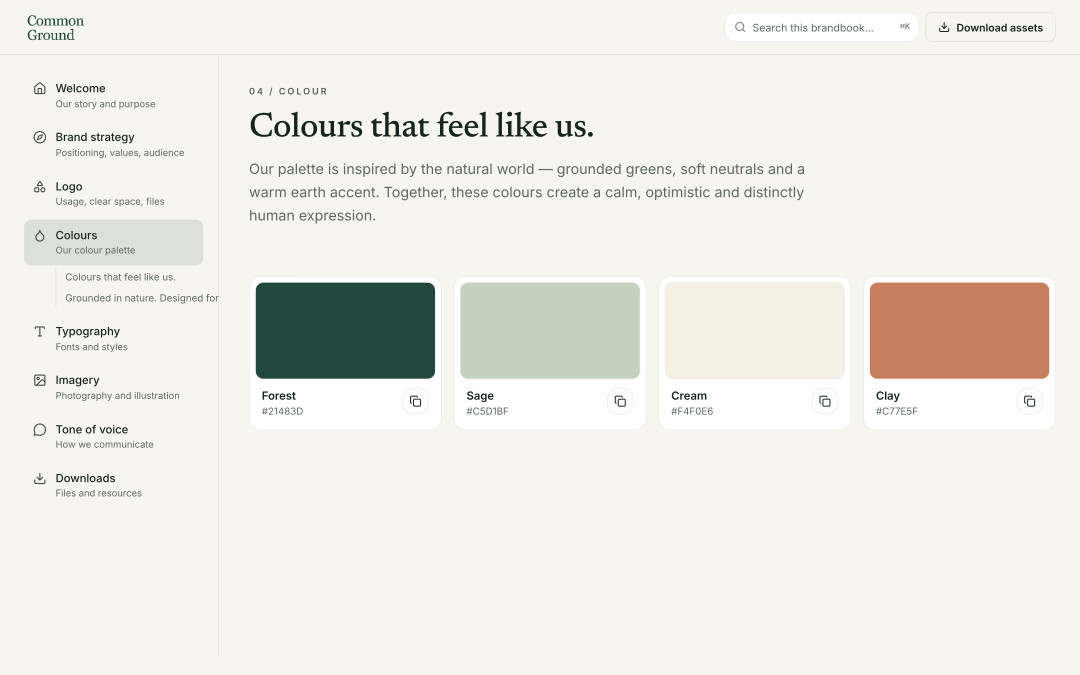
The client’s identity, not ours
Published brandbooks use the client’s colours, fonts and logo throughout.
Questions
Can a client edit their own brandbook?
Yes — give them the editor role on that brandbook or brand. They still won’t see your other clients.
Can we run several workspaces?
Yes. One account can be part of several workspaces, for example per office or large client.
Give your brand a home.
Start with one brand for free. Add people, brands and workspaces when you need them.