Live demo of the Full brandbook blueprint · Onda is a fictional brand.All blueprintsJoin the waitlist

Files & governance

Where everything lives

All files on this page are the master versions — download them here rather than from an old email or a shared drive. They are vector SVGs that scale to any size; please don't edit the logo files. Need PDF, EPS or PNG? Ask the design studio.

Version

3.0 · 24 September 2026 New in 3.0: print logo files (CMYK and Pantone), the image-style moodboard and layout grids.

Owner

Lucía Moreno, brand manager, owns this guide. The design studio maintains the files and templates.

Approval

Anything new that carries the logo — signage, campaigns, partner materials — is checked by the brand manager before it's published or printed.

Which file for what
Website, apps, social media, presentations → SVG (RGB) or PNG at 2×. Office documents and email signatures → PNG with transparency. Four-colour print (brochures, menus, cards) → CMYK file, PDF/X-4 from the studio. Signage, textiles, ceramics, embroidery → Pantone file. Newspapers, stamps, engraving → black file.
Fonts
Outfit and DM Sans are free on Google Fonts (SIL Open Font License). Install them from there; no licence purchase needed. In email and Office, use Arial.
Version history
3.0 · September 2026 — print logo files, layout grids, image style, ordering. 2.1 · March 2025 — Procida added, hotel lockups. 2.0 · January 2023 — new symbol, supporting palette, tone of voice. 1.0 · June 2014 — first guide for Onda Comporta.

01

Logo pack

Wordmark — Night
SVG · 361 B
Default version for light backgrounds
Wordmark — Shell
SVG · 339 B
Reversed, for dark backgrounds and photos
Wordmark — black
SVG · 339 B
Single-colour print only
Symbol
SVG · 885 B
App icons, avatars and small spaces
Lockup
SVG · 1 KB
Symbol and wordmark side by side
Hotel lockups
SVG · 2 KB
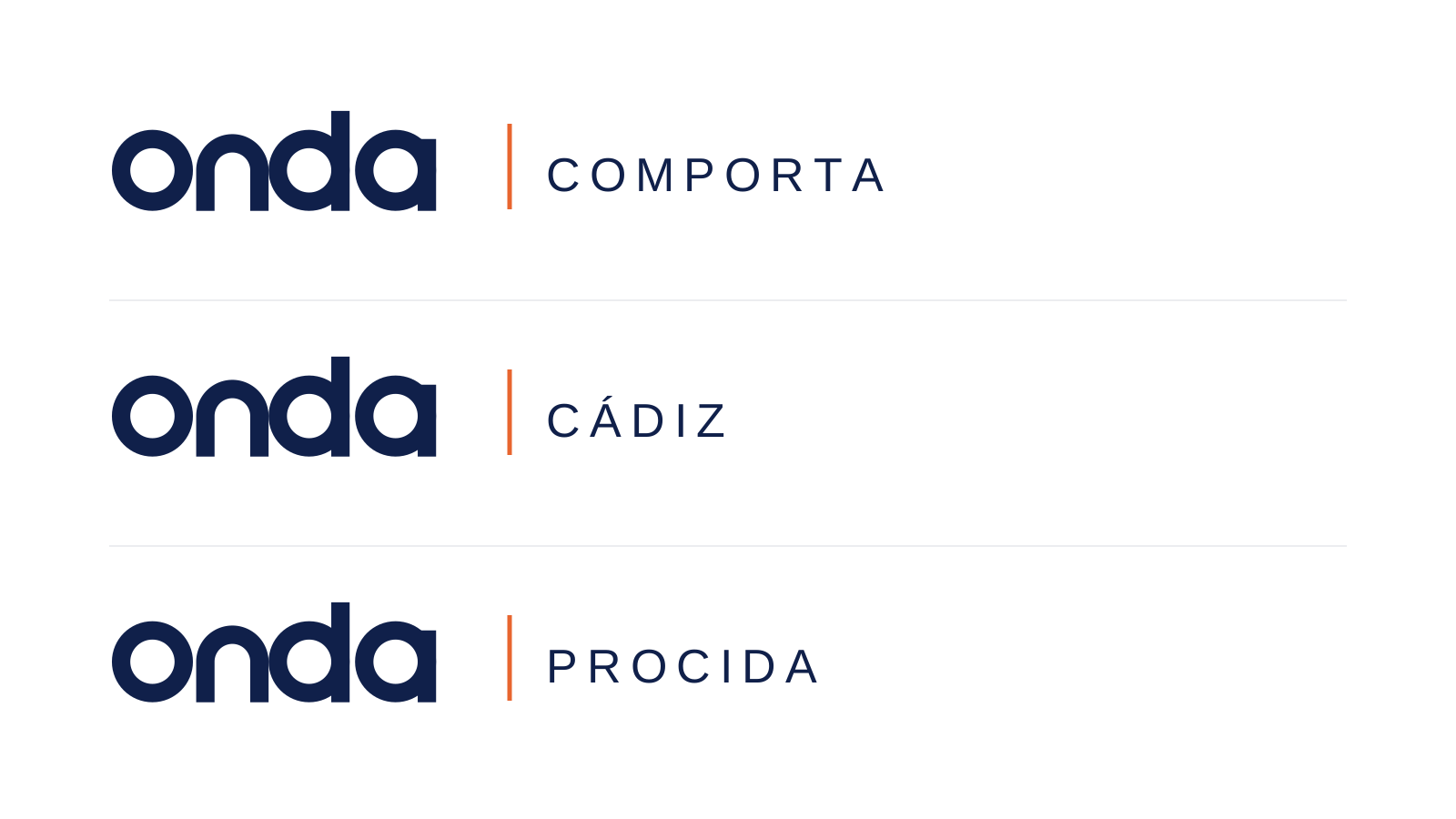
Comporta, Cádiz and Procida

02

Colour

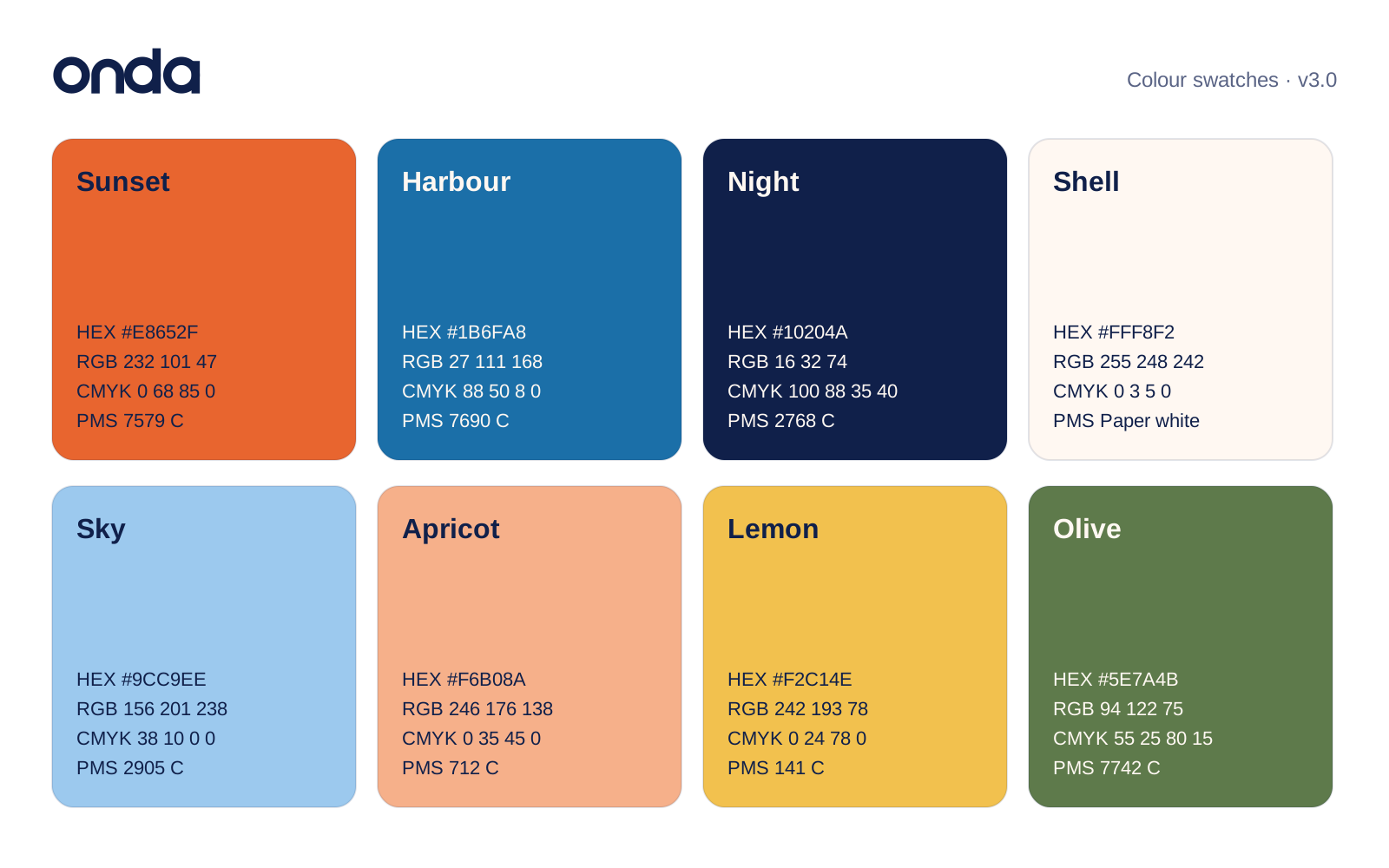
Colour swatch sheet
SVG · 6 KB
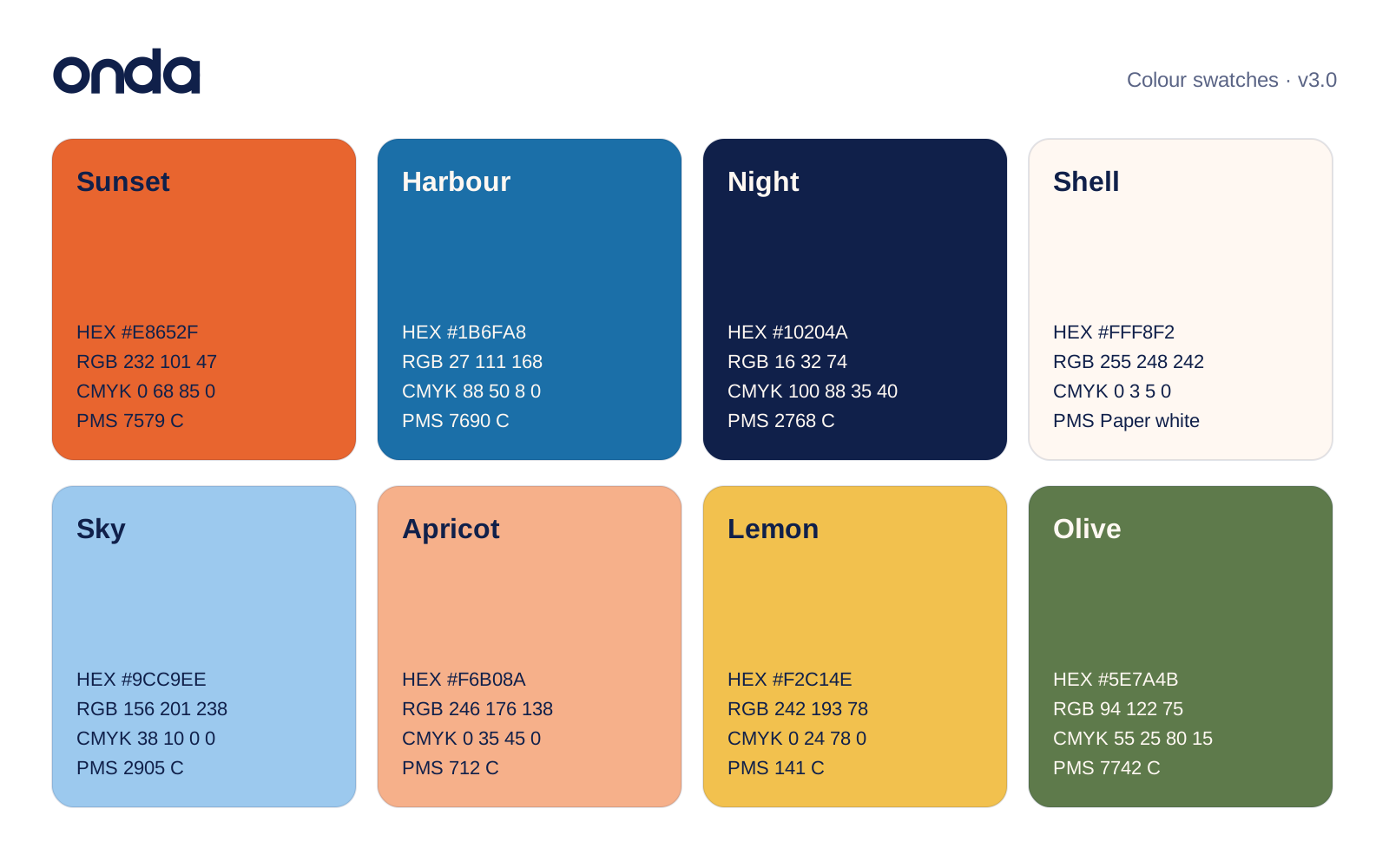
HEX, RGB, CMYK and Pantone for all eight colours
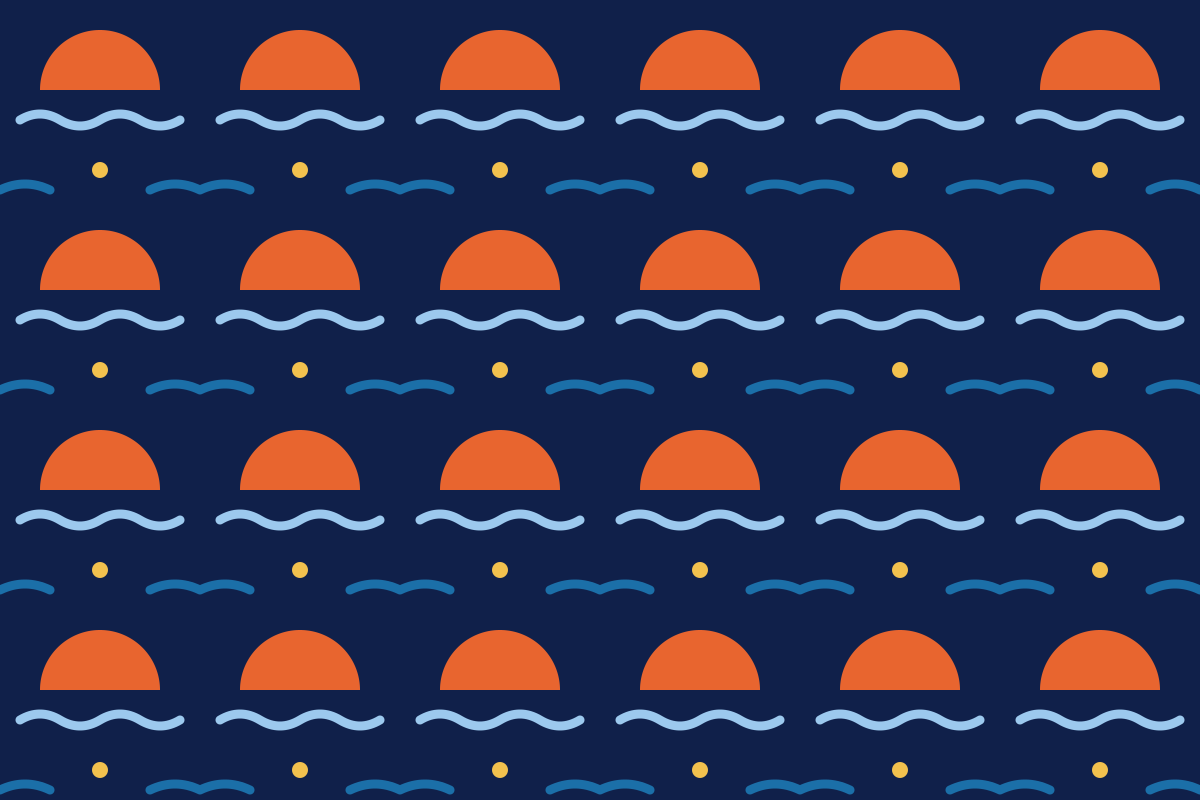
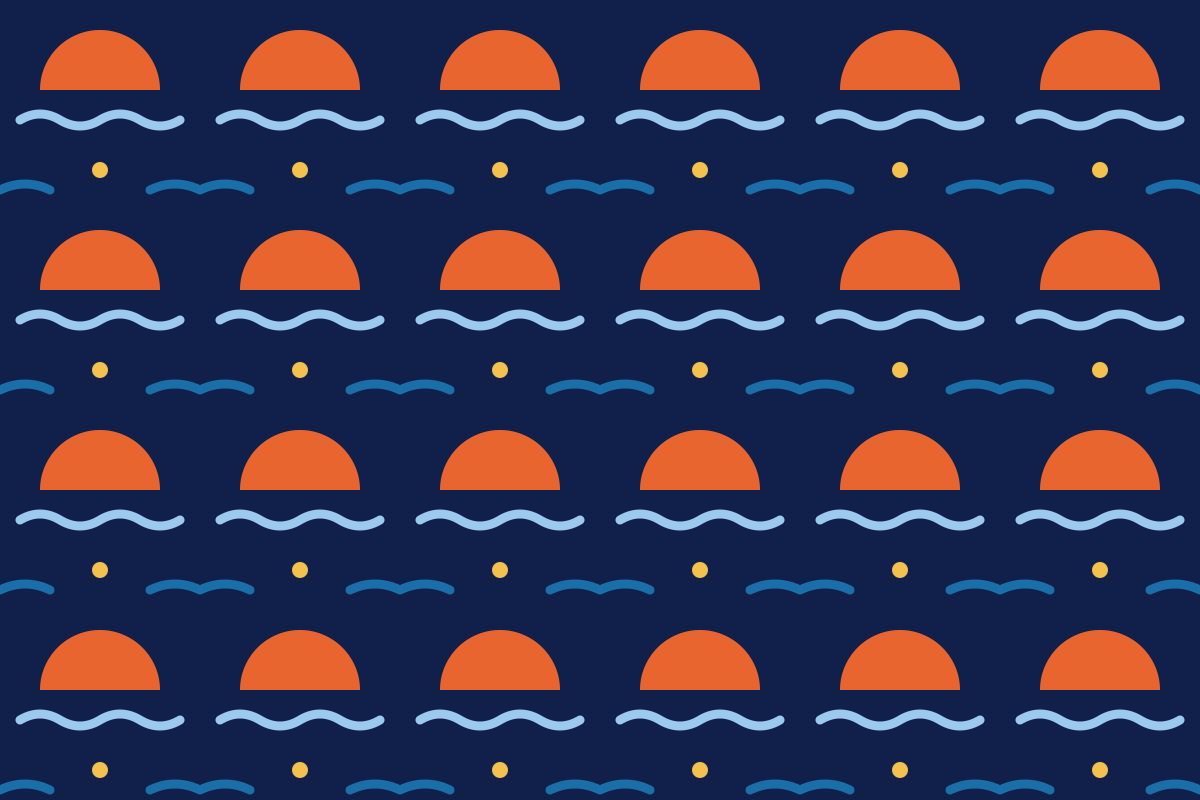
Sun-and-wave pattern
SVG · 701 B
Repeating tile for packaging and paper

03

Templates

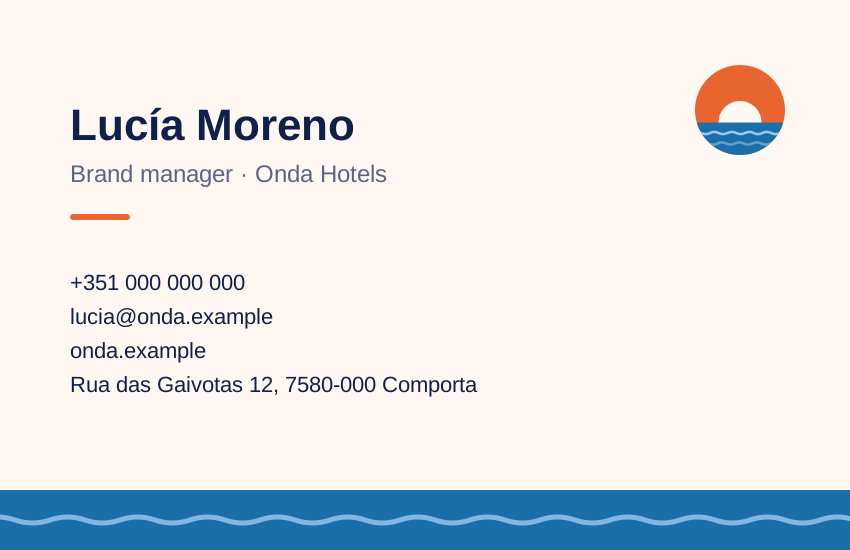
Business card — front
SVG · 499 B
85 × 55 mm, Sunset
Business card — back
SVG · 2 KB
85 × 55 mm, contact details
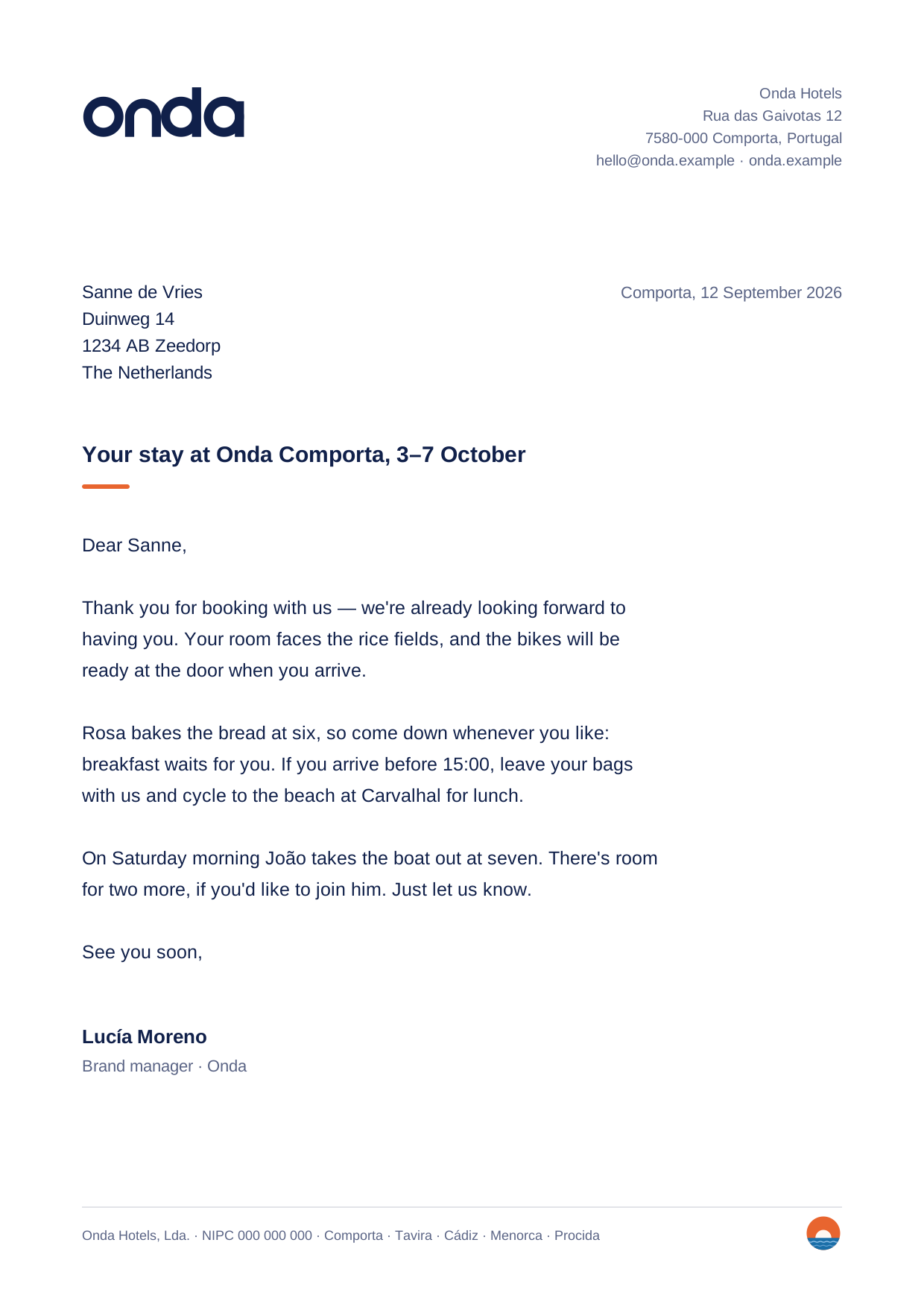
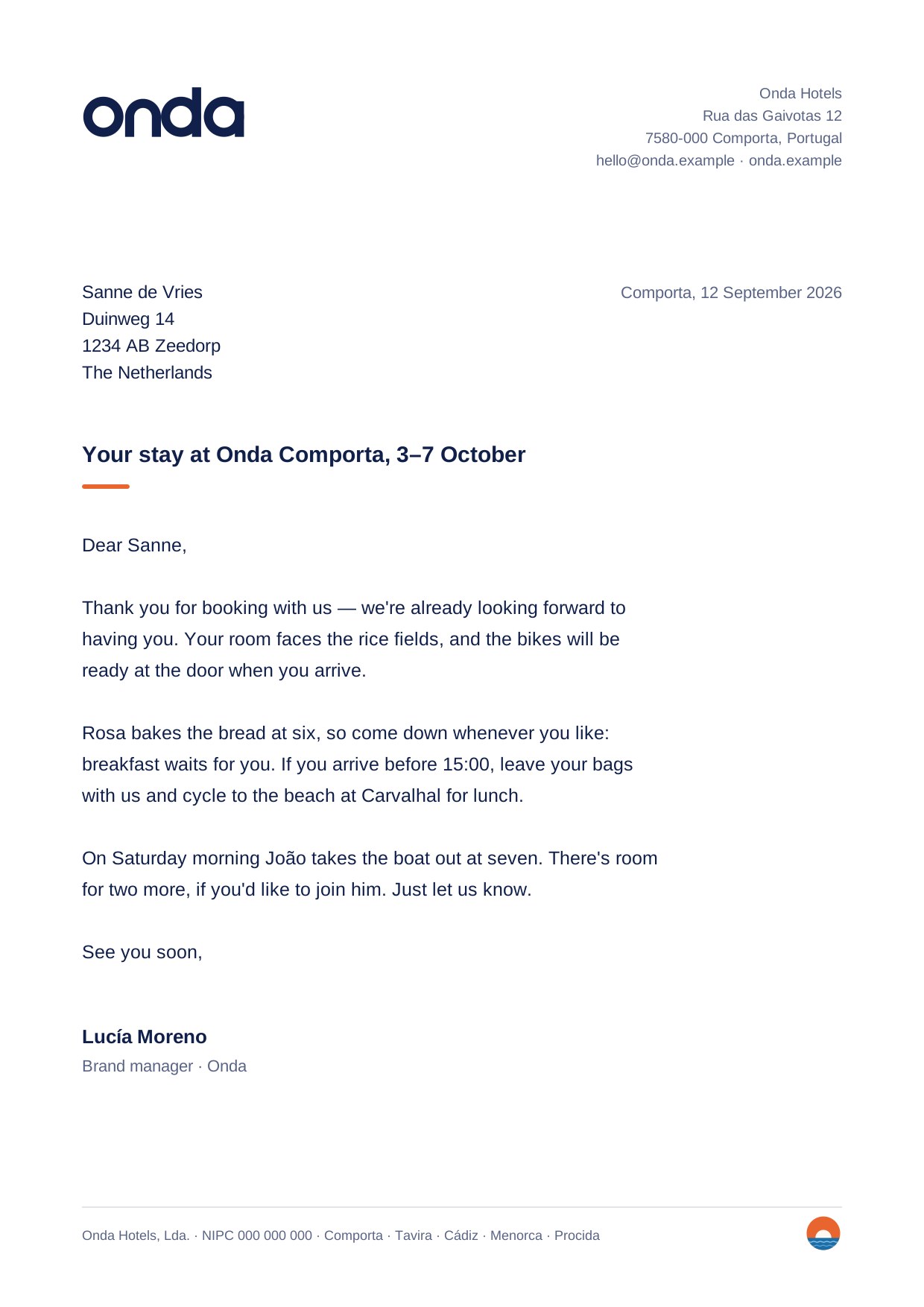
Letterhead
SVG · 5 KB
A4, with an example letter
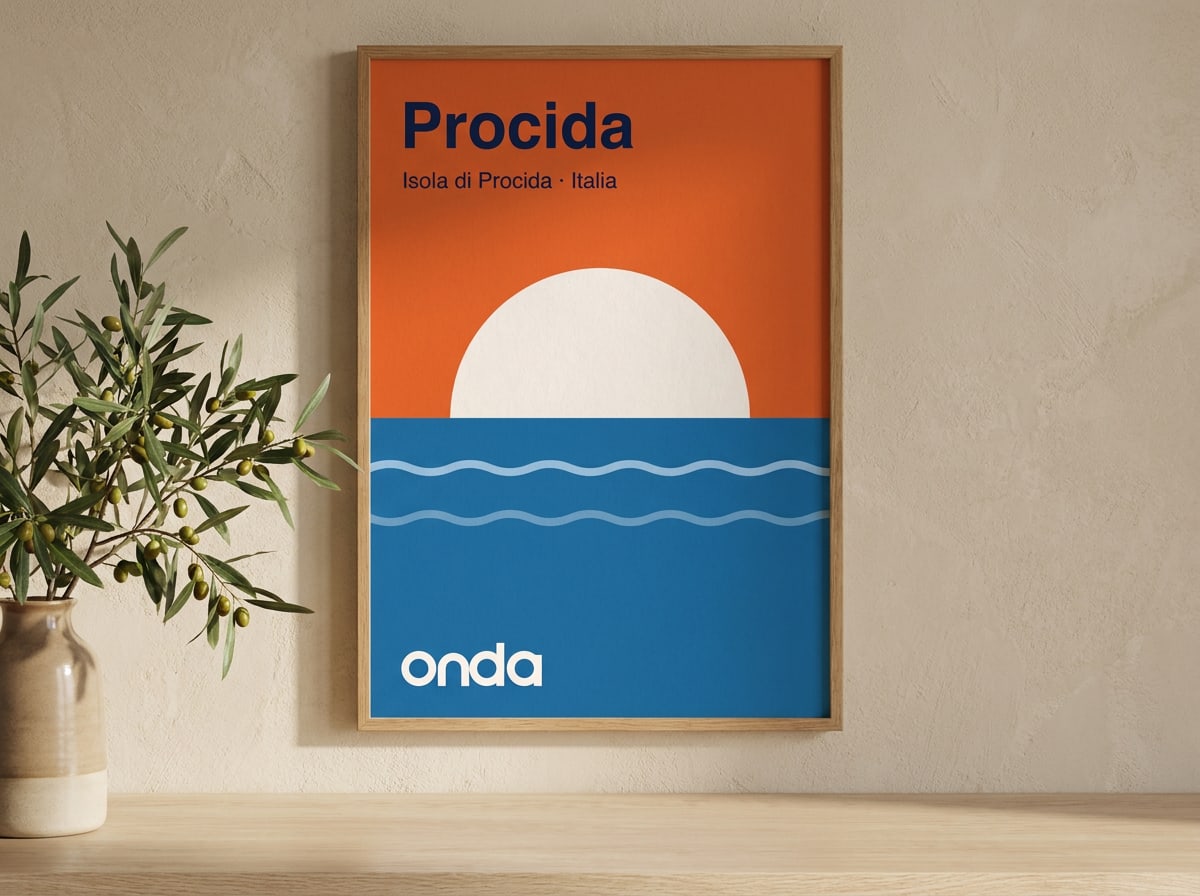
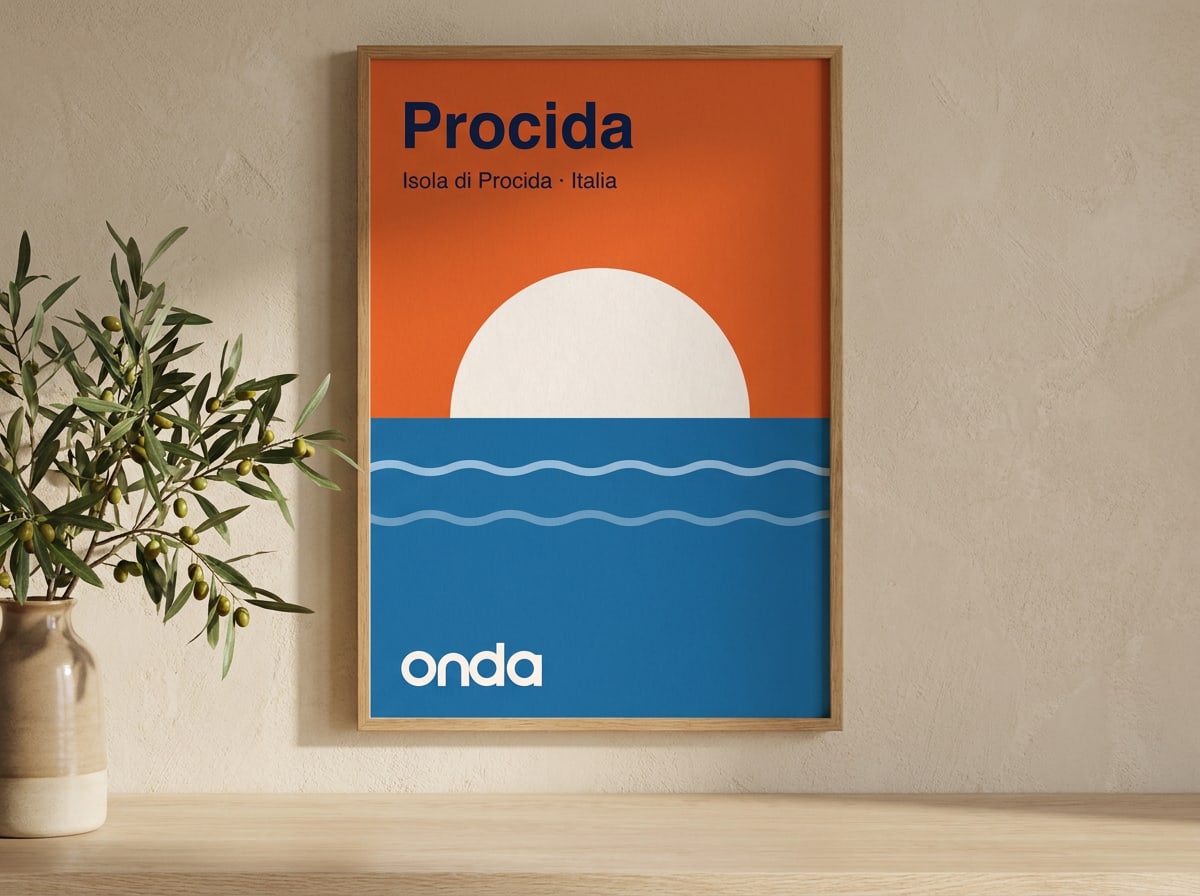
Destination poster
JPG · 118 KB
A2 portrait, one per house
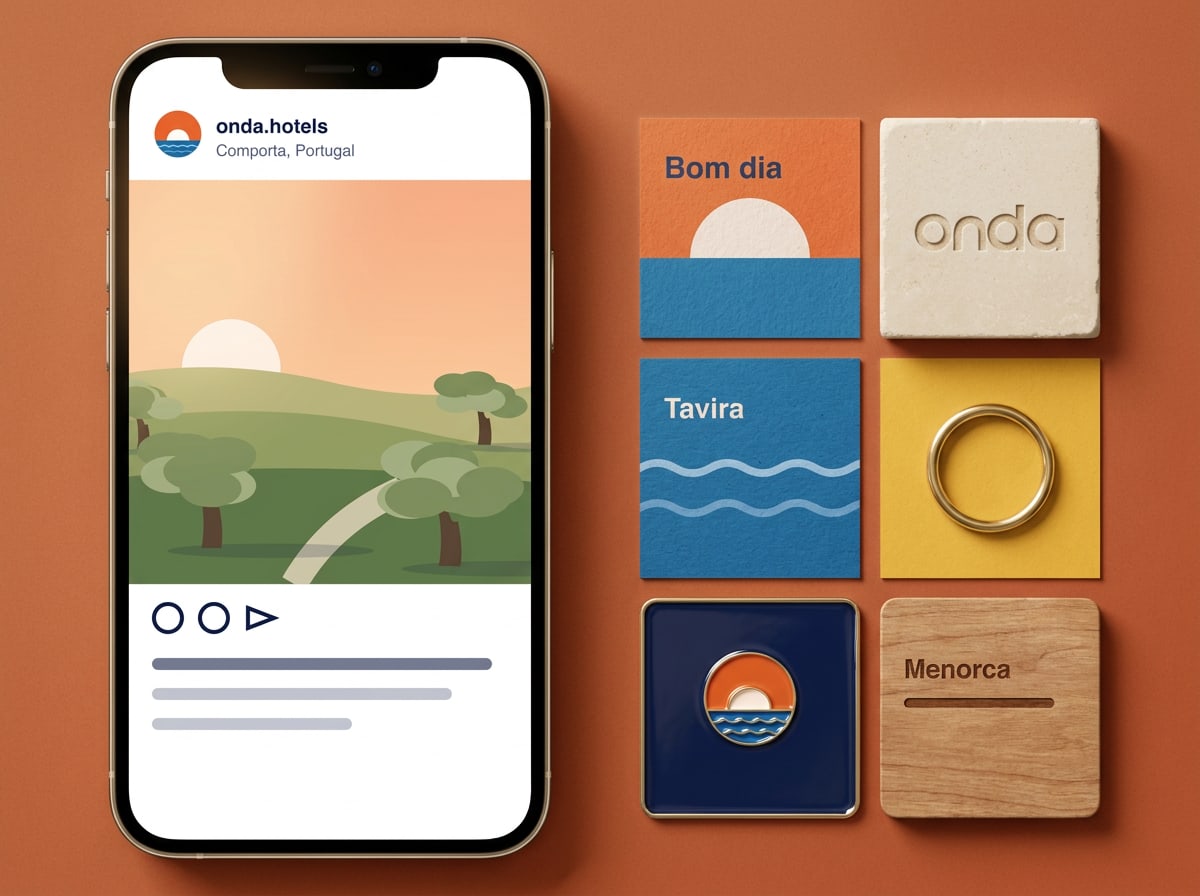
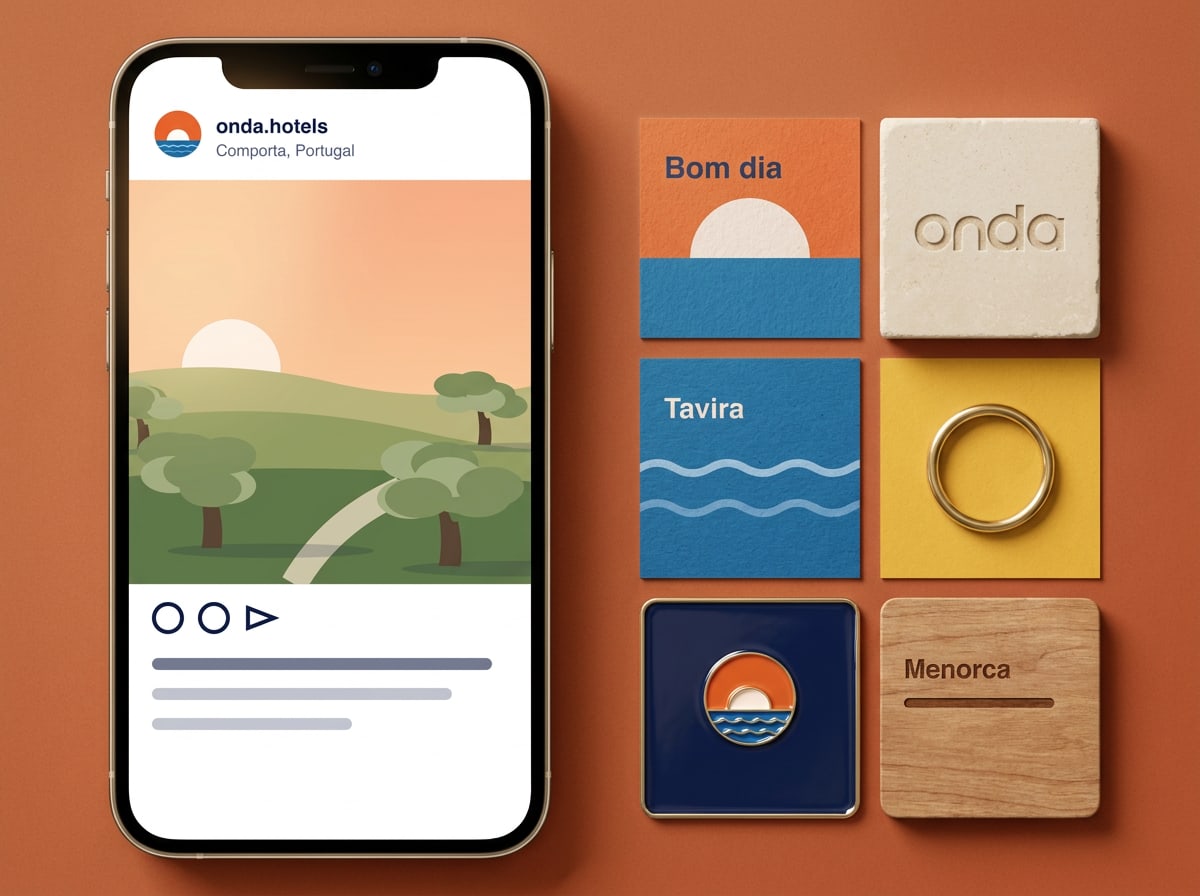
Social media set
JPG · 98 KB
Feed post 1080 × 1350, tiles 1080 × 1080
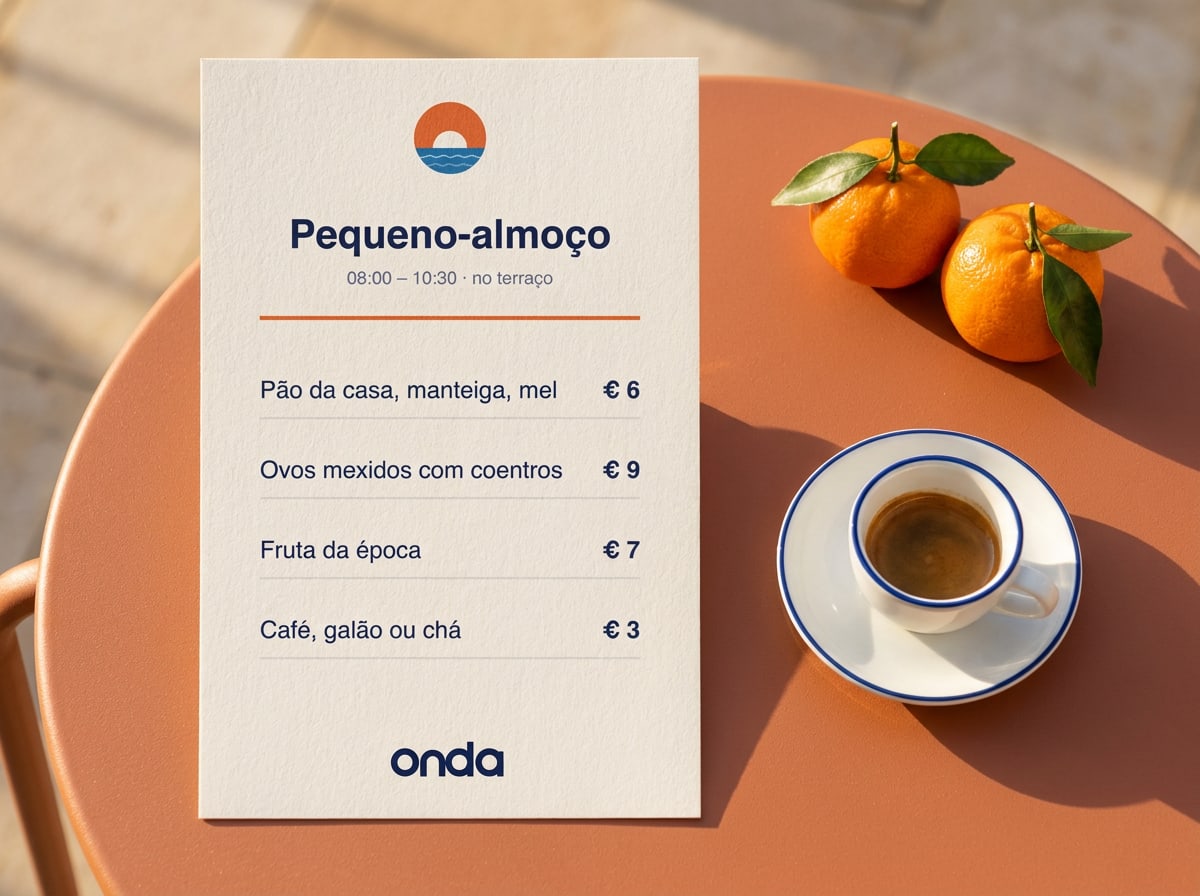
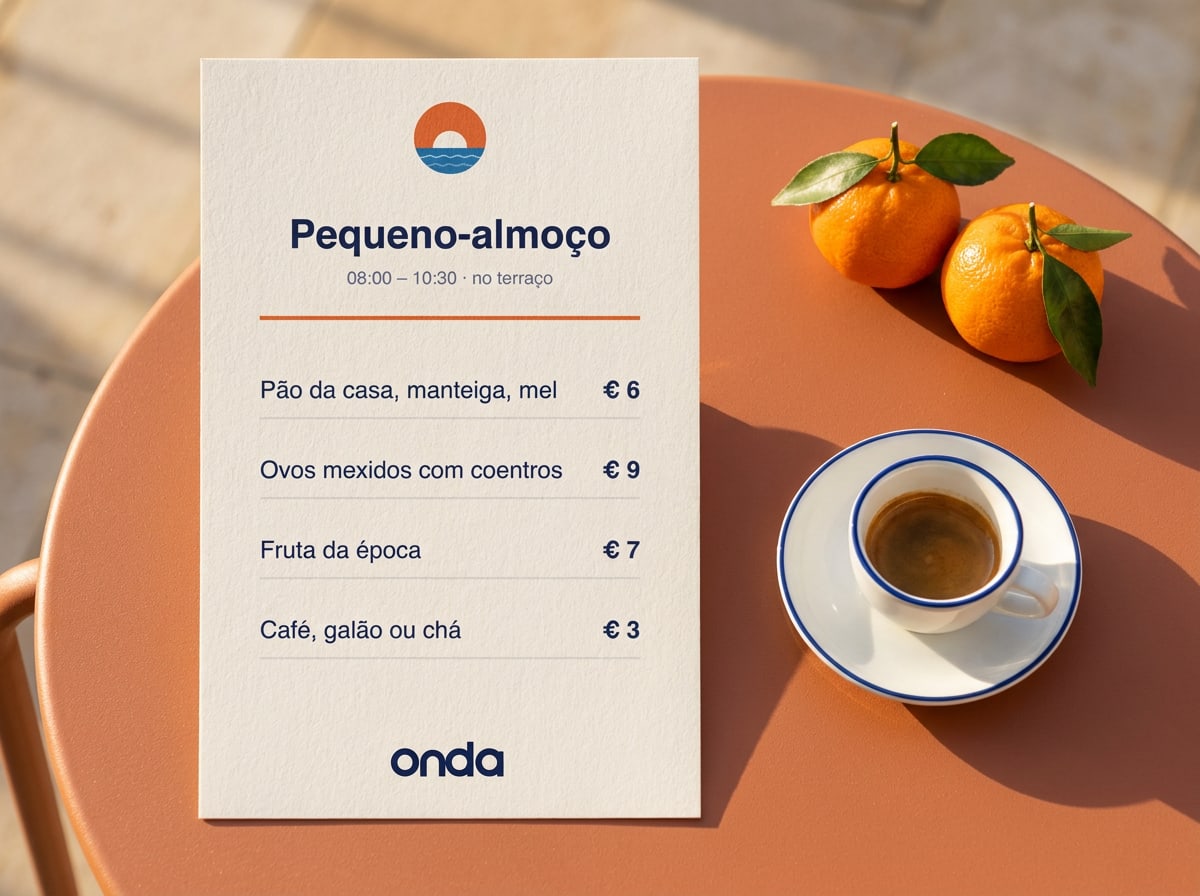
Breakfast menu
JPG · 118 KB
A5 portrait, local language first
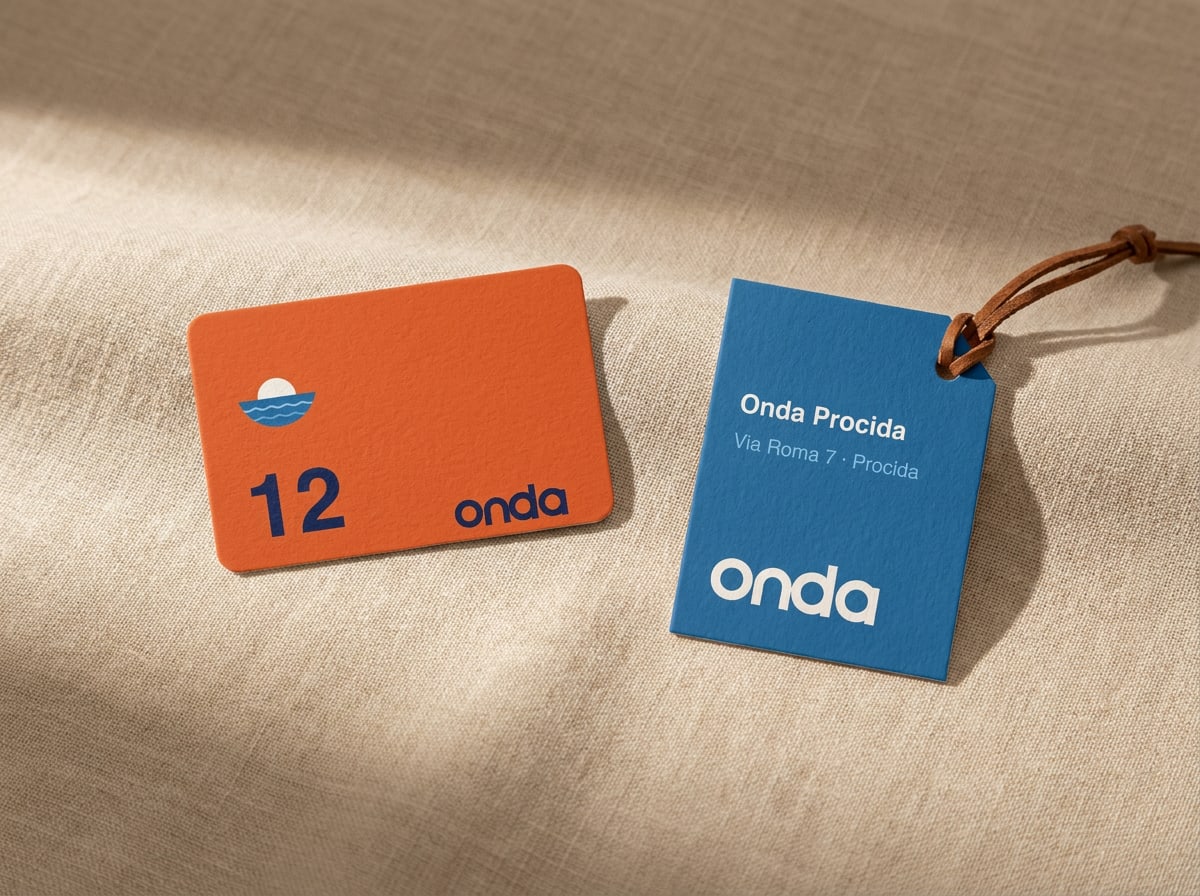
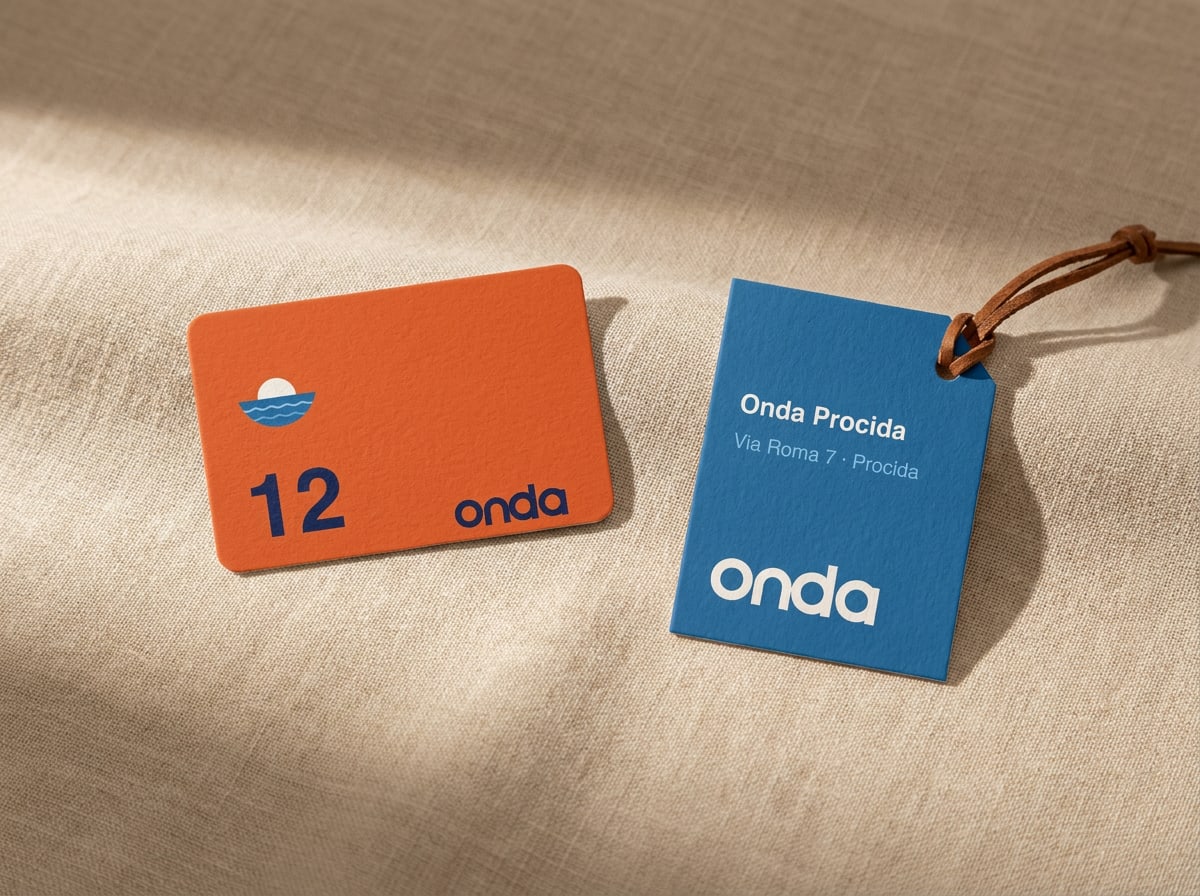
Key card and luggage tag
JPG · 199 KB
Credit-card size, room number in Display
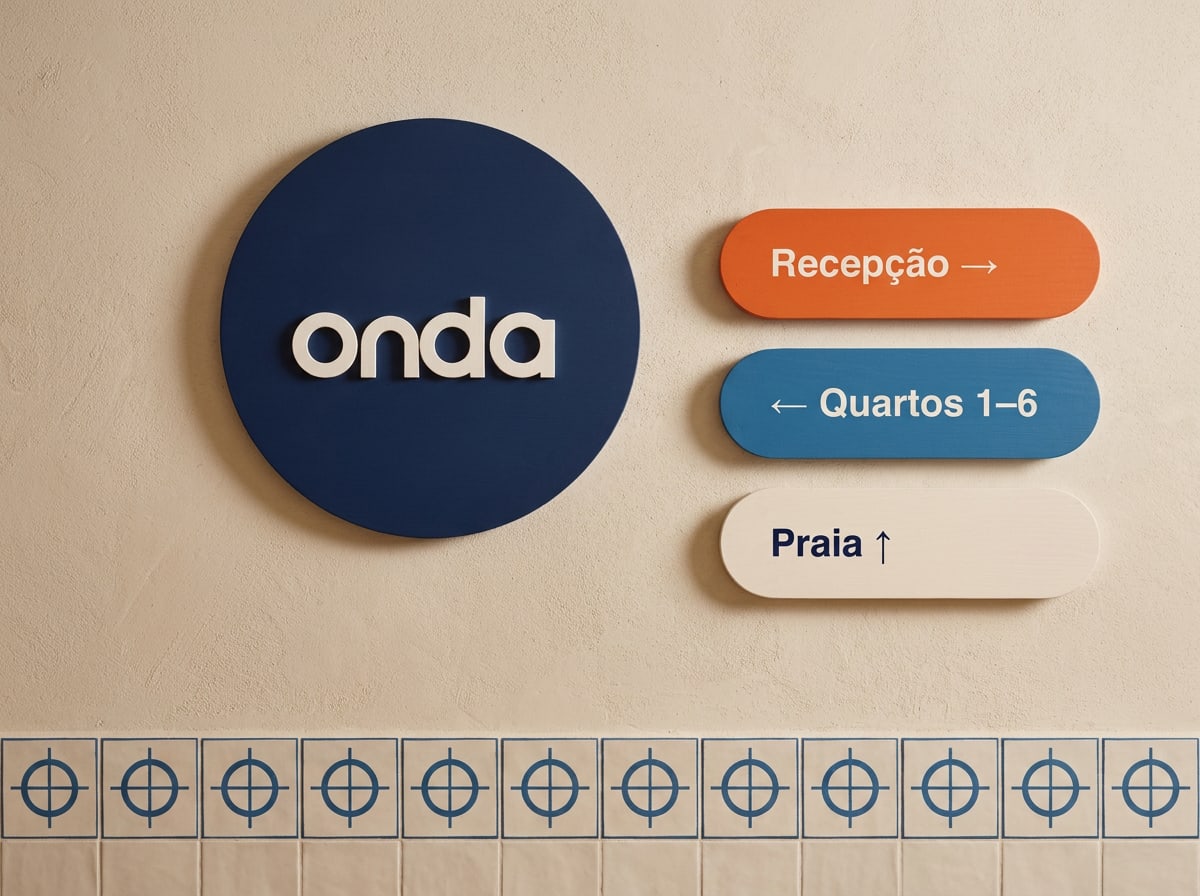
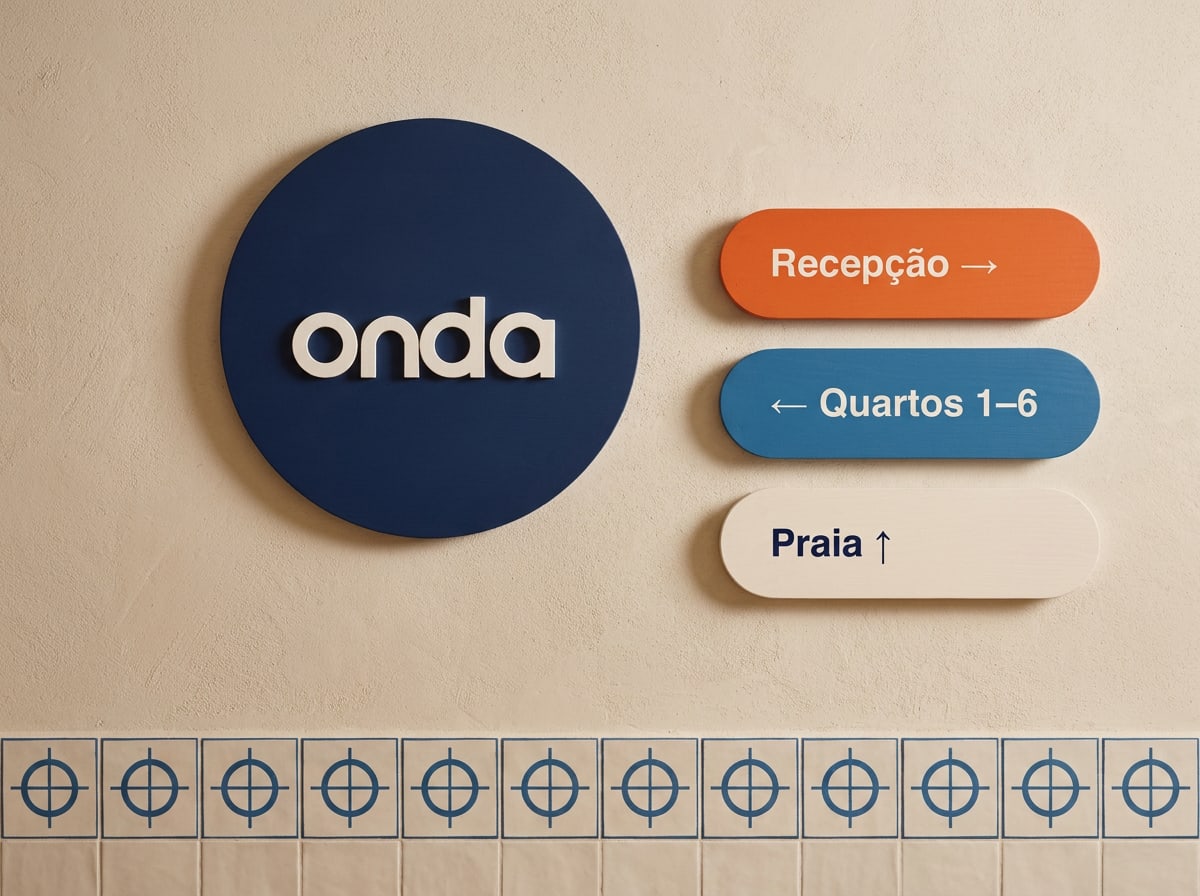
Signage and wayfinding
JPG · 131 KB
Door plaque Ø 400 mm, signs 380 × 110 mm
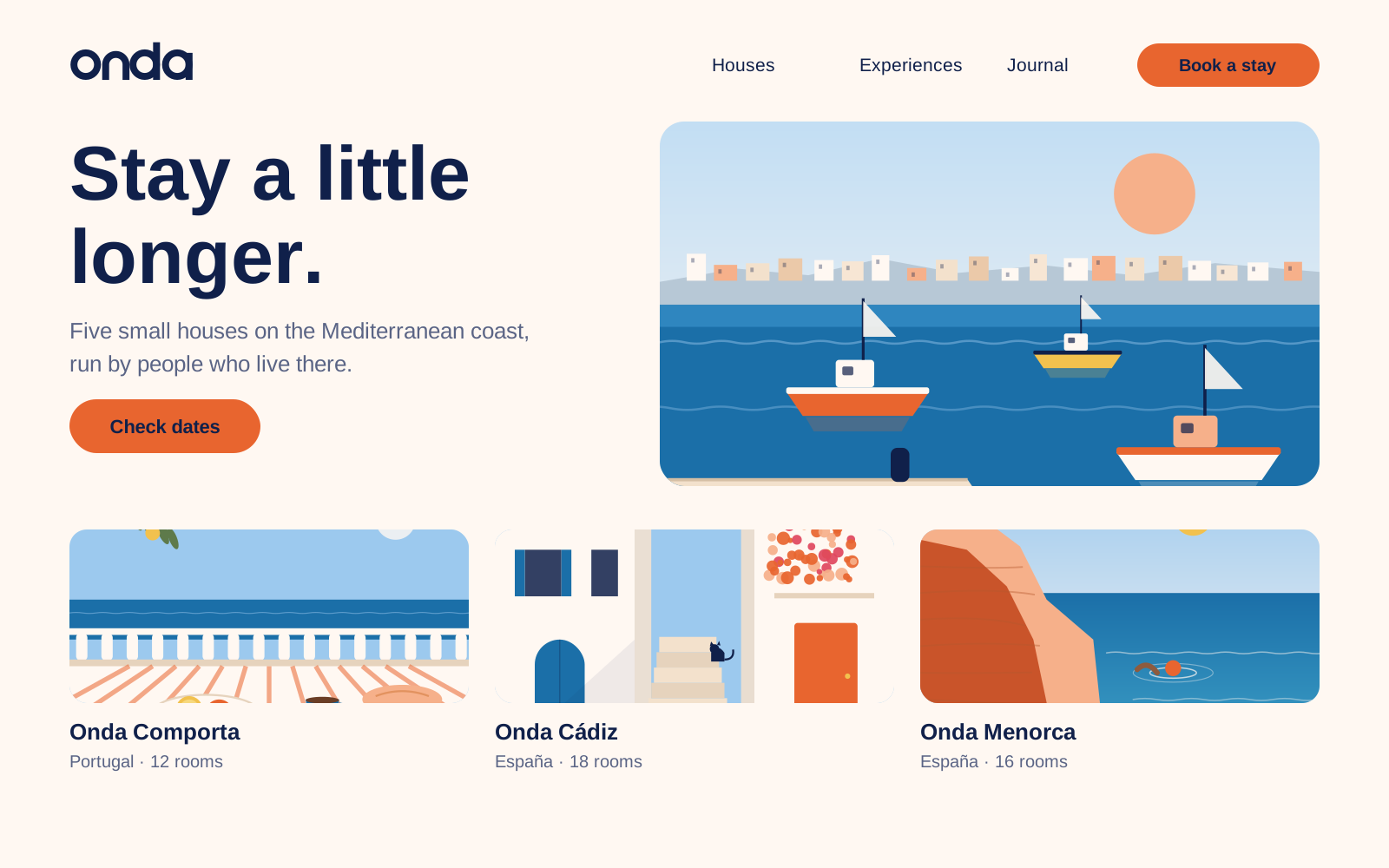
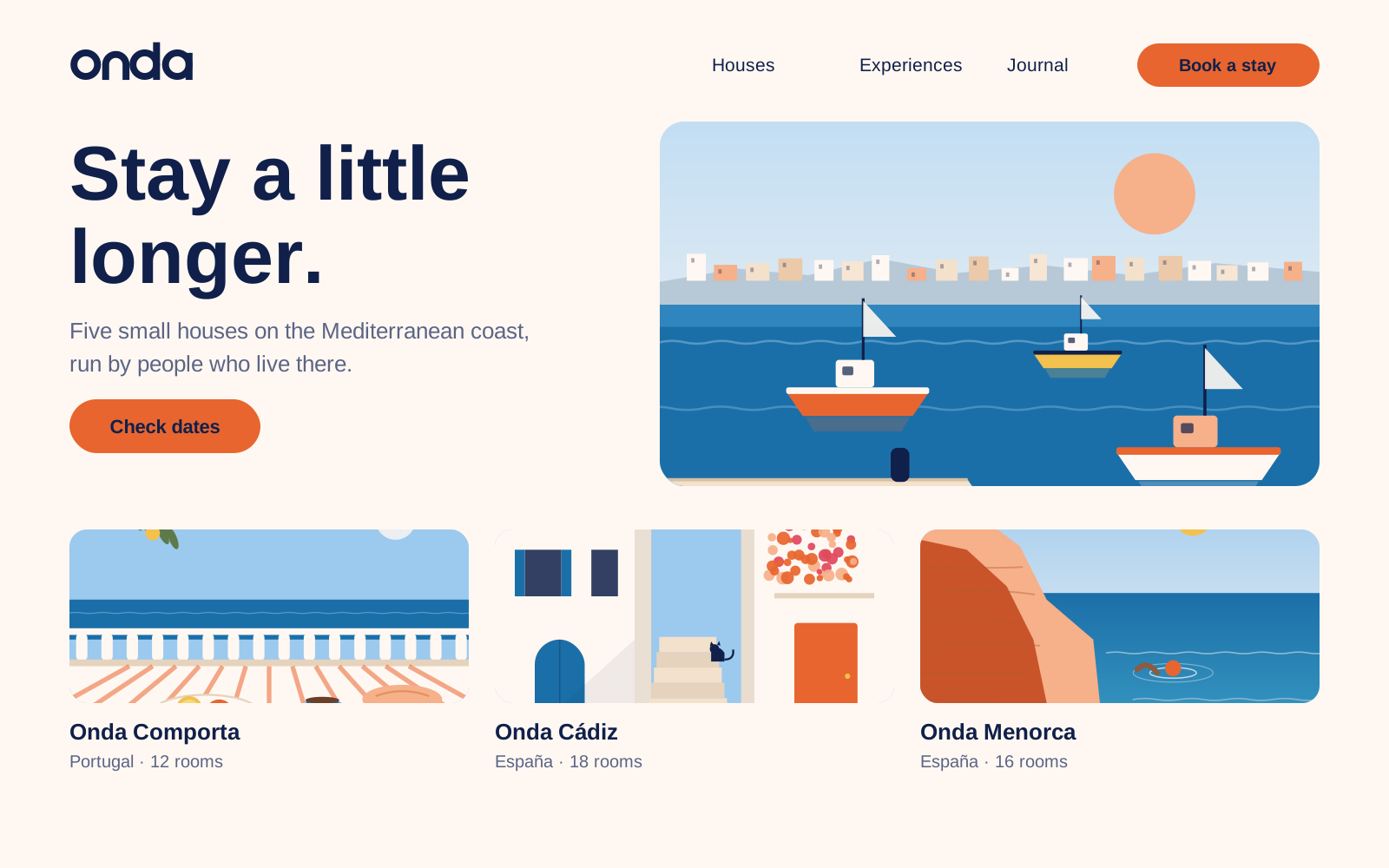
Website home page
SVG · 24 KB
1600 × 1000, structure and spacing
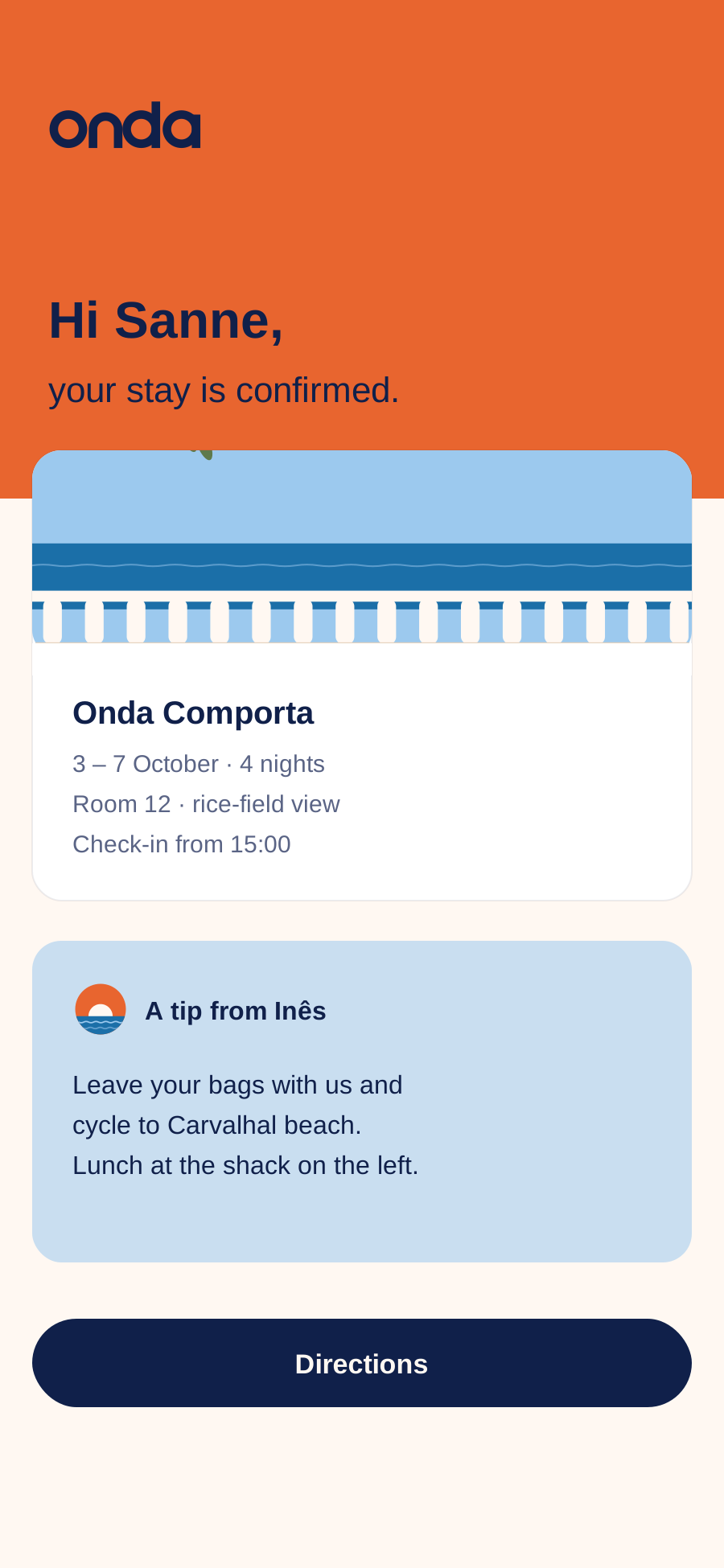
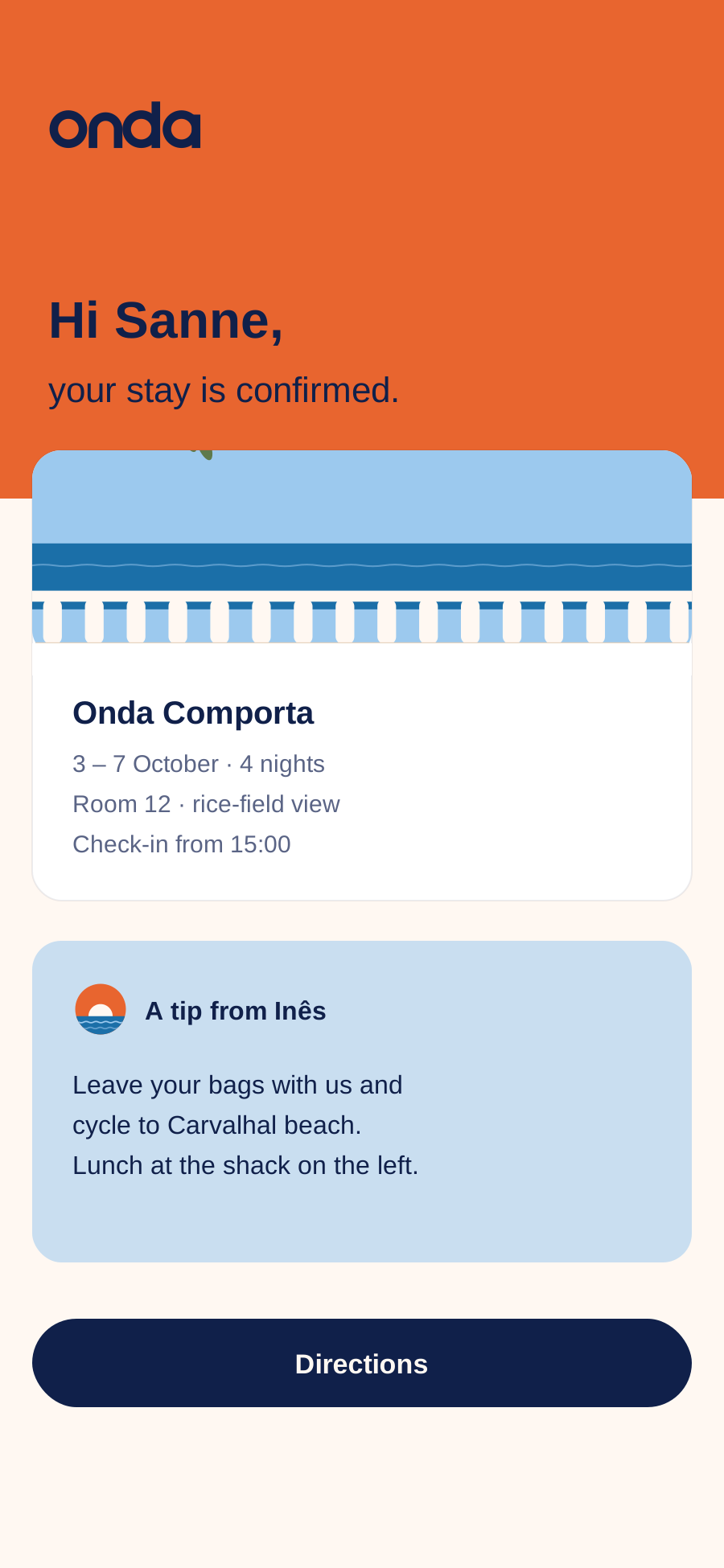
Booking confirmation screen
SVG · 8 KB
App and email, 9:19.5
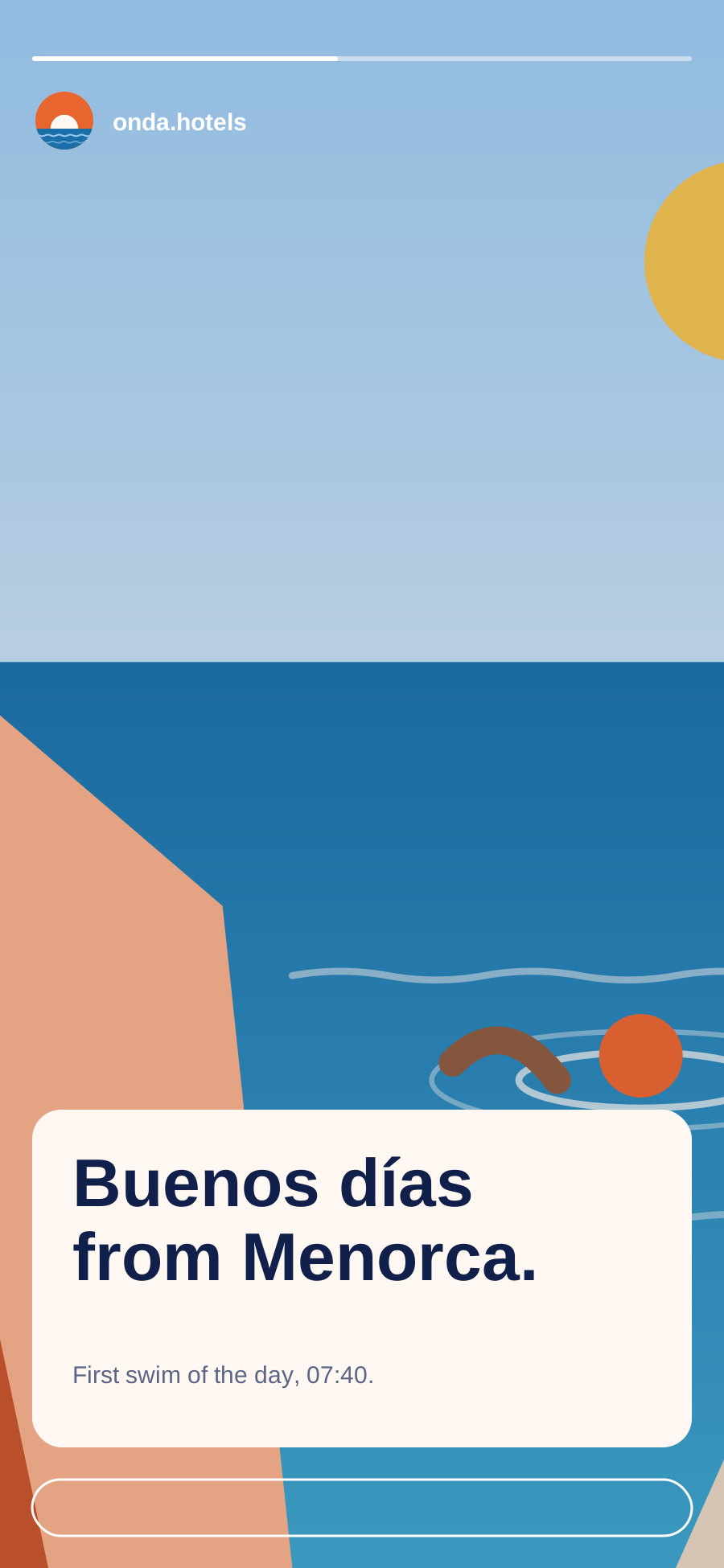
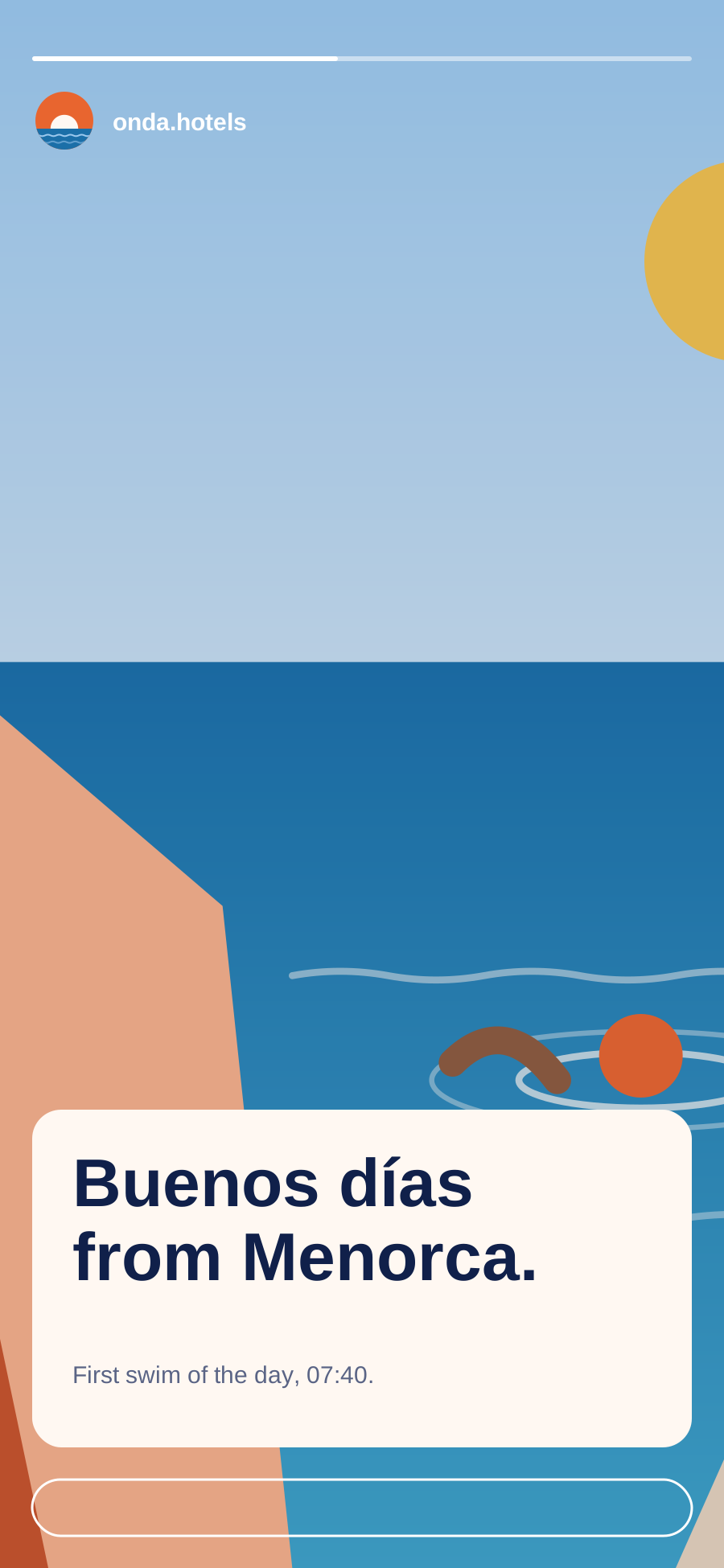
Instagram story
SVG · 5 KB
1080 × 1920 safe zones
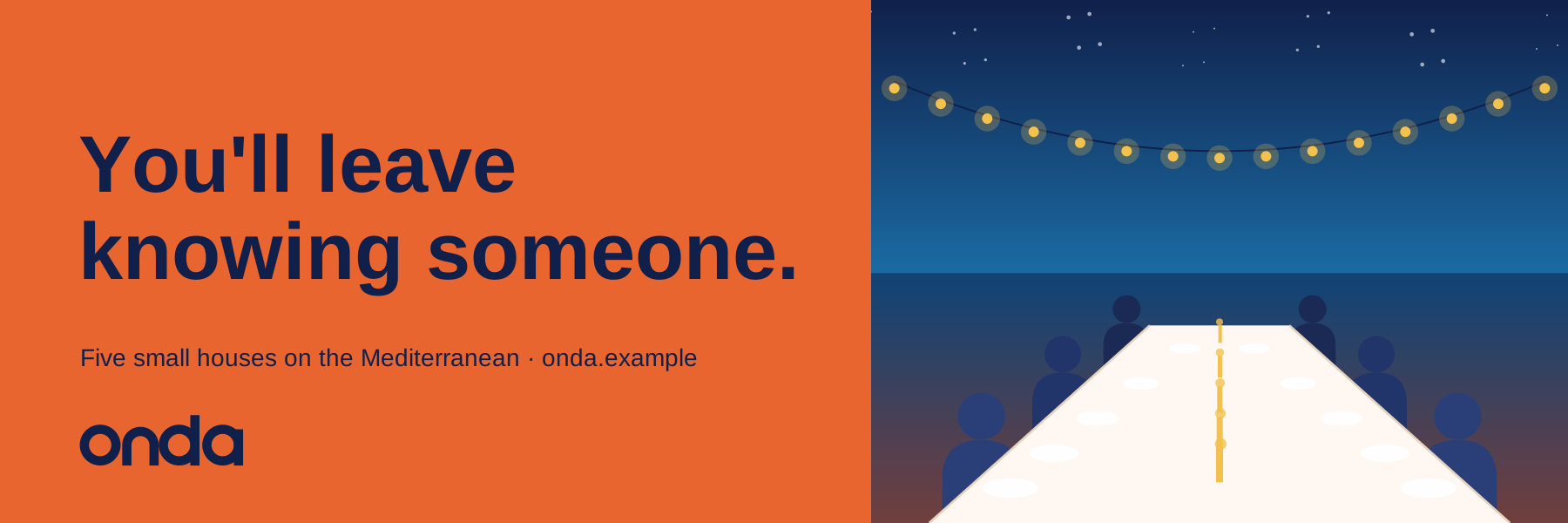
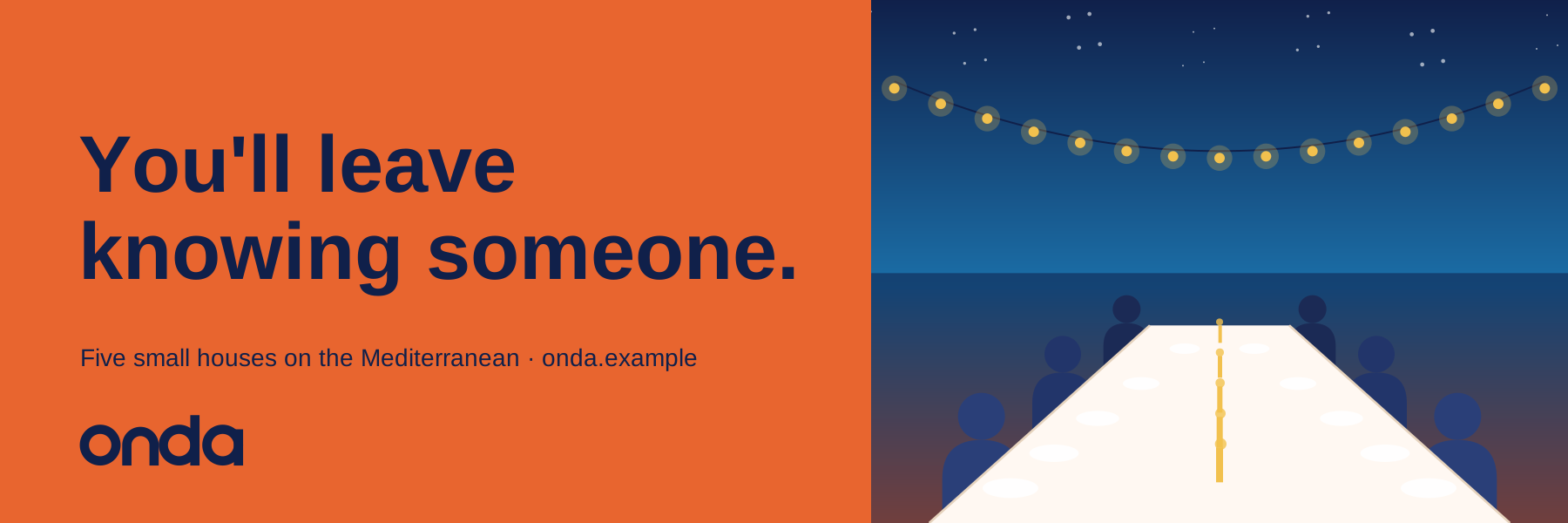
Billboard
SVG · 7 KB
3:1, e.g. 12 × 4 m

Email

Email signature

Bonus
Your own email signature

Everyone at Onda uses the same signature. Fill in your details, check the preview and copy it into Gmail, Outlook or Apple Mail. Your first name is enough in the greeting — the signature does the rest.

Your email signature

Your details

Your details are only saved in this browser.
Onda Hotels
Alex Morgan
Senior designer · Marketing
T +31 20 123 45 67
E alex.morgan@example.com
Onda Hotels
Rua das Gaivotas 12, 7580-000 Comporta, Portugal
+351 000 000 000  ·  onda.example
Instagram  ·  Journal  ·  Book a stay
Onda Hotels, Lda. · Comporta · Tavira · Cádiz · Menorca · Procida. This email may contain confidential information. If it reached you by mistake, please let us know and delete it.
Fill in your name first.

How to add it to your mail program

Outlook for Windows

  1. New Outlook: go to Settings › Account › Signatures. Classic Outlook: File › Options › Mail › Signatures.
  2. Create a new signature and give it a name.
  3. Paste your signature (Ctrl+V) into the editing box.
  4. Choose it as the default for new messages and replies, then save.

Outlook for Mac

  1. Go to Outlook › Settings › Signatures.
  2. Click + to add a signature and give it a name.
  3. Paste your signature (⌘V) and close the editing window to save it.
  4. Under “Choose default signature”, select it for your account.

Outlook on the web (Outlook.com, Microsoft 365)

  1. Click the gear icon › Account › Signatures.
  2. Add a new signature and give it a name.
  3. Paste your signature (Ctrl+V or ⌘V) and click Save.
  4. Select it as the default for new messages and replies.

Gmail

  1. Click the gear icon › See all settings, and stay on the General tab.
  2. Scroll to Signature and click Create new.
  3. Paste your signature into the box.
  4. Choose it under Signature defaults, then click Save Changes at the bottom of the page.

Apple Mail

  1. Go to Mail › Settings › Signatures and select your account.
  2. Click + to add a signature.
  3. Untick “Always match my default message font”, otherwise your fonts and colours are replaced.
  4. Paste your signature (⌘V) over the sample text and close the window.

iPhone and Android

  1. Mail apps on phones often lose the layout and logo when you paste a signature. Set it up on your computer if you can.
  2. iPhone Mail: Settings › Apps › Mail › Signature. Gmail and Outlook apps: look for Signature in the app’s settings.
  3. These apps often only accept plain text; the text version of your signature is pasted automatically.

04

Imagery

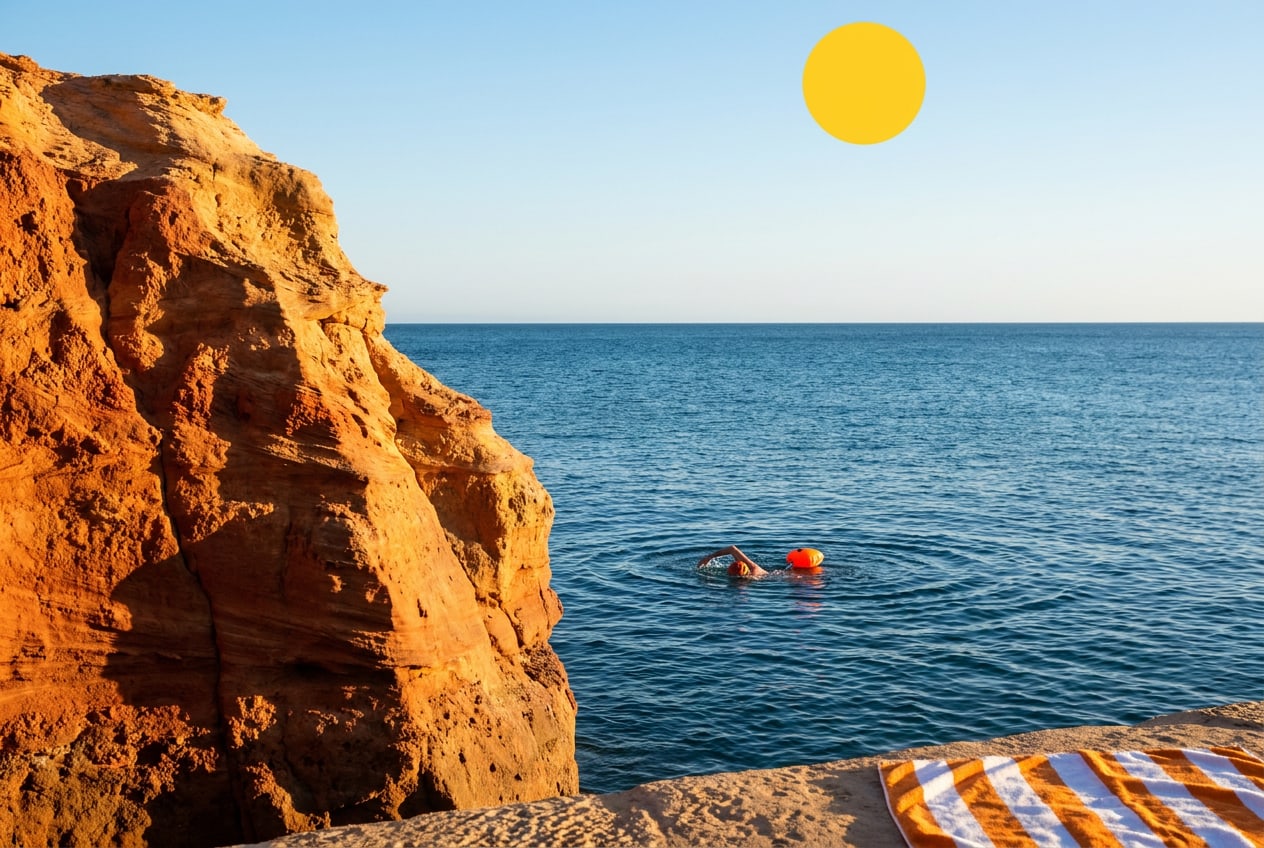
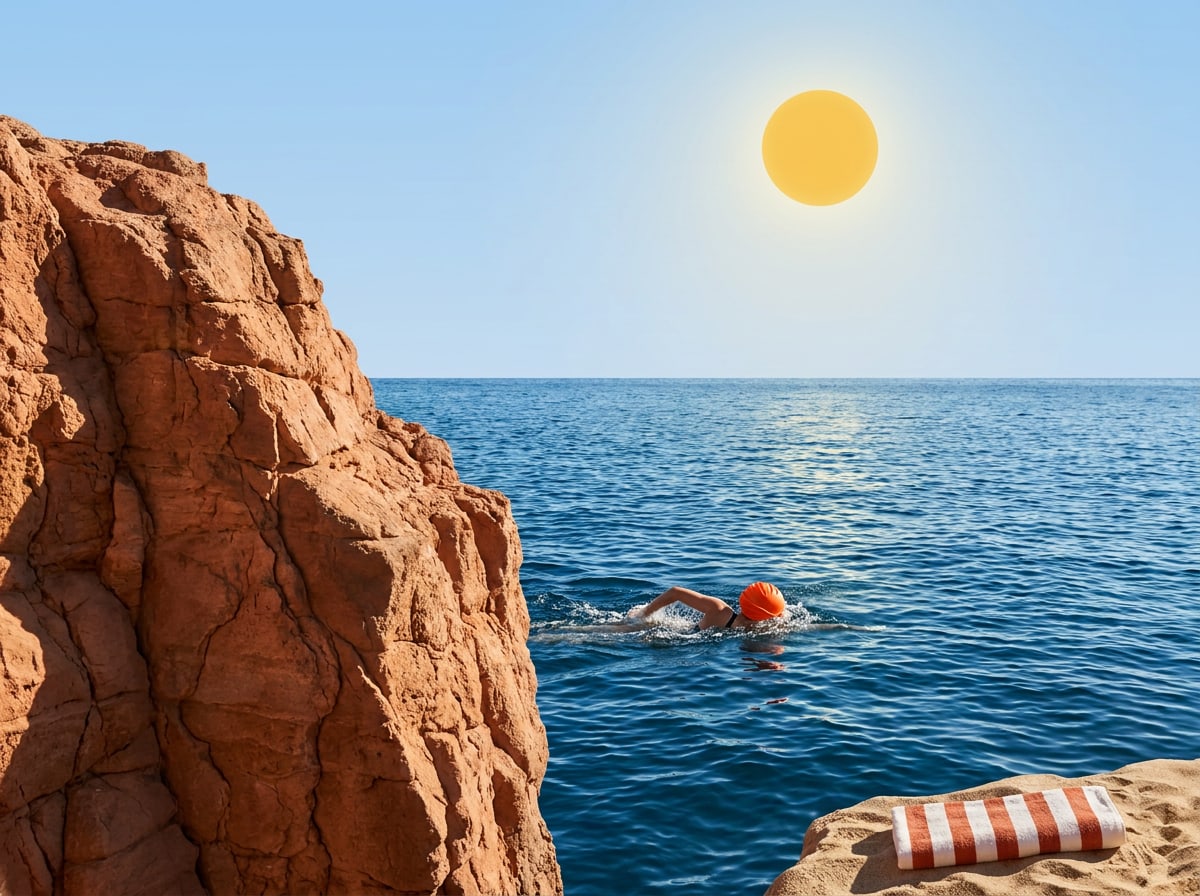
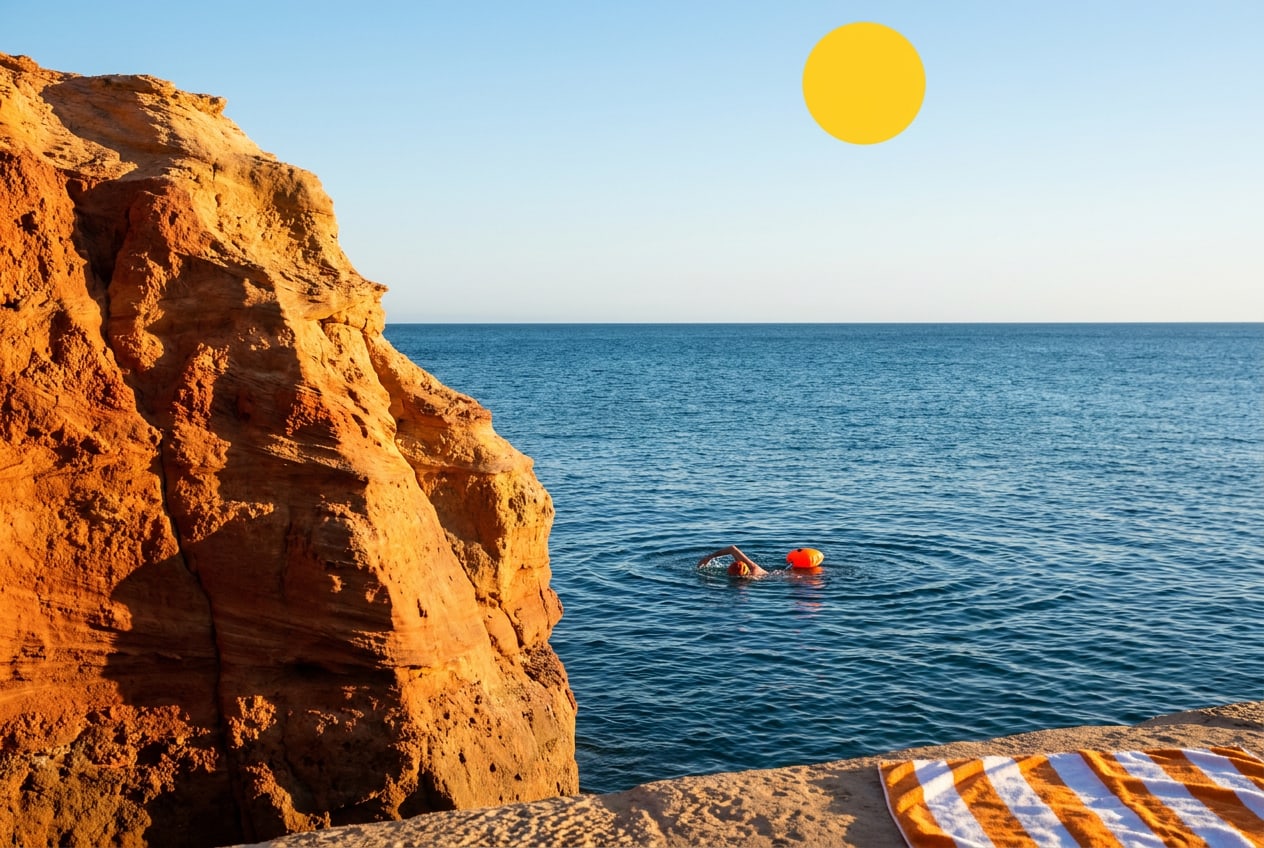
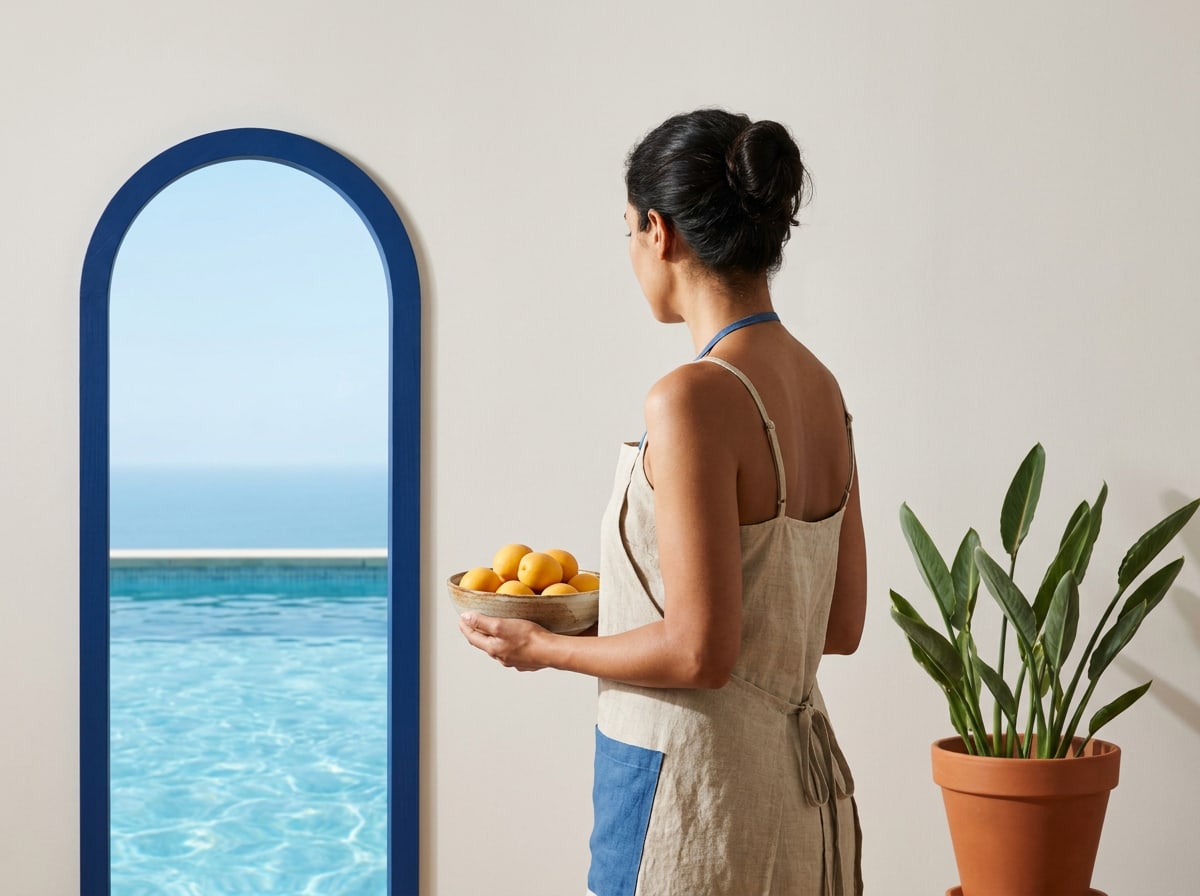
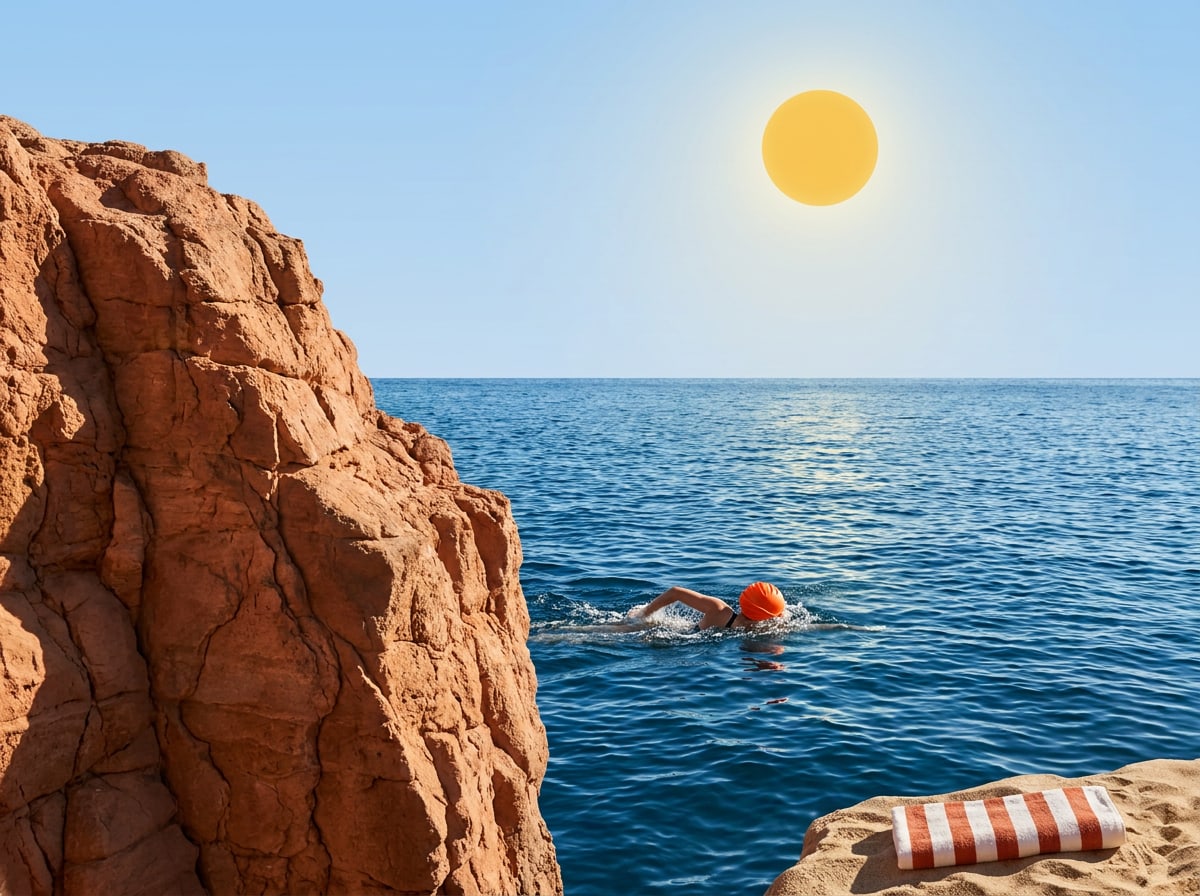
Key visual — morning swim
JPG · 229 KB
Hero image for web and campaigns
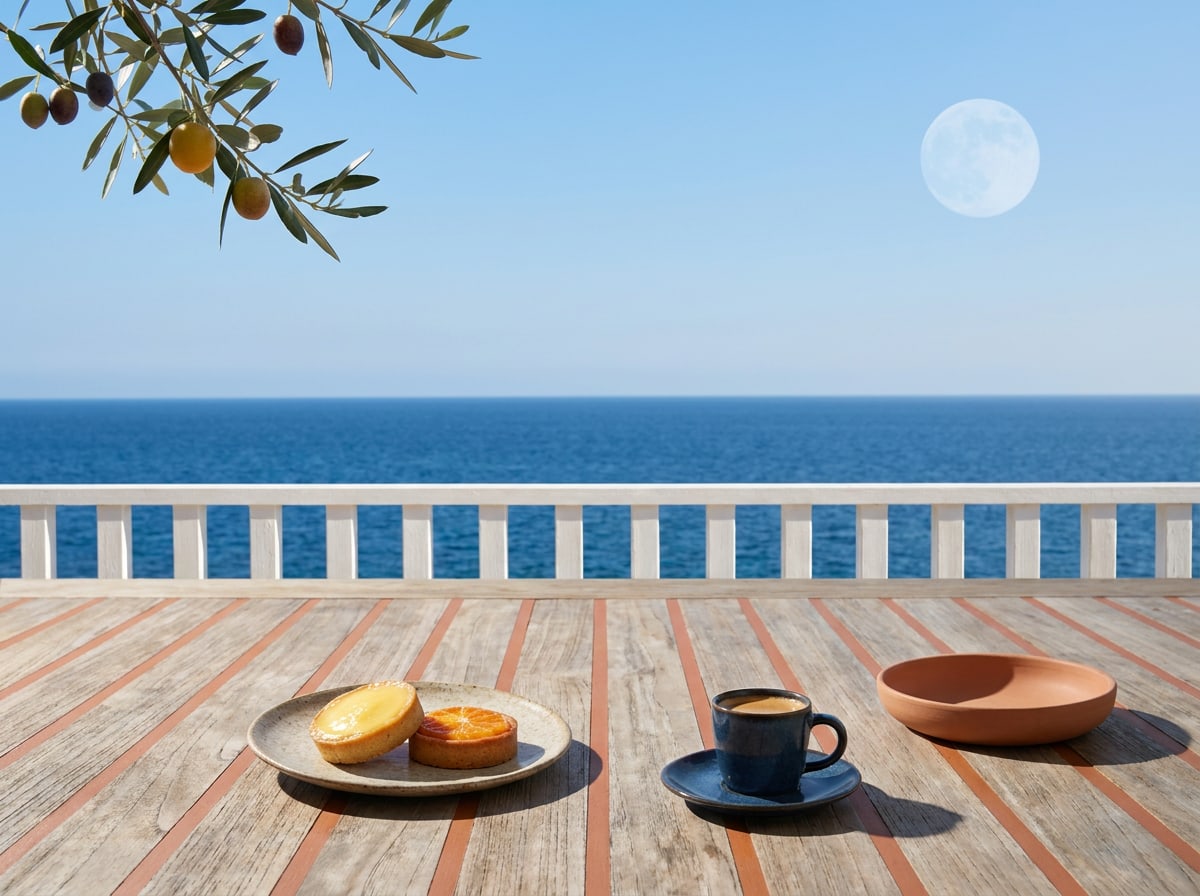
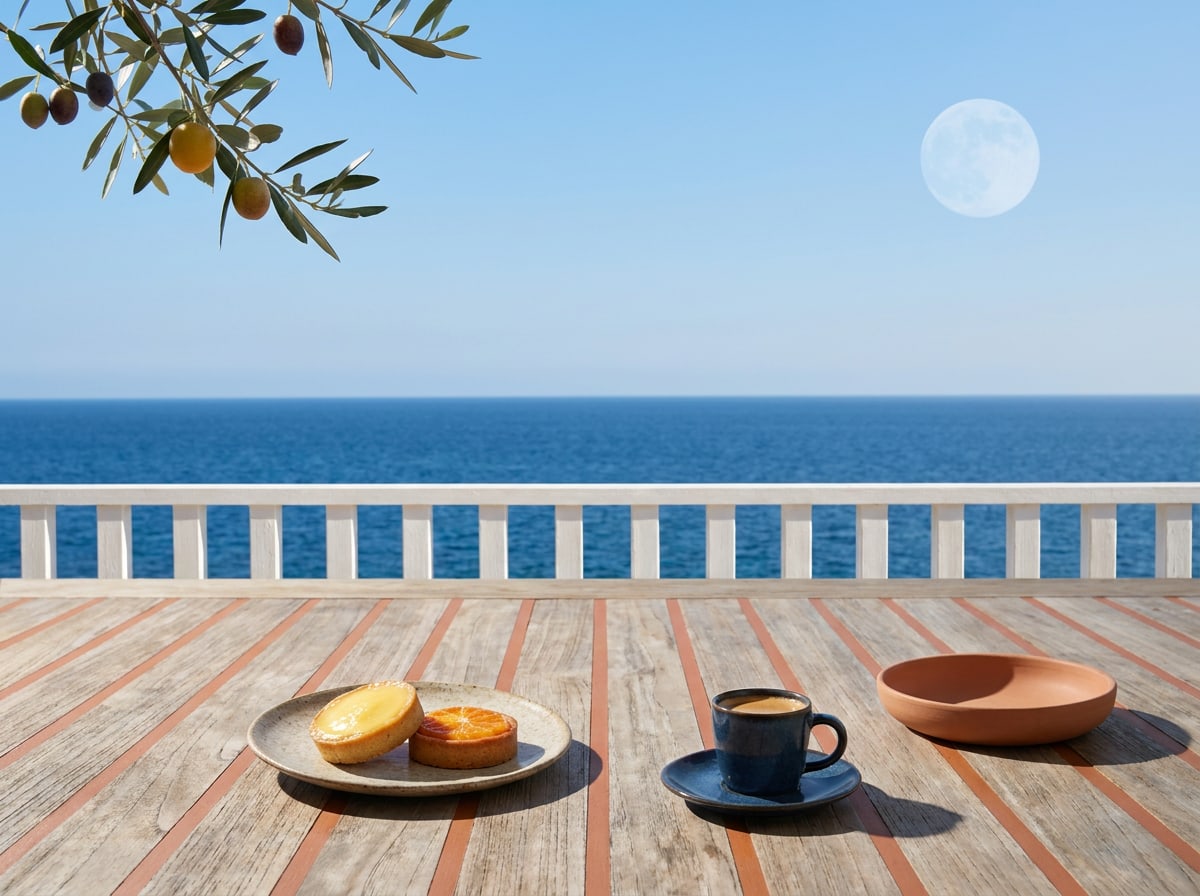
Breakfast on the terrace
JPG · 139 KB
Comporta · 4:3
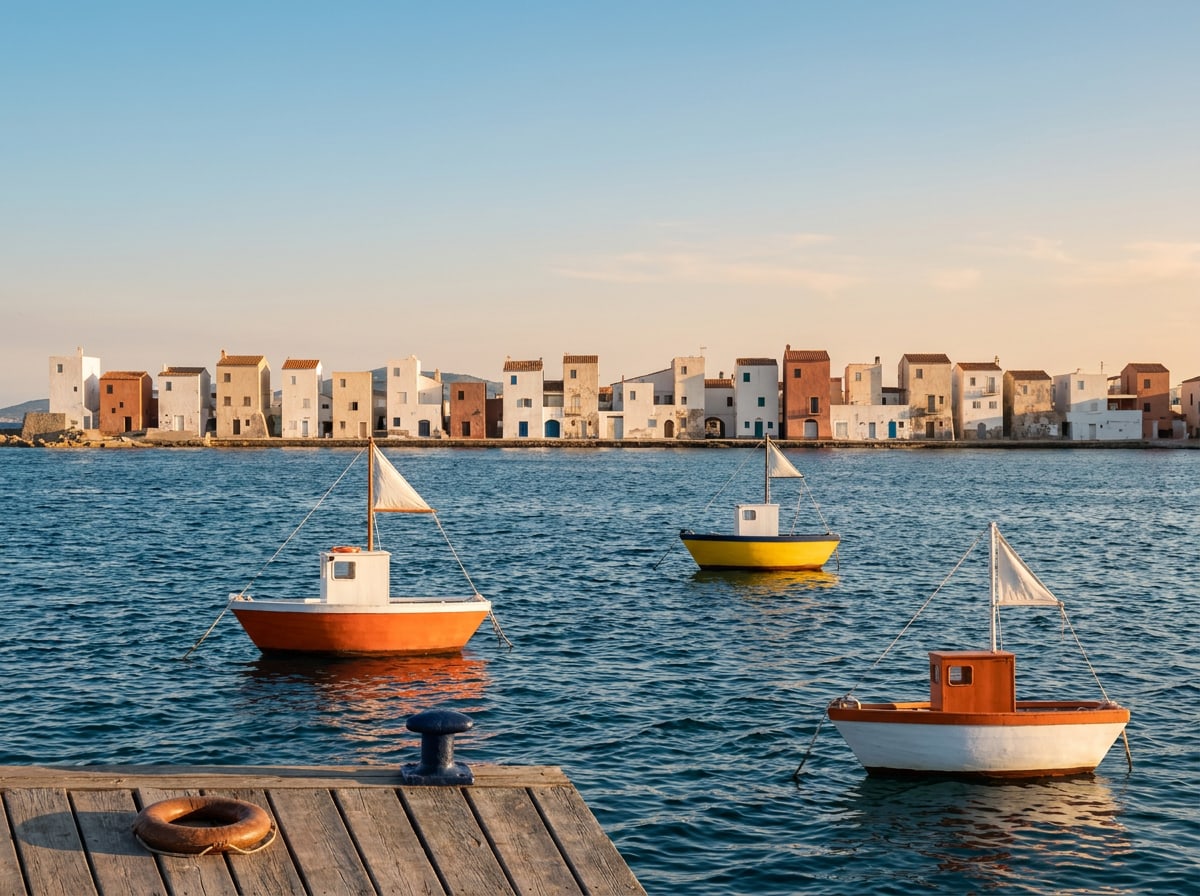
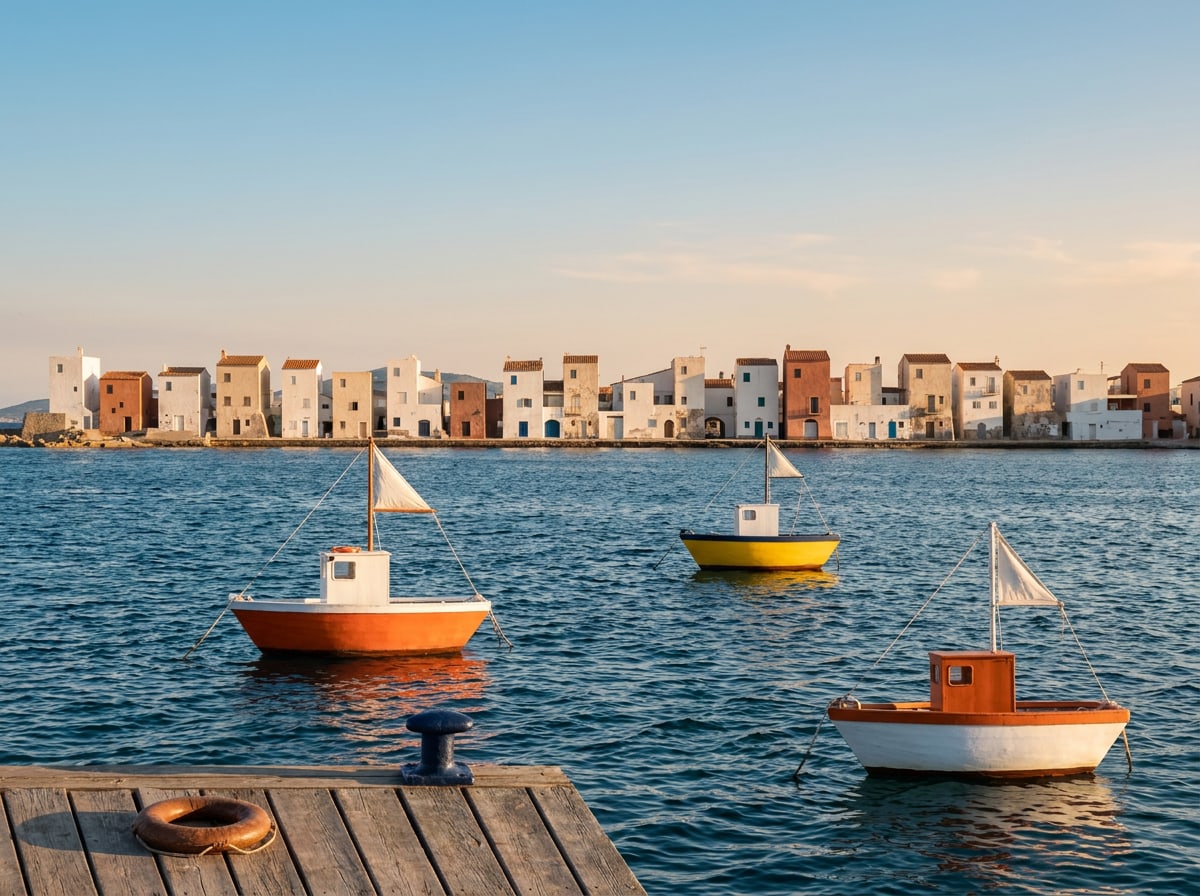
Harbour at nine
JPG · 198 KB
Tavira · 4:3
Saturday market
JPG · 157 KB
4:3
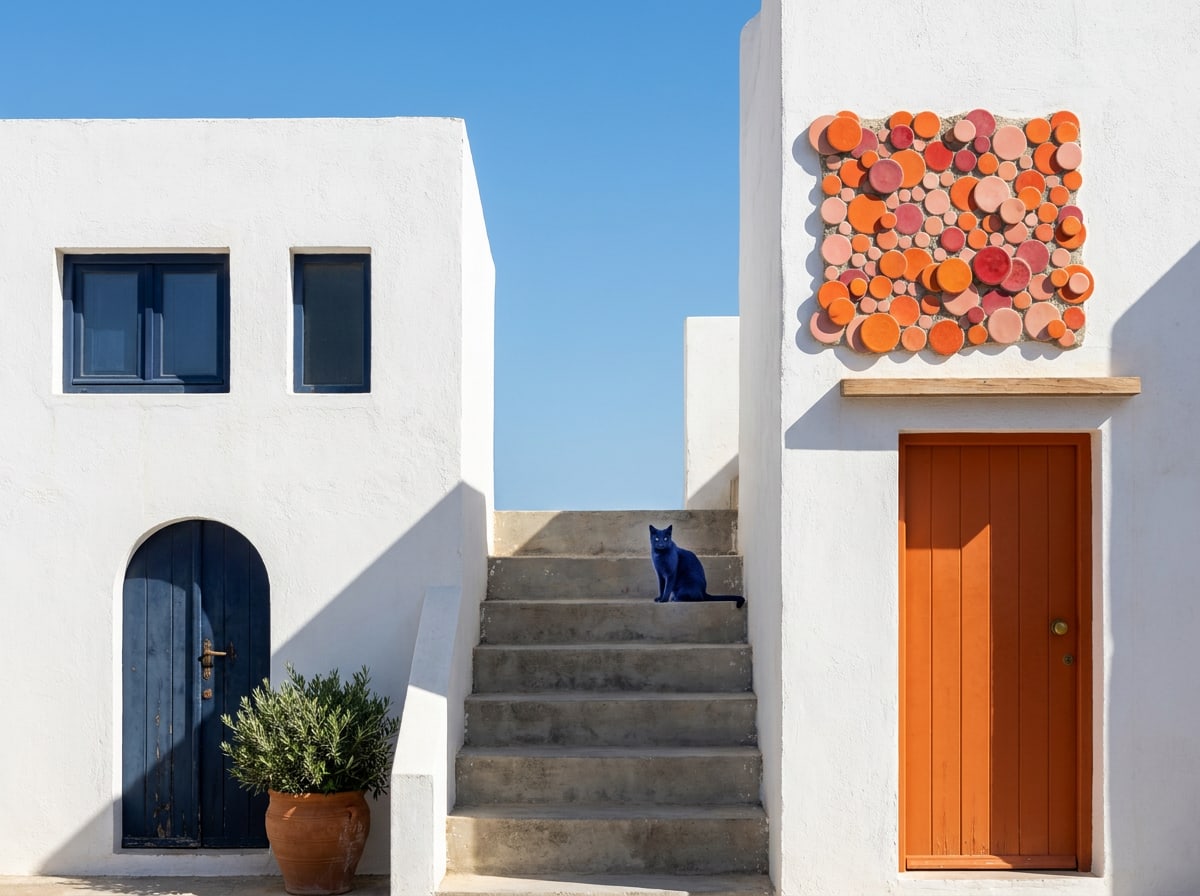
Back streets
JPG · 120 KB
Cádiz · 4:3
Our host Rosa
JPG · 89 KB
Procida · 4:3 · release on file
The cove below the house
JPG · 197 KB
Menorca · 4:3
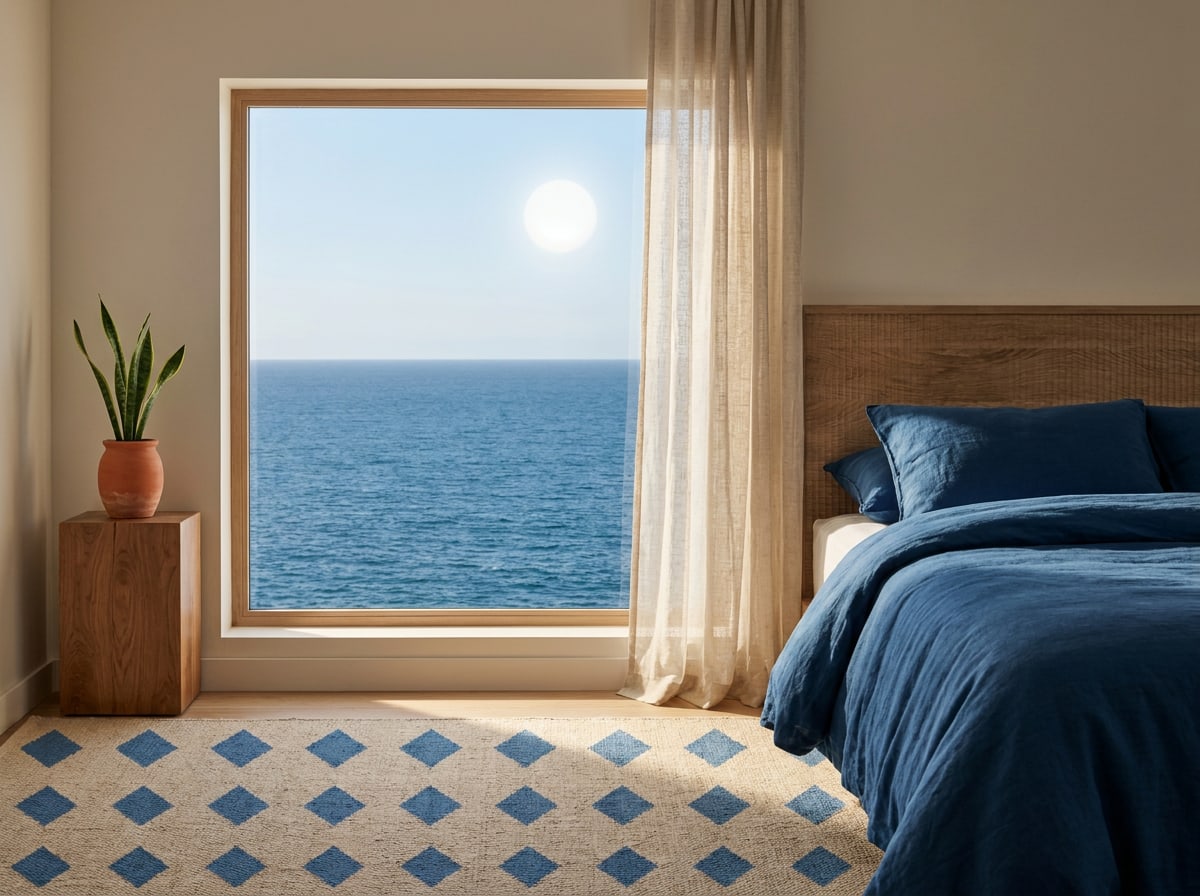
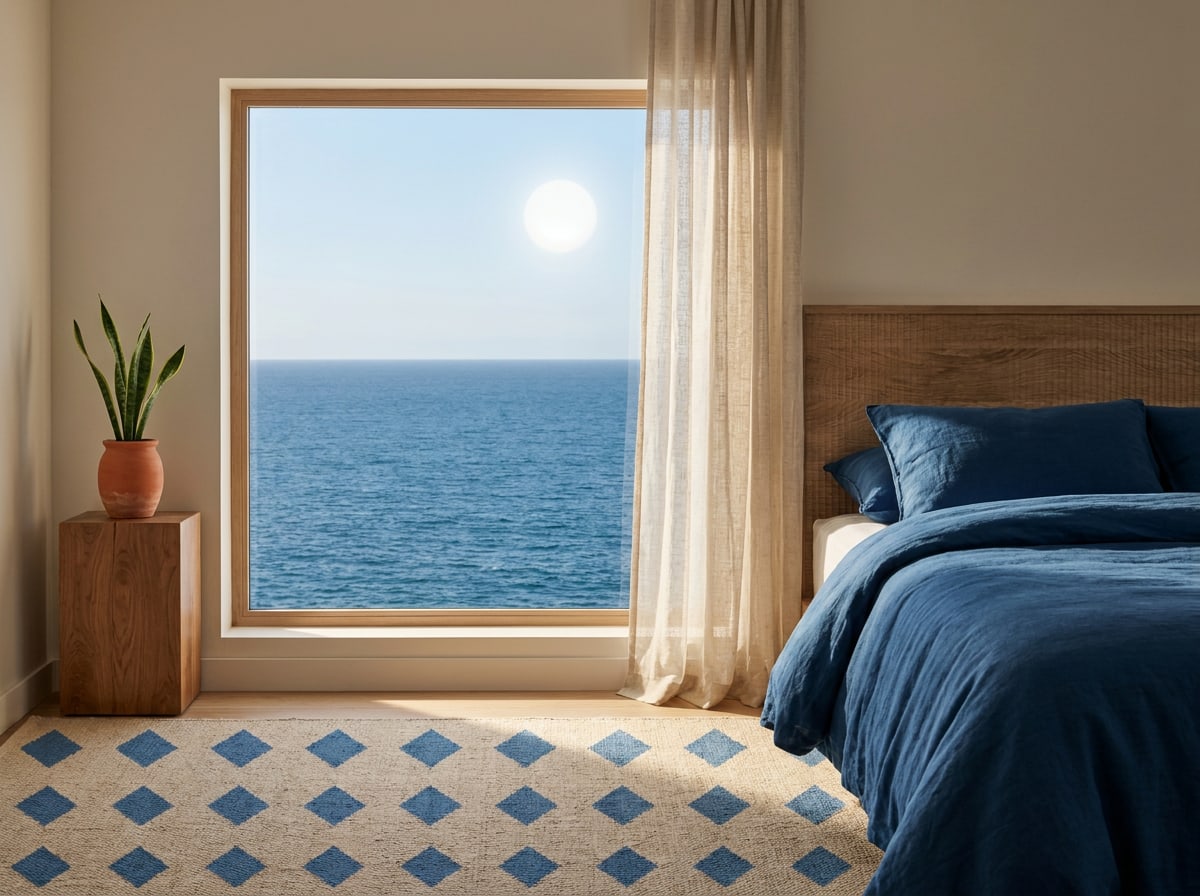
Room 12, sea view
JPG · 144 KB
4:3
Olive grove at golden hour
JPG · 179 KB
4:3
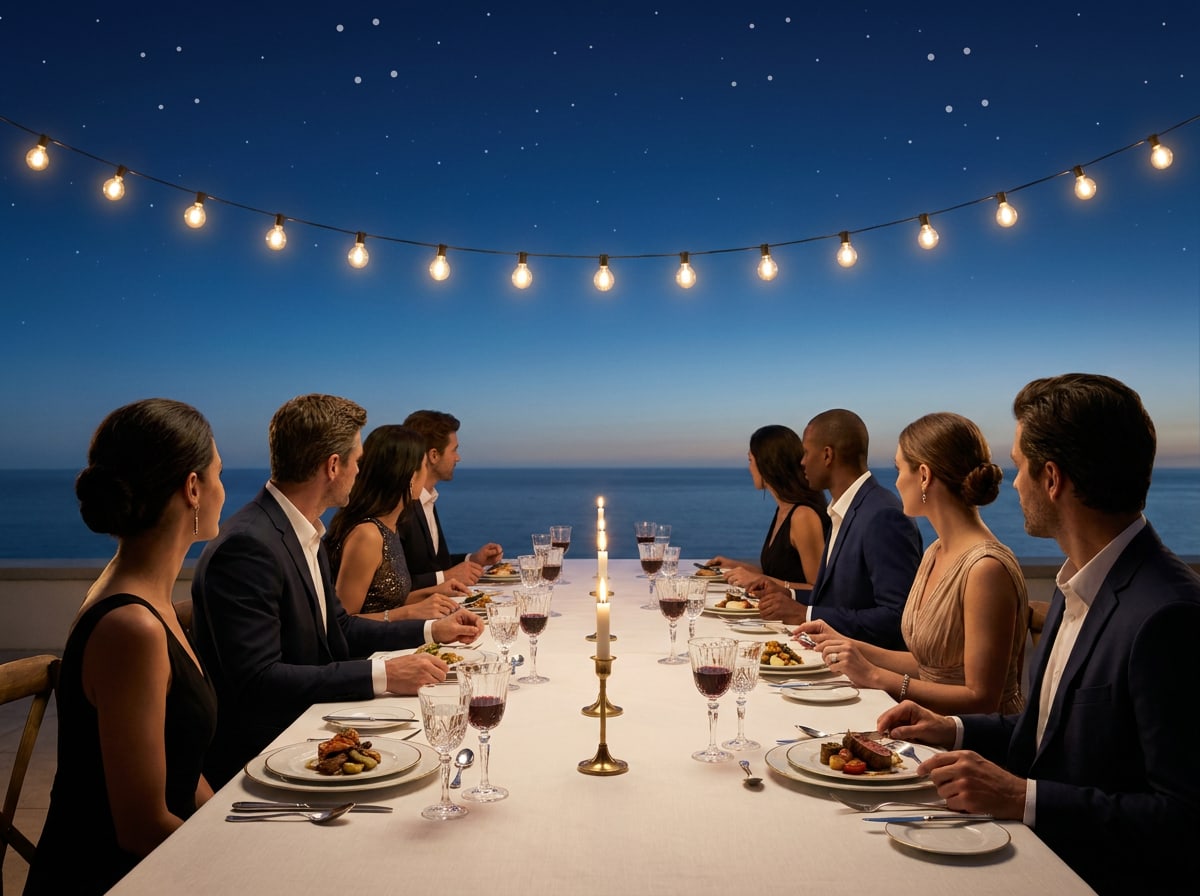
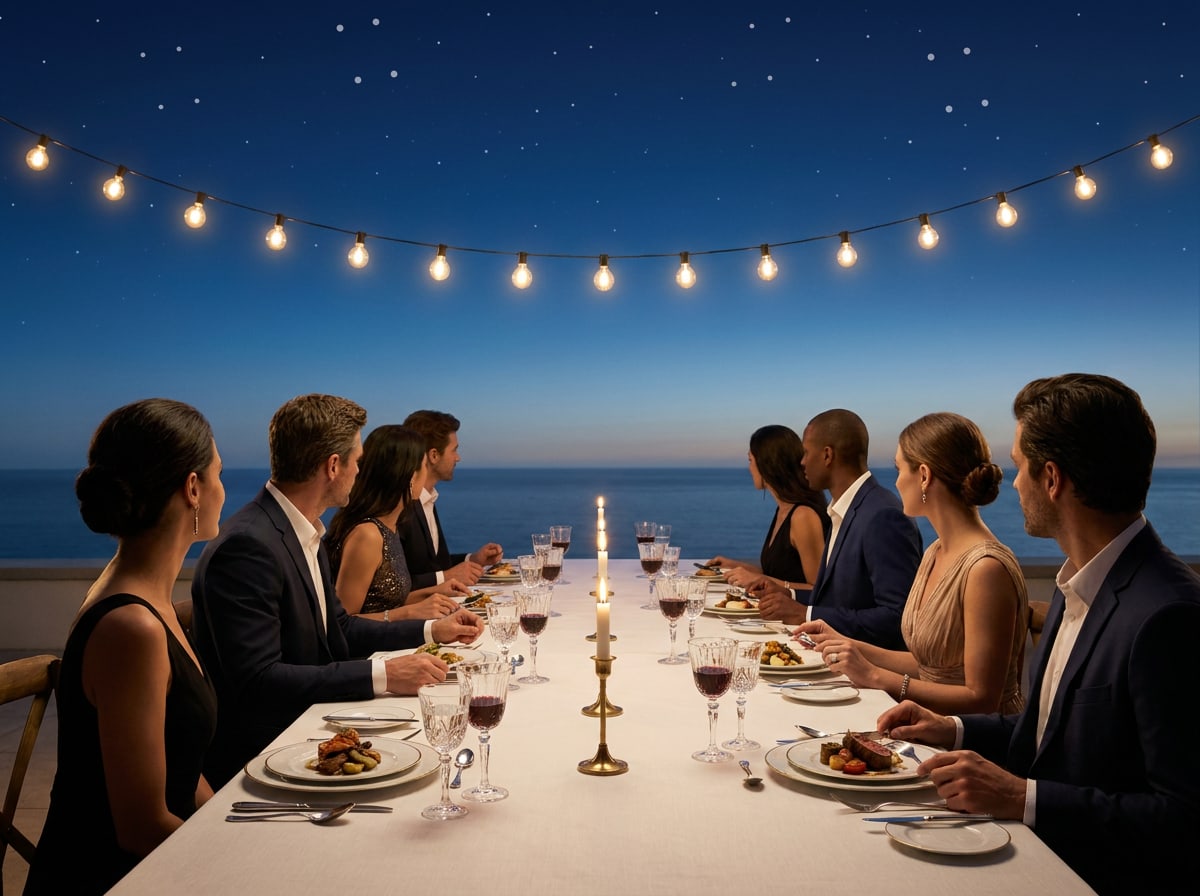
Long-table dinner
JPG · 116 KB
4:3
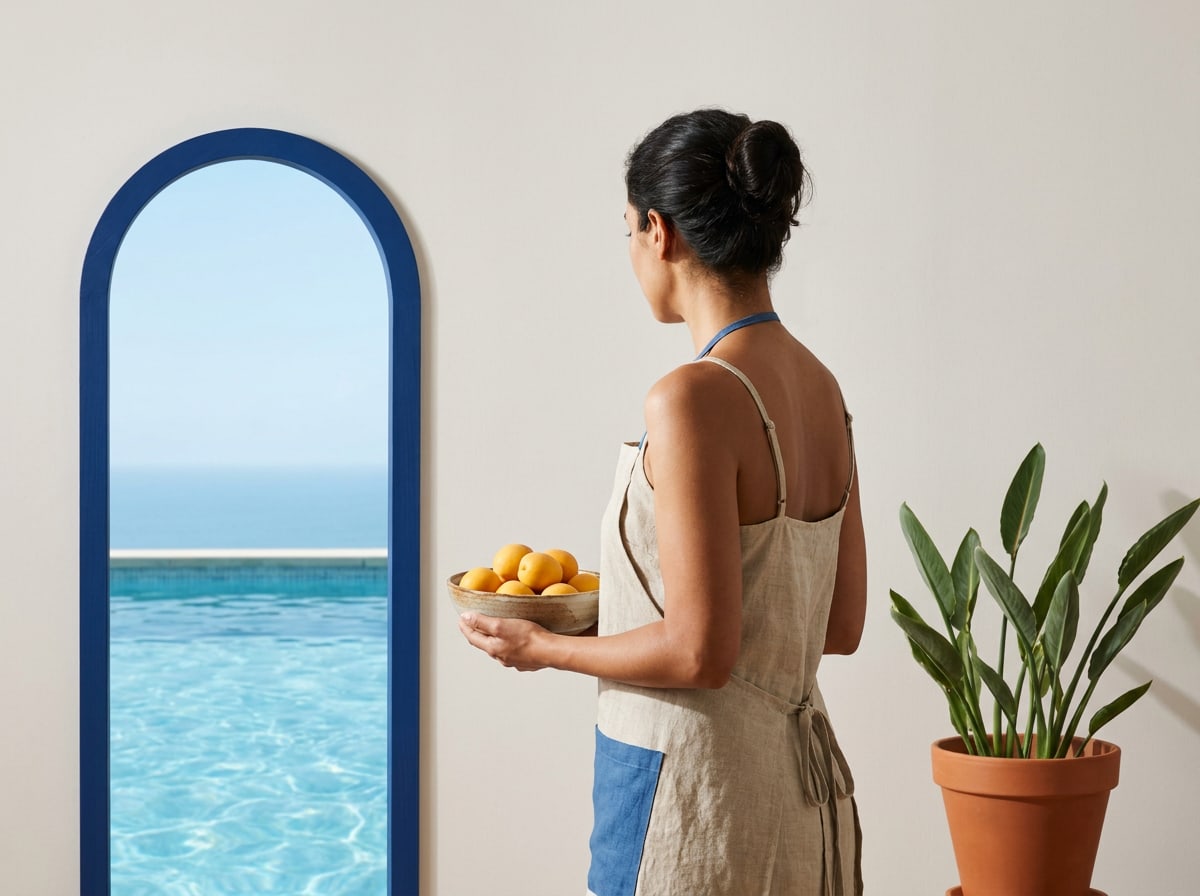
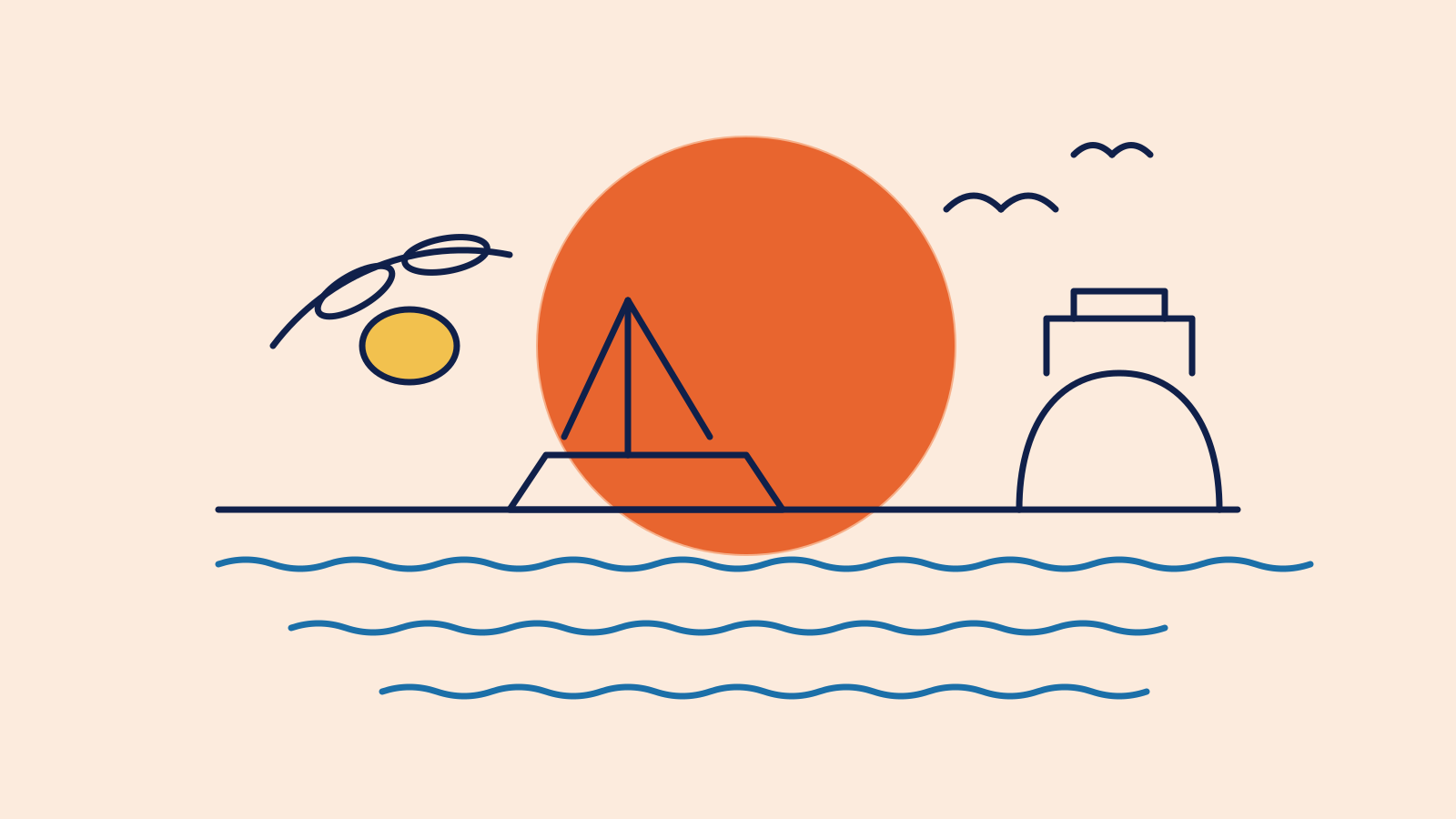
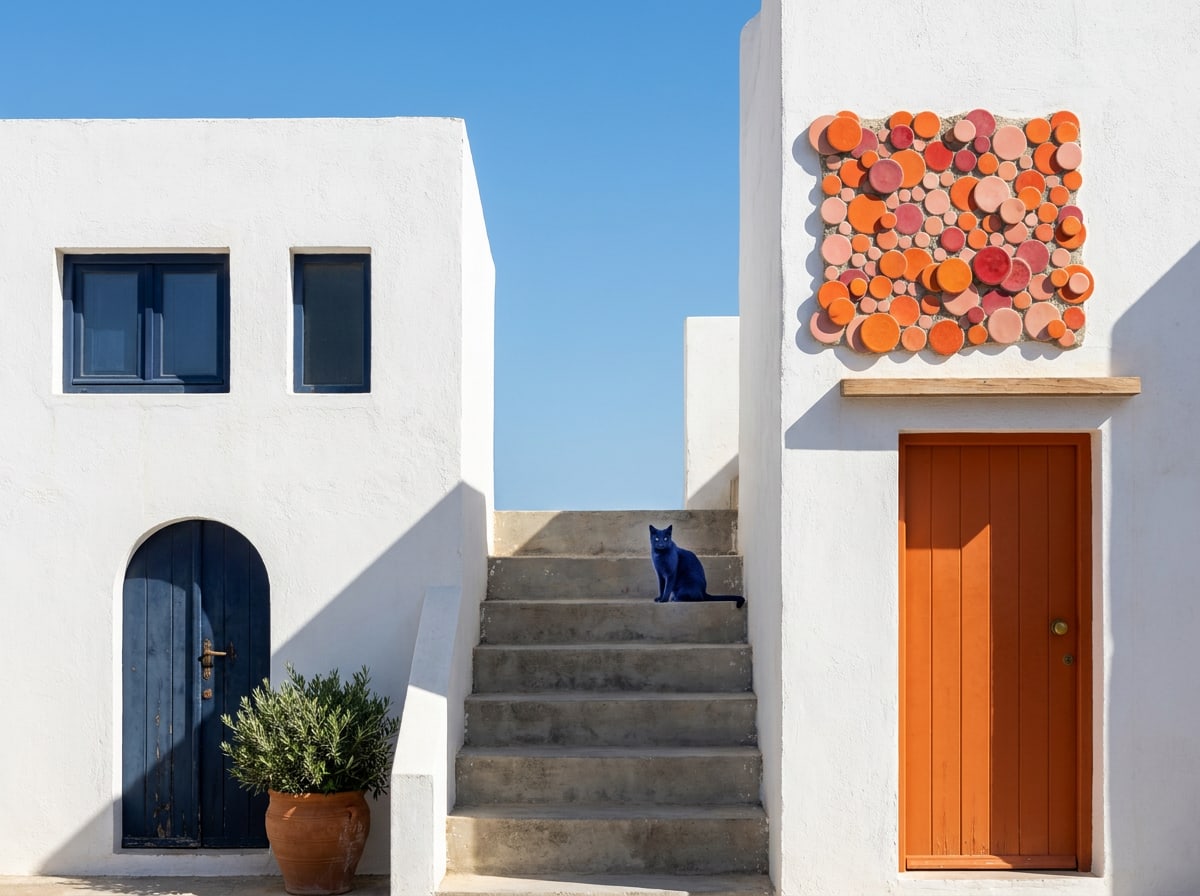
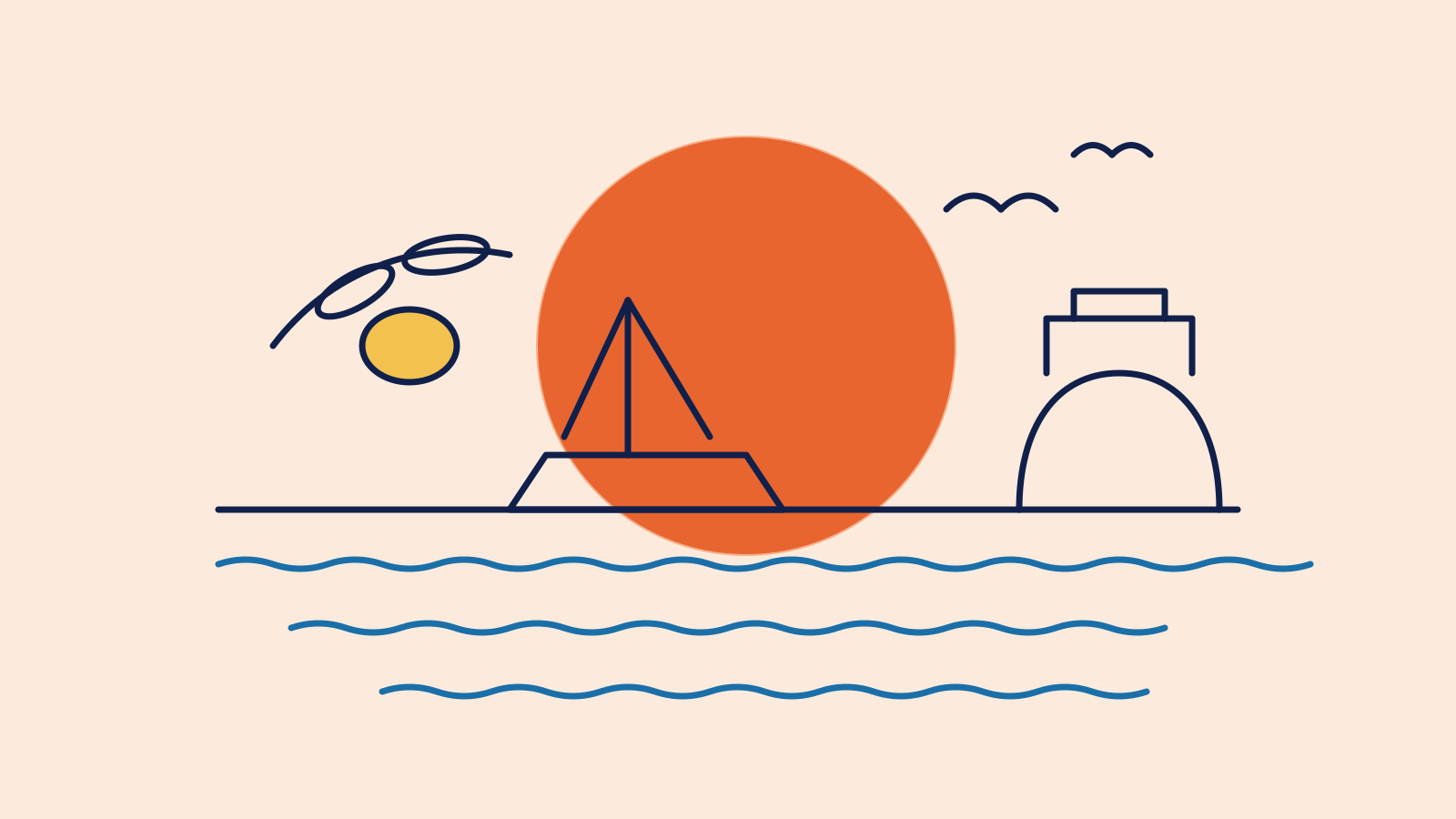
The arch onto the sea
SVG · 696 B
Graphic image · 16:10
Illustration style sheet
SVG · 3 KB
Line weight, colours and motifs

05

Reference sheets

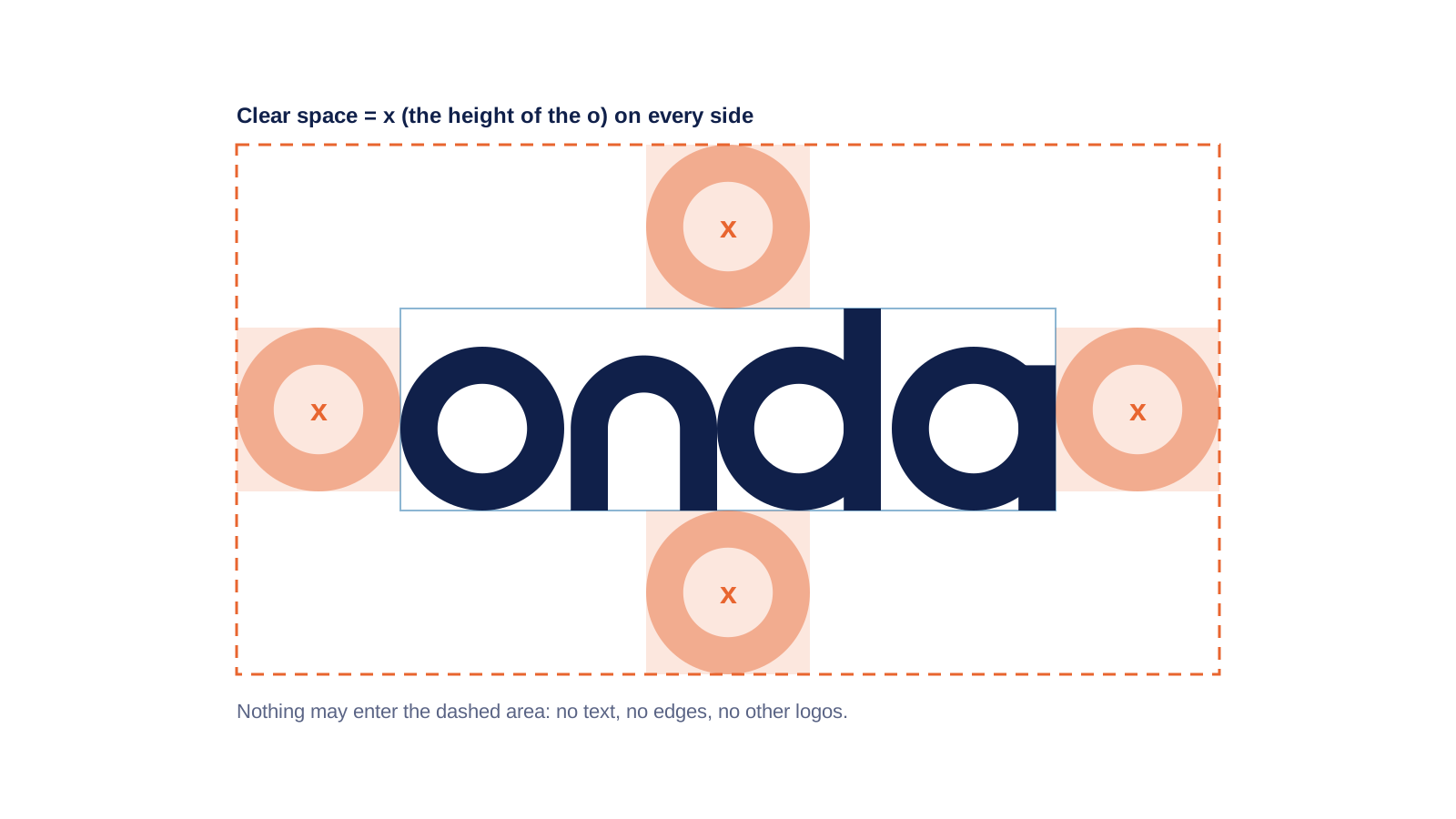
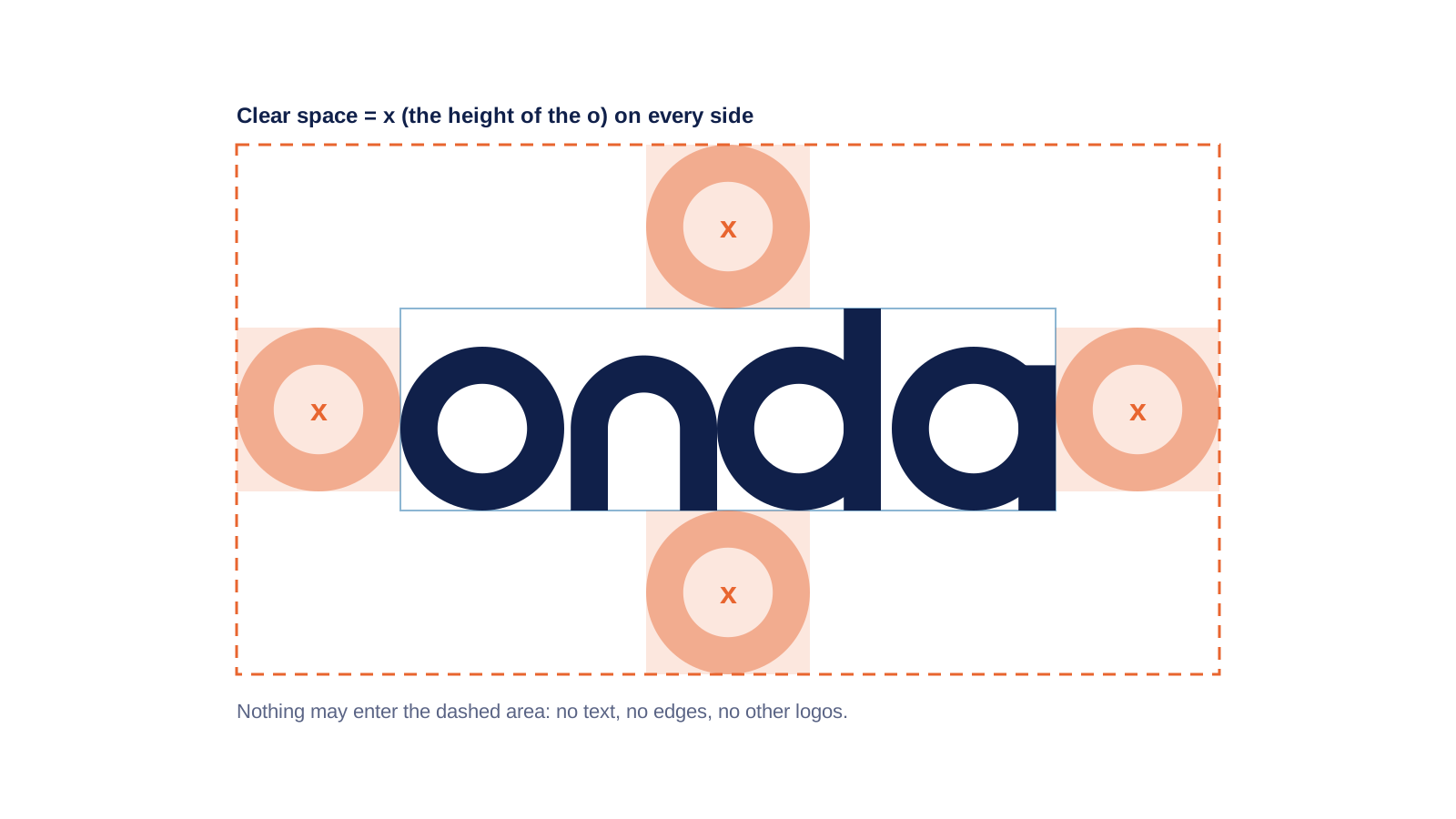
Logo clear space
SVG · 2 KB · Diagram for printers and agencies
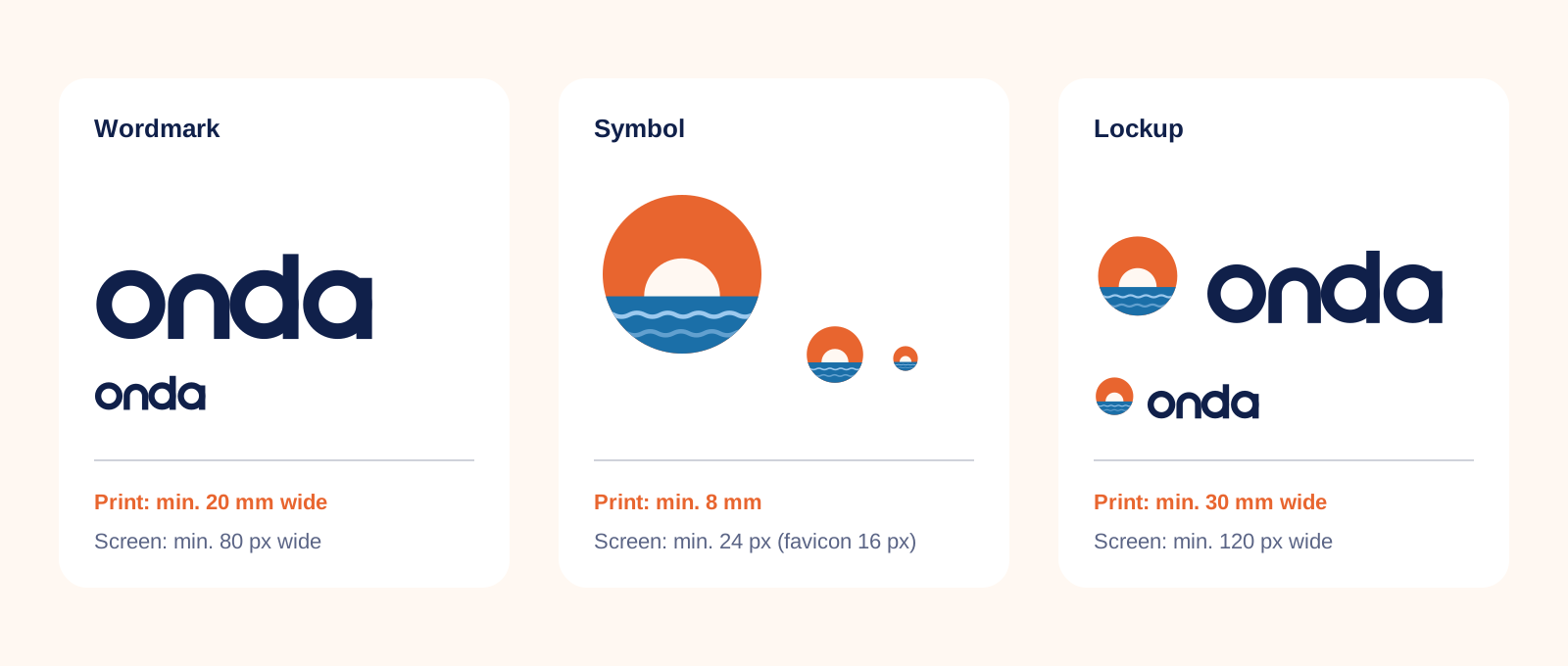
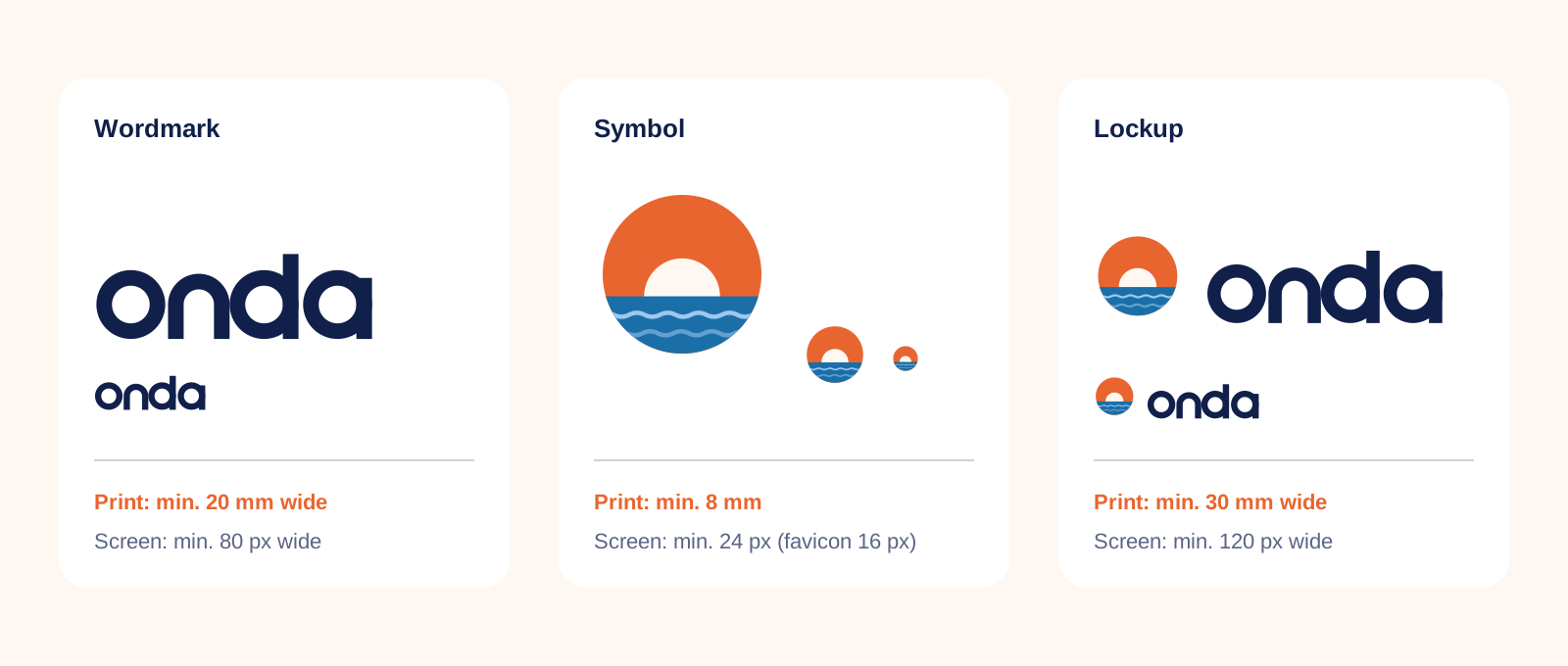
Logo minimum sizes
SVG · 8 KB · Print and screen
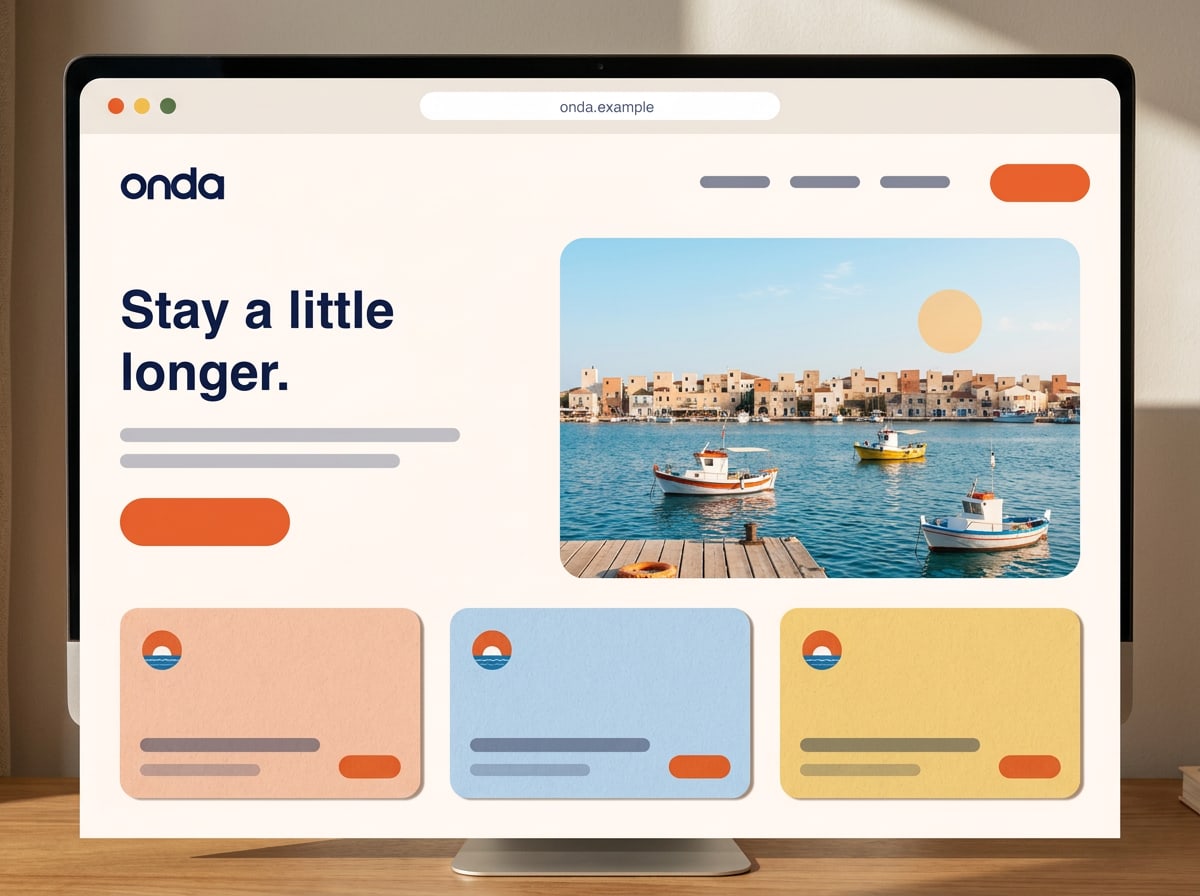
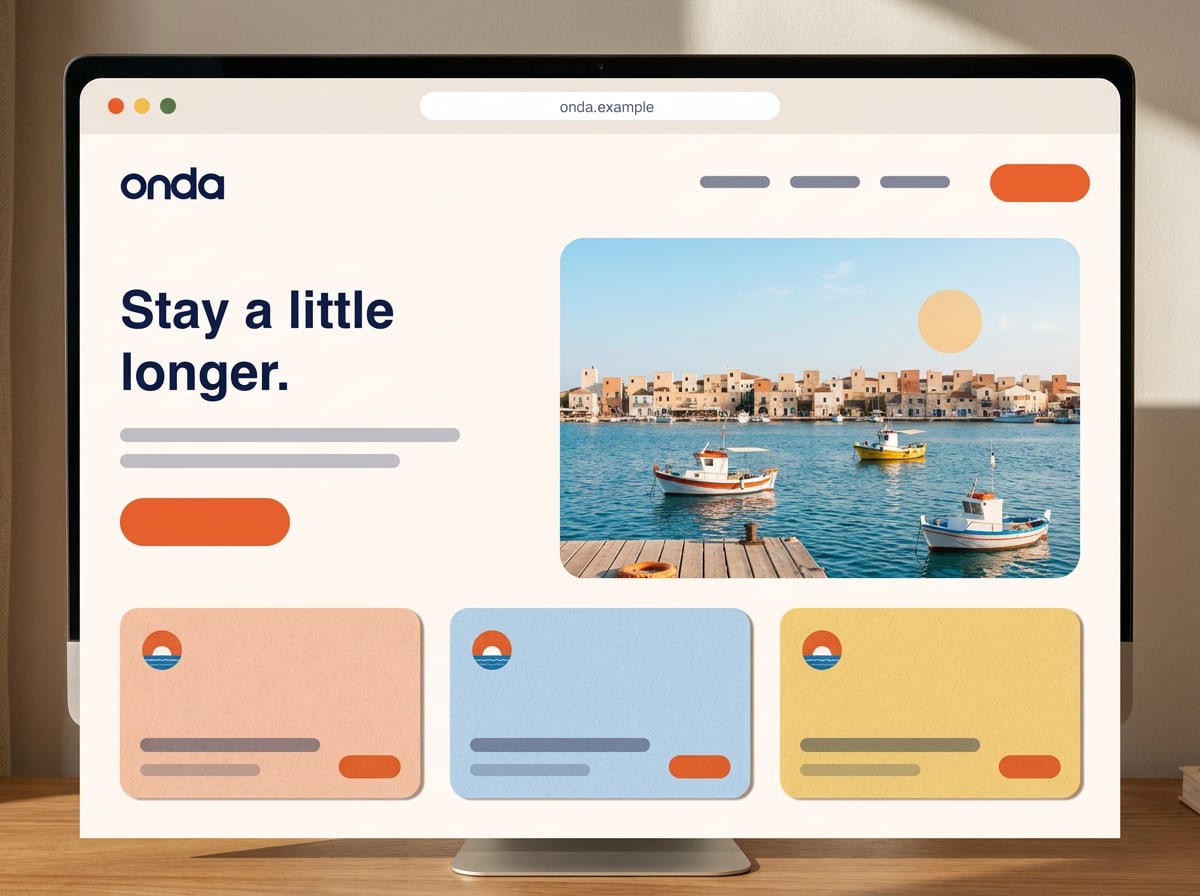
Website layout sketch
JPG · 109 KB · Illustrated overview
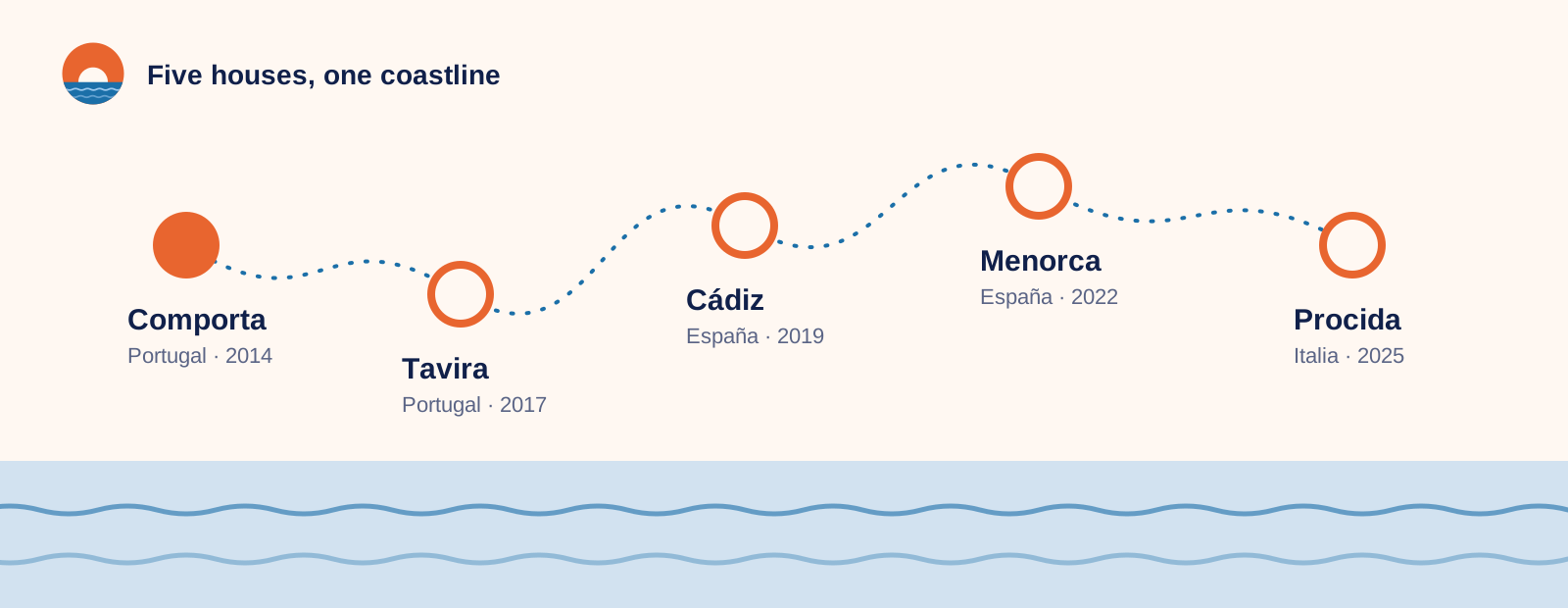
Map of our houses
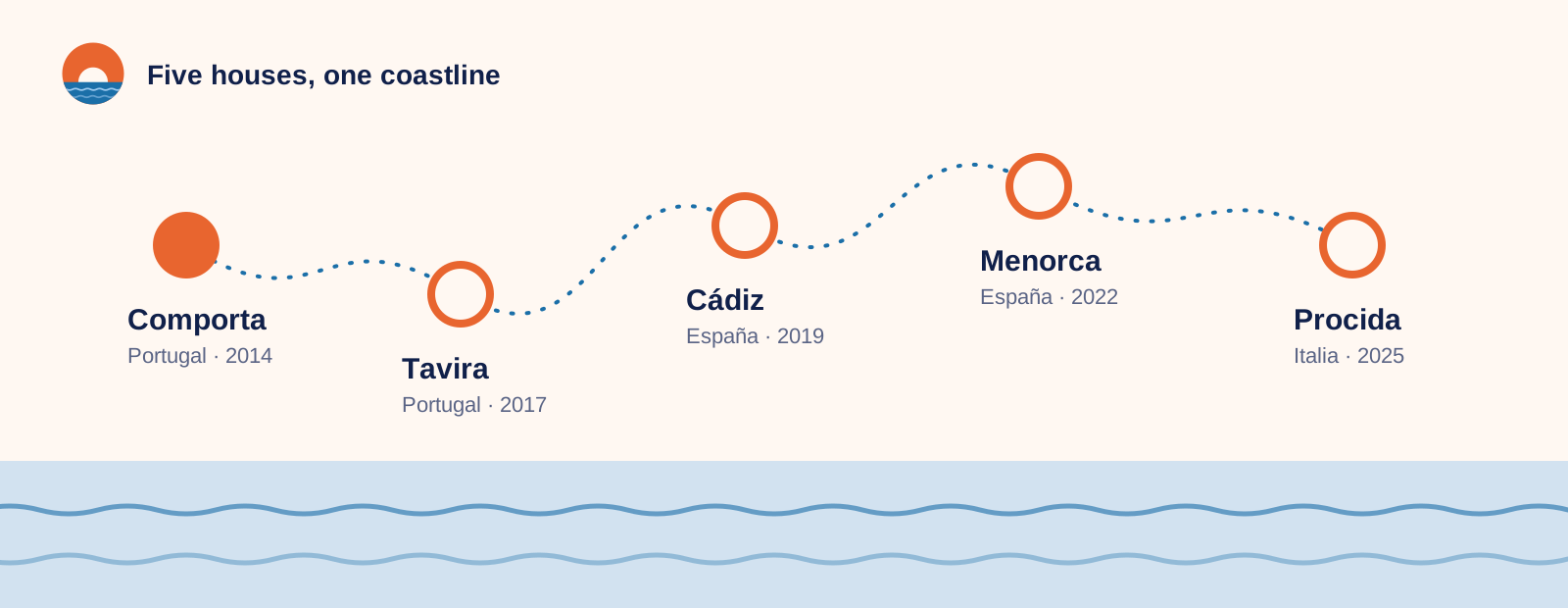
SVG · 4 KB · For presentations and press kits
Questions?

Who to contact

We'd rather answer a question than fix a print run. Get in touch early — we usually reply within one working day.

Lucía Moreno
Brand manager
Brand & Marketing

Ask about: brand approvals, partnerships, co-branding and anything this guide doesn't answer
Matteo Ricci
Art director
Design studio

Ask about: logo files, templates, print specs, proofs and photo briefs

Joana Pires
Online marketing
Digital

Ask about: the website, newsletters, social media, ads and the email signature

Made with brandbooks